What it does
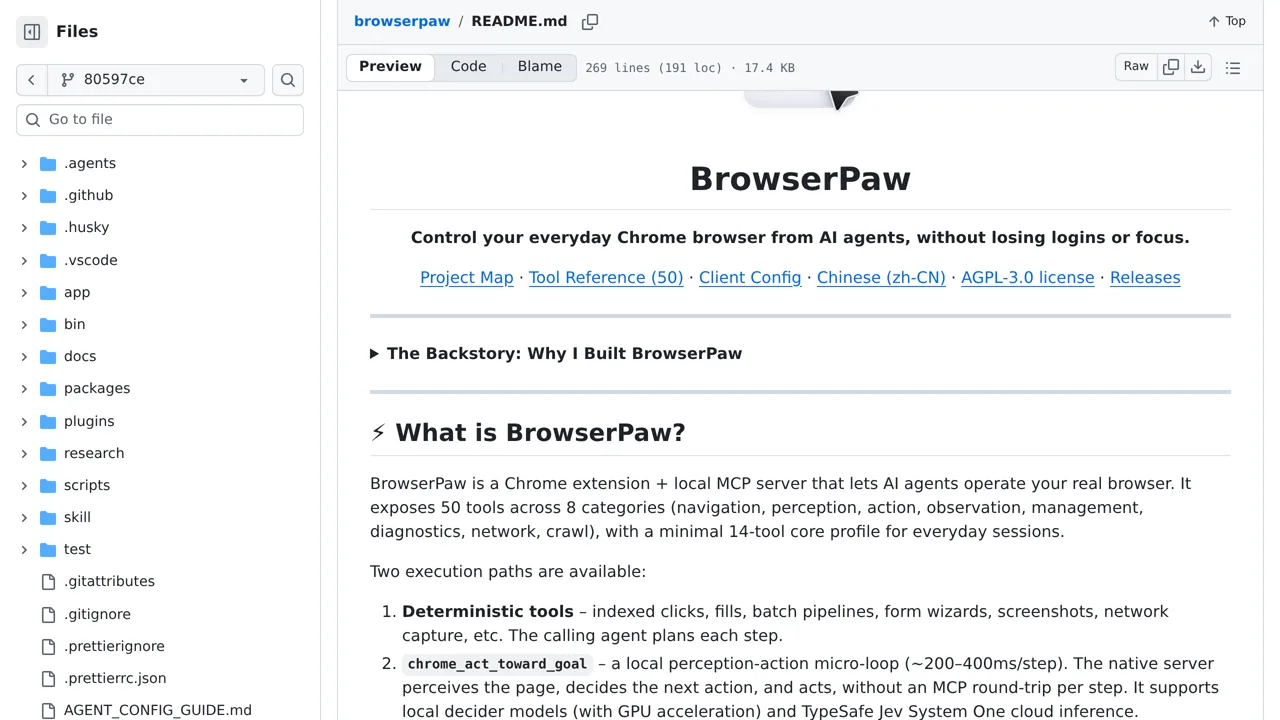
Fifty tools cover reading and acting on pages, and an act_toward_goal loop closes around them. Jev in the cloud makes the calls when available, with a small local model as the fallback.
Browser & computer use
Gives an agent the Chrome window you already use, logins and cookies included, through an MV3 extension plus a local MCP server.
Only you can see your notes.
Screenshot unavailable. Open the experiment ↗
Fifty tools cover reading and acting on pages, and an act_toward_goal loop closes around them. Jev in the cloud makes the calls when available, with a small local model as the fallback.
A developer can add this tool to a desktop app to control a normal Chrome window. You can ask your app to research a topic or fill out forms. The tool uses your open tabs and active website logins. It looks at the page and clicks buttons to complete the task.
The tool can run entirely on your own computer. You can also use an access key to connect it to an outside AI service called TypeSafe. The tool stops automatically after sixty steps. It watches for fourteen specific words like pay or submit. If it spots one, it pauses and asks your app how to proceed.