What it does
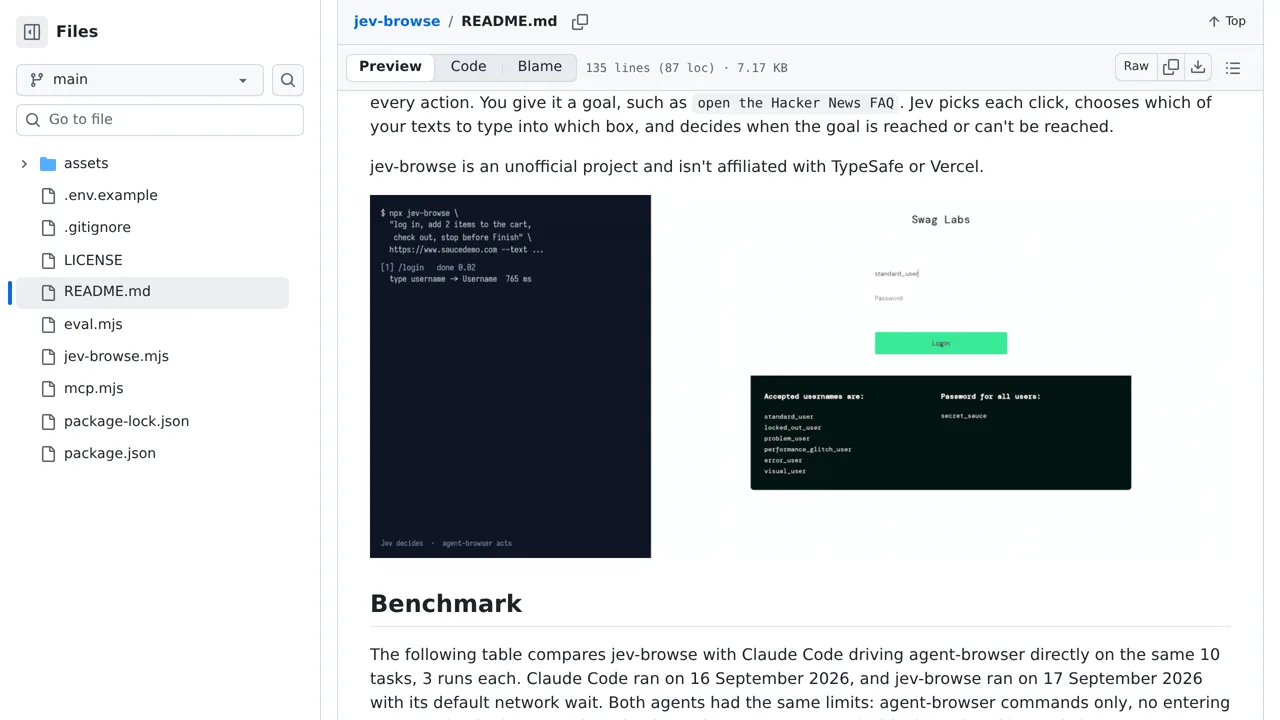
An MCP browser agent that lets Jev choose each click and map supplied text values to form fields.
Browser & computer use
Only you can see your notes.
Screenshot unavailable. Open the experiment ↗
An MCP browser agent that lets Jev choose each click and map supplied text values to form fields.
Start by writing down your target webpage and the exact words to type. List your search terms or dummy account details in advance. This tool cannot invent words, enter web addresses directly, or solve website security puzzles on its own.
A developer can set up the tool by connecting it to a TypeSafe account. Every step sends page contents and typed details to TypeSafe's external AI service, so only test this on public websites using disposable accounts.