What it does
The documented guard fails open when no TypeSafe API key is configured.
Agent tooling
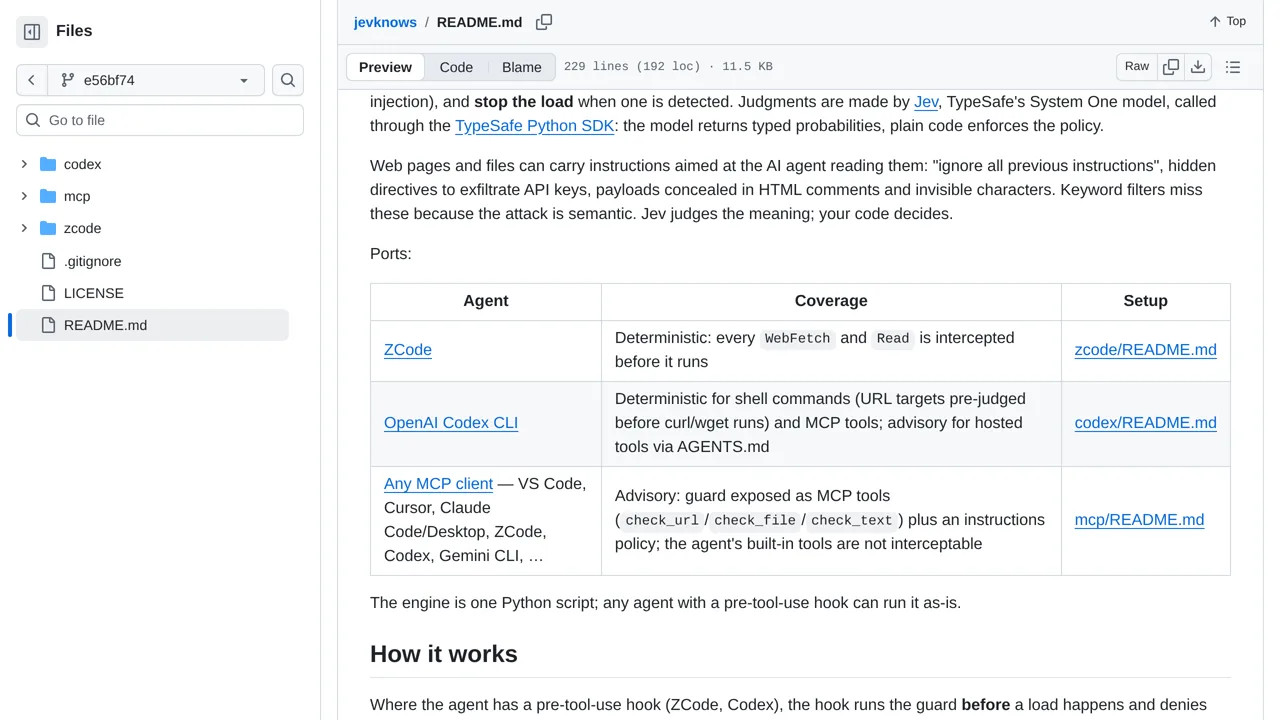
Screen fetched pages and files for prompt injection before coding agents load them, blocking content that crosses configured thresholds.
Only you can see your notes.
Screenshot unavailable. Open the experiment ↗
The documented guard fails open when no TypeSafe API key is configured.
A developer can connect this tool to a coding assistant like Cursor. The app checks files and webpages before they open. It sends the text to the TypeSafe AI service. The service looks for hidden instructions that might trick the assistant. If the AI marks the text as dangerous, the tool blocks the file.
Your developer must provide an access key that connects the tool to TypeSafe. If this key is missing or the internet drops, the tool still lets files open by default. The tool also skips checking binary files completely.