What it does
Jev helps choose relevant files; the diagrams describe static code, not a recorded execution.
Apps & data pipelines
Find your way around a codebase with search results and flow diagrams linked to the source.
Only you can see your notes.
Screenshot unavailable. Open the experiment ↗
Jev helps choose relevant files; the diagrams describe static code, not a recorded execution.
Start by listing the questions you have about your software project. For example, note down where logins happen or which files handle billing. A developer can then set up the tool and provide an access key that connects it to the TypeSafe service.
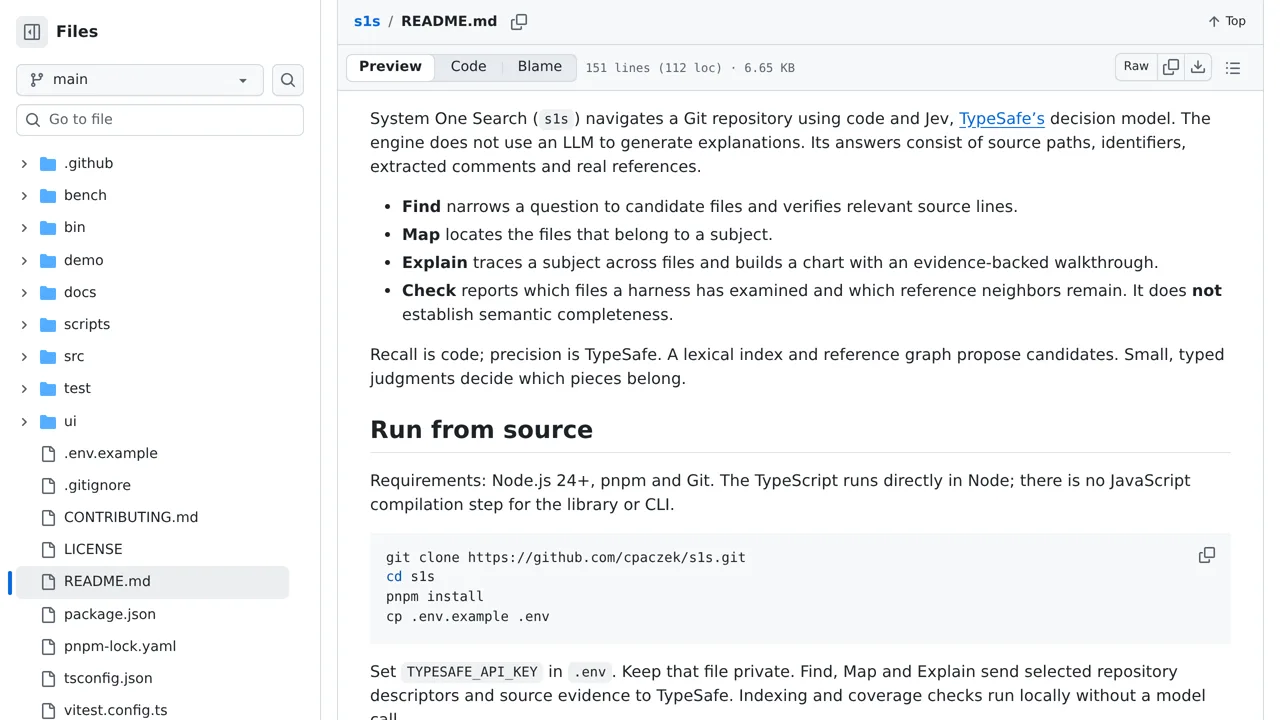
The tool diagrams how your project files connect and highlights matching code. It only reads written source text, so it cannot trace live running software. Keep in mind that search and map requests will send project code snippets to the TypeSafe service.