Read & learn
Written guides.
Understand Jev, one idea at a time. Walkthroughs, recipes, and writeups — our notes first, the original next.
Learn, build, and play with Jev — from deep technical guides to creative experiments.
Read & learn
Understand Jev, one idea at a time. Walkthroughs, recipes, and writeups — our notes first, the original next.
Watch & learn
See an idea take shape. Tutorials, demos, and deep dives, organized by topic and credited to their creators.
Make & explore
See what builders made with Jev. Games, tools, repositories, articles, and more — traced to their sources.
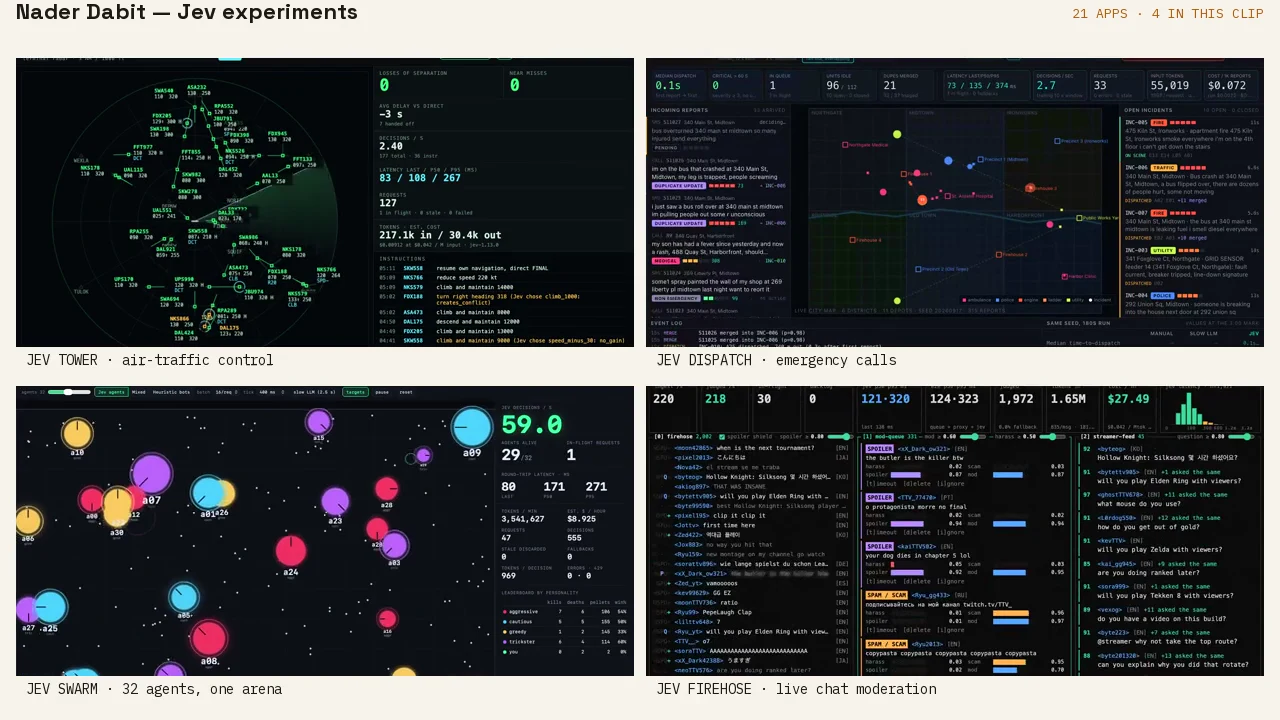
Every category, from games and tools to repositories and writeups, traced to a primary source.
Real-time research powered by
Same ideas.
Different paths.
This is the full registry, not just the featured picks. Figures like speed, cost, and stars are maker-reported or captured snapshots, not JevMade measurements.
118 experiments · showing 1–60
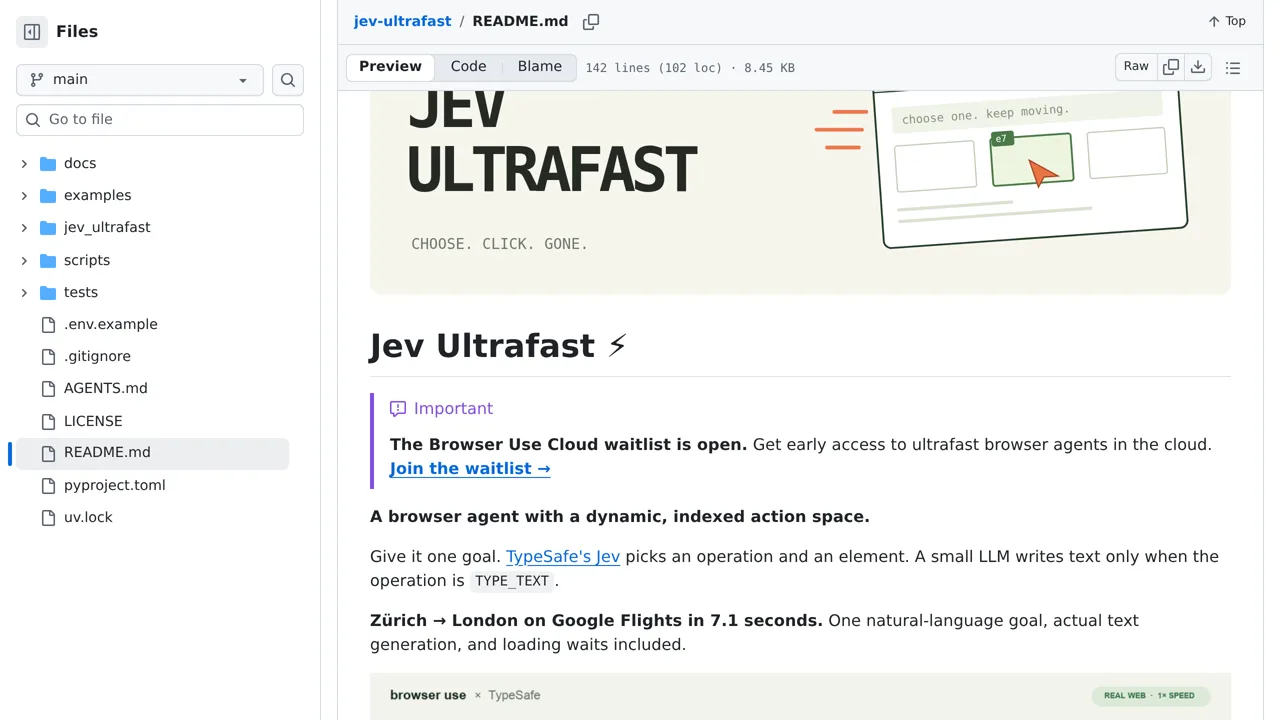
Browser Use's agent asks Jev to choose the next browser operation and target element from a fresh table on every step.
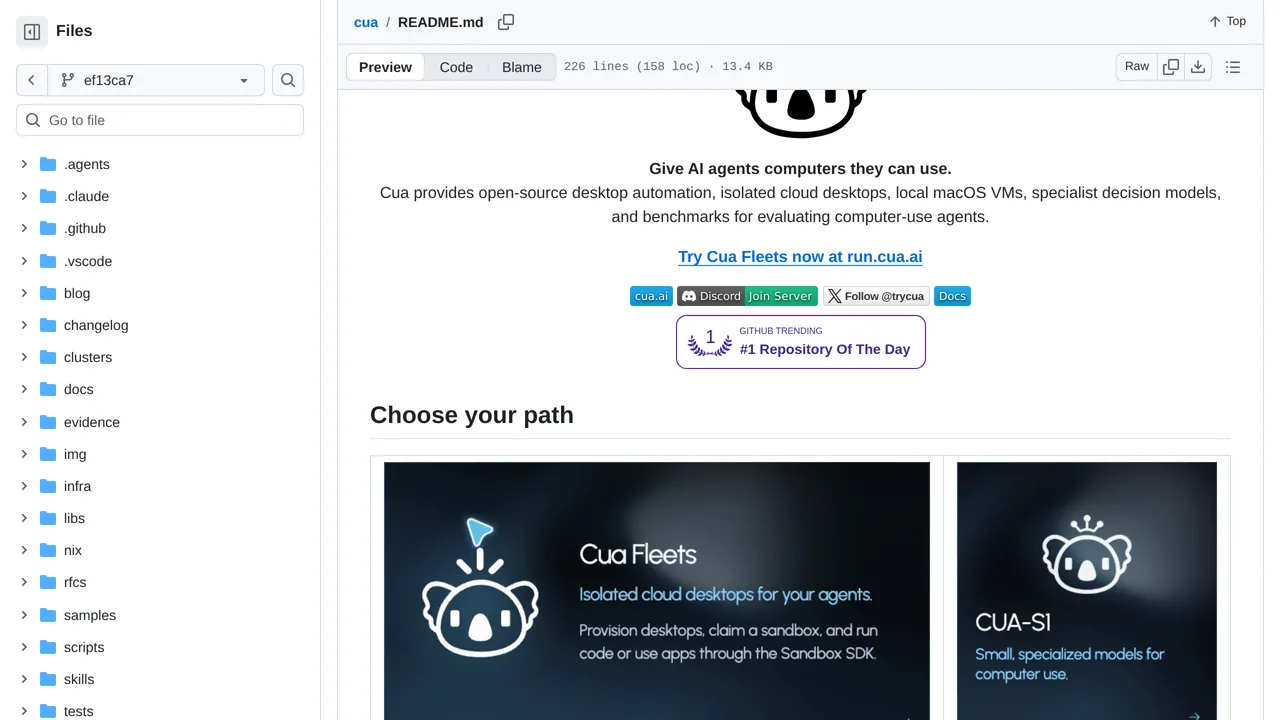
Demonstrates a bounded Jev action chooser inside Cua Driver loops, with mock and credentialed live paths.
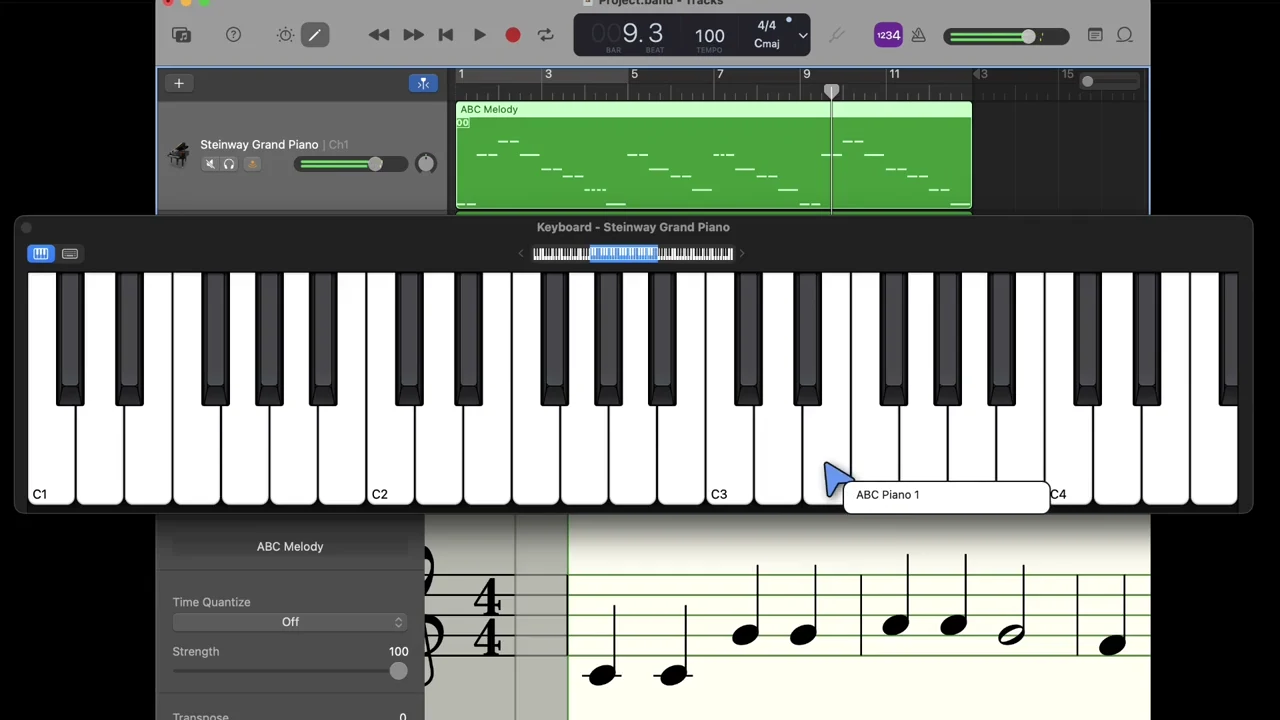
Drive a Mac through its accessibility tree, with Jev choosing an operation and a live element on each turn.
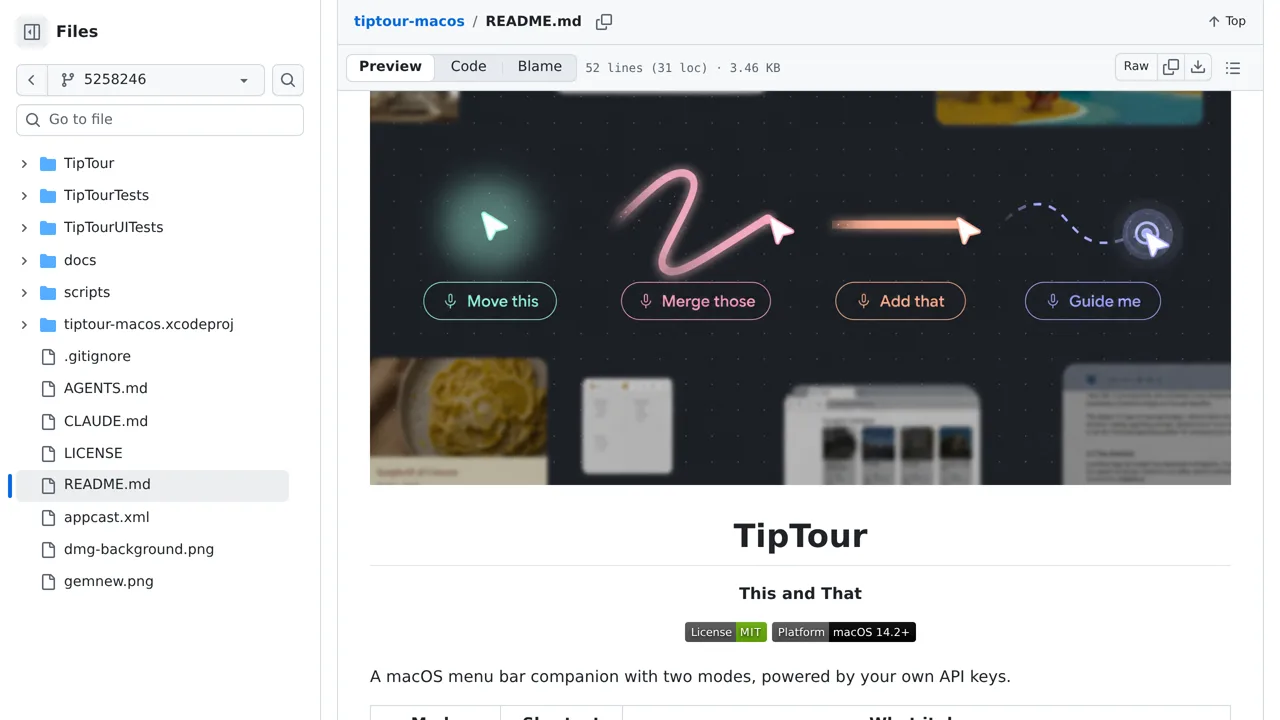
A macOS menu-bar companion that turns a typed click task into a short sequence over locally detected controls.
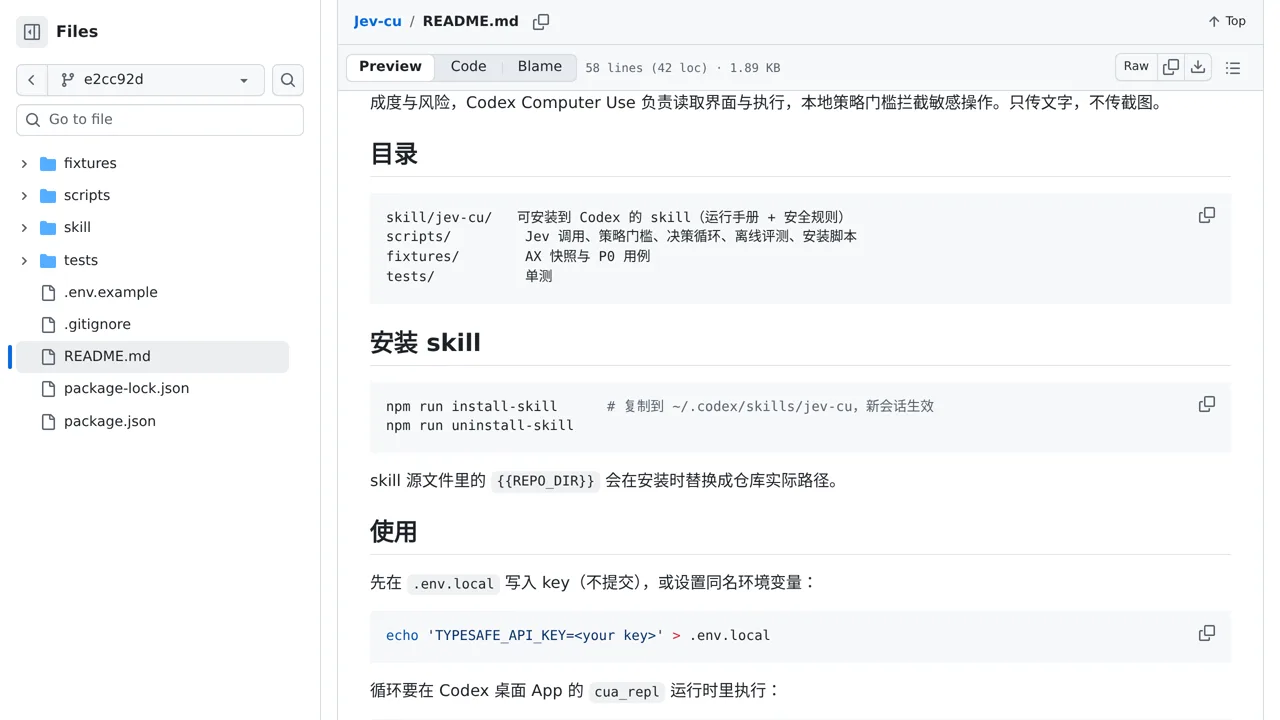
A cautious Codex computer-use skill that chooses UI targets from accessibility text while local policy guards consequential actions.
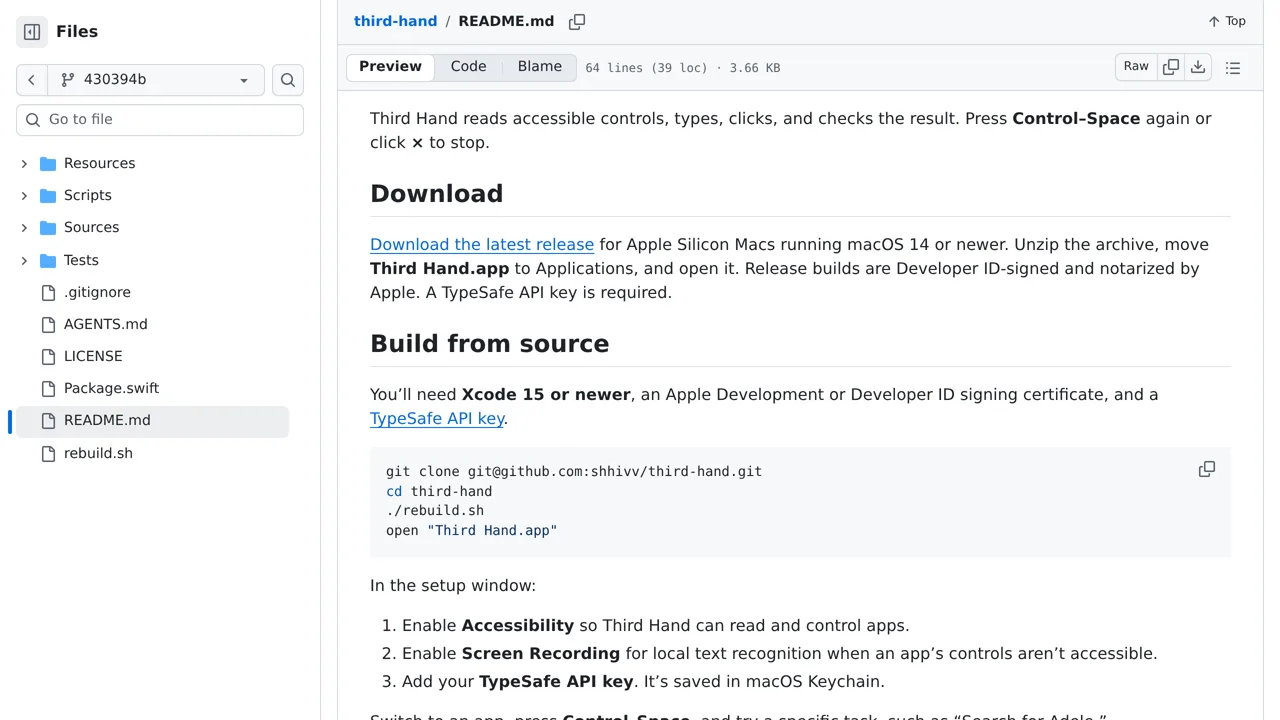
A Mac menu-bar assistant that uses Jev to choose what to click.
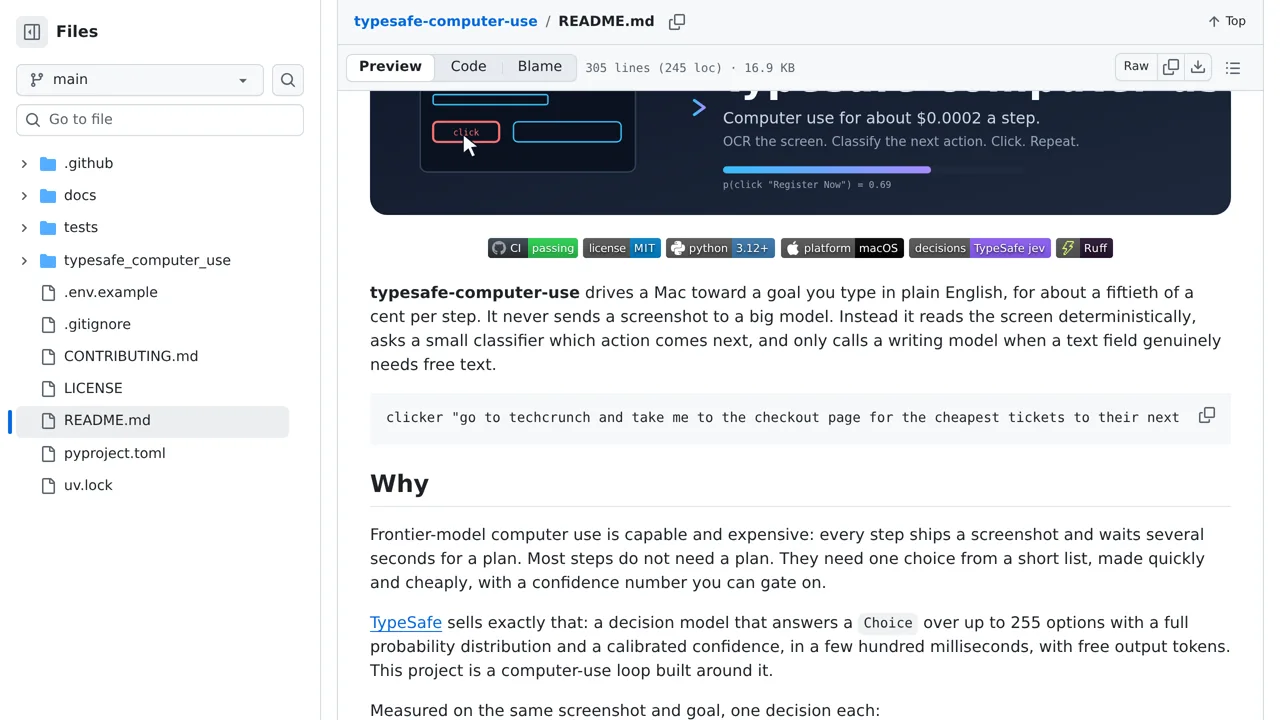
A macOS automation loop that reads the screen with OCR, asks Jev what to do next, and clicks the chosen target.
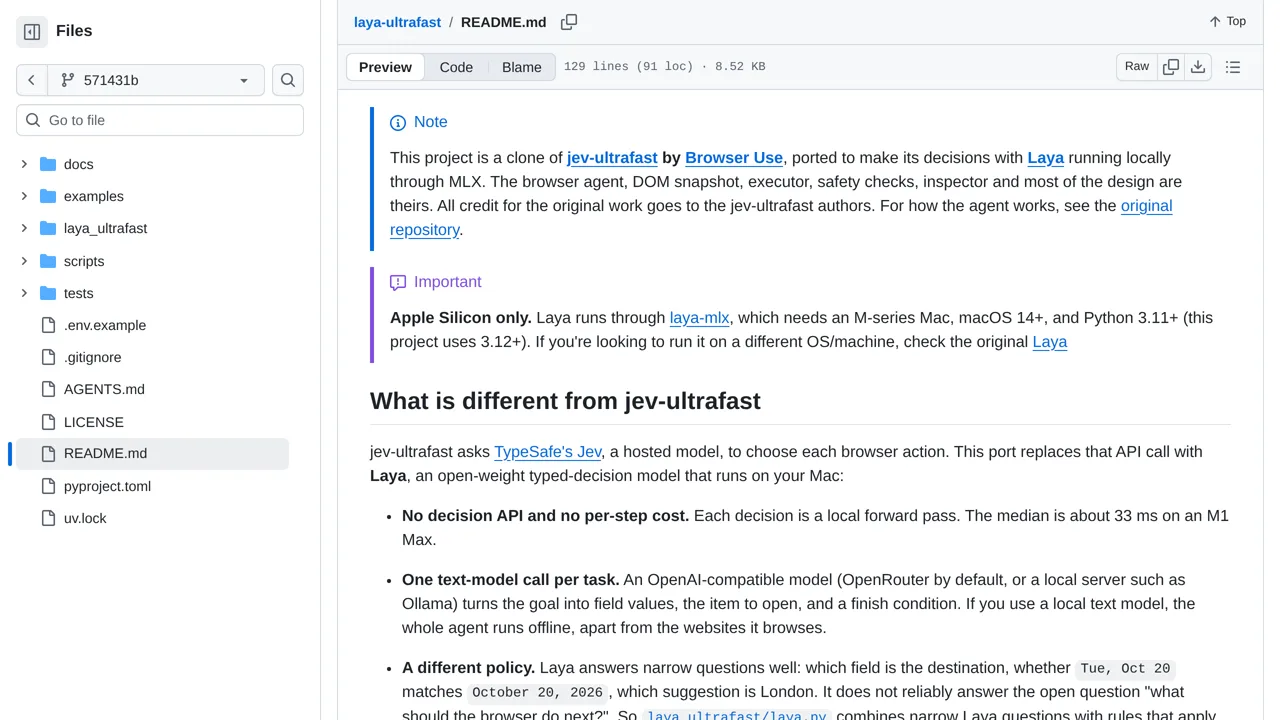
Port browser-use's Jev-driven browser agent to local Laya on Apple Silicon while retaining an optional hosted Jev mode.
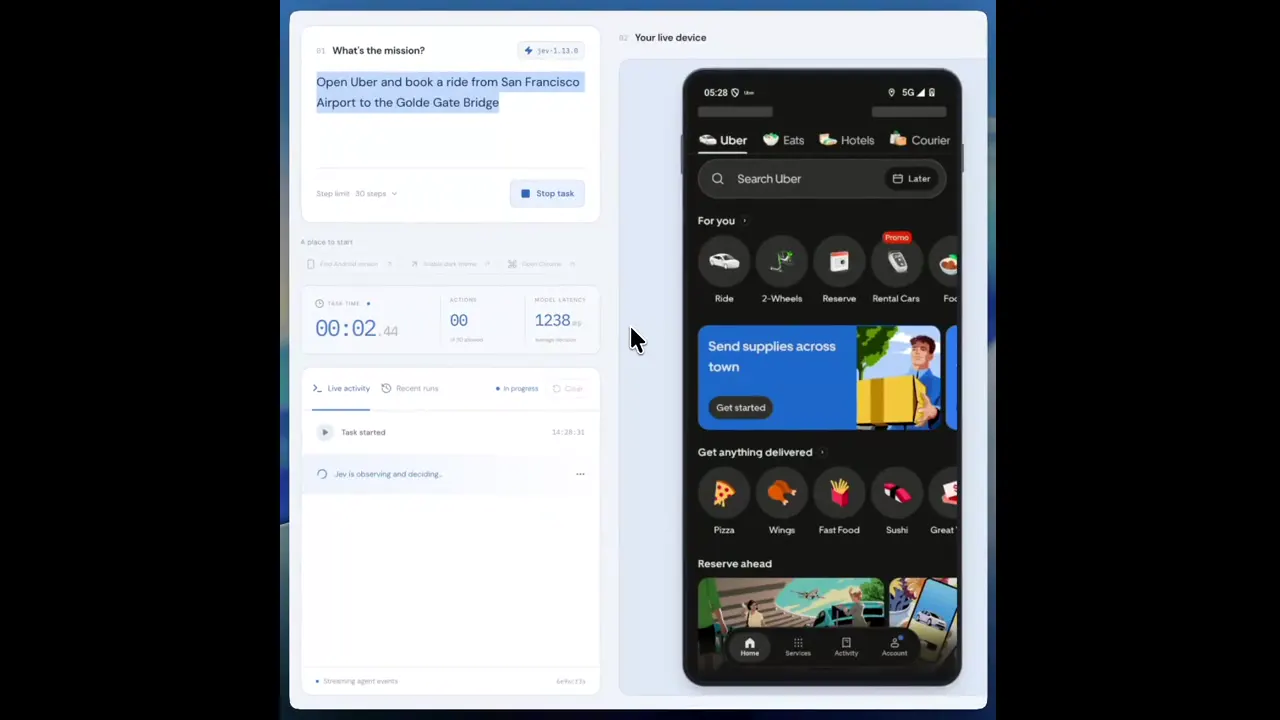
A mobile automation demo where Jev navigates Uber from route entry to payment selection.
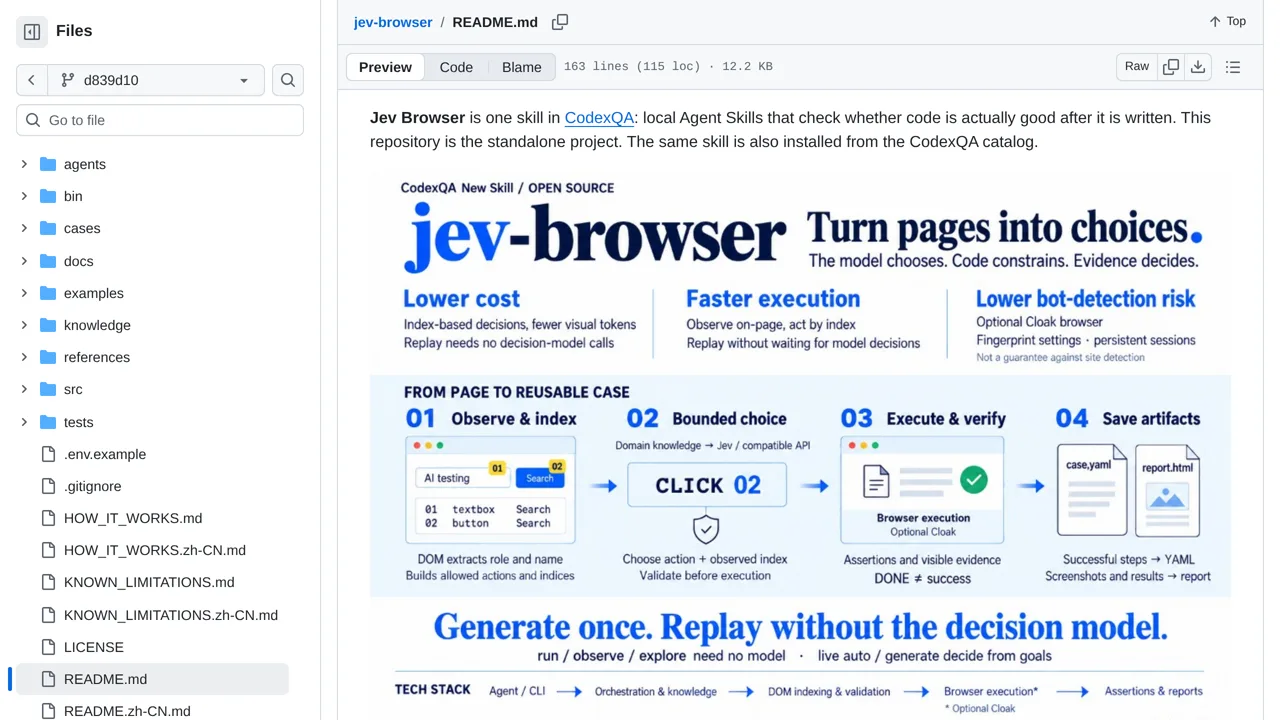
Indexes visible browser controls, lets Jev choose an allowed operation and target, then verifies page evidence with Playwright.
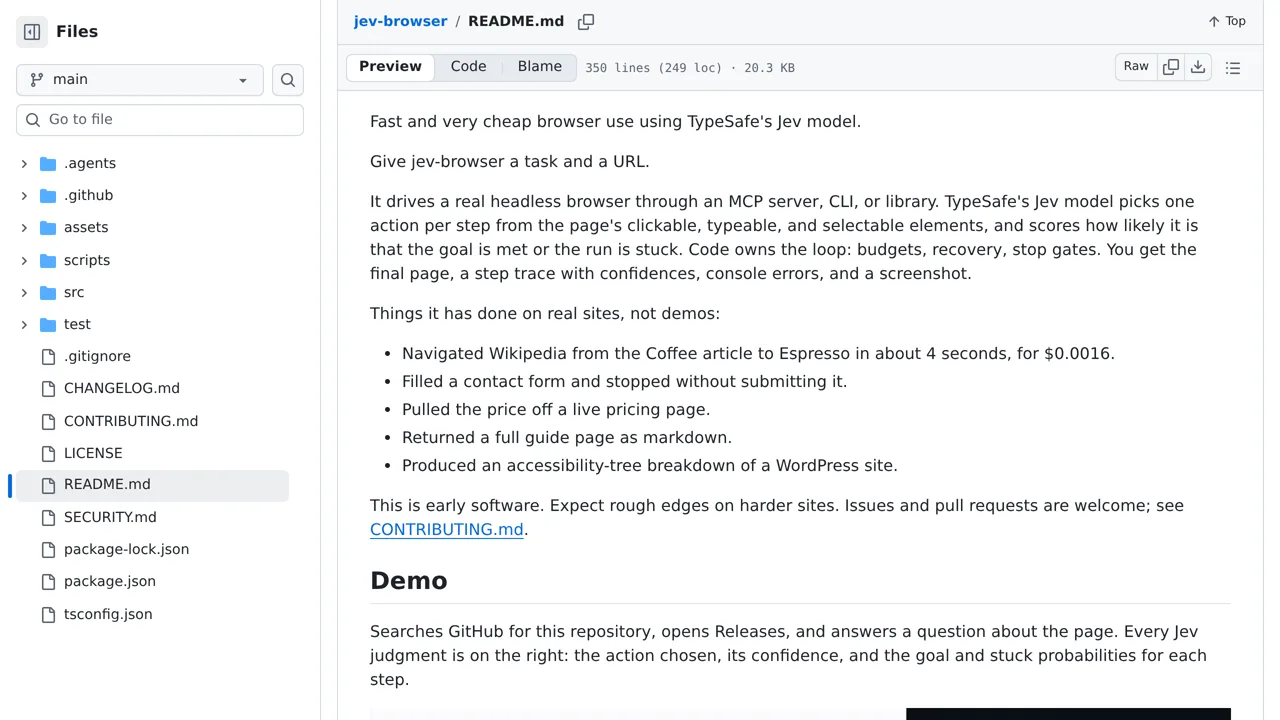
An MCP server that lets agents navigate a browser with Jev decisions.
A browser extension that uses Jev to identify page clutter and save reusable cleanup rules.
A Codex plugin where Jev handles browser clicks while Codex plans and verifies the larger task.
Control macOS by voice or text as Jev navigates the Accessibility tree without screenshots.
Let Jev choose quick browser actions while a separate language model plans, reads, and drafts answers grounded in page quotes.
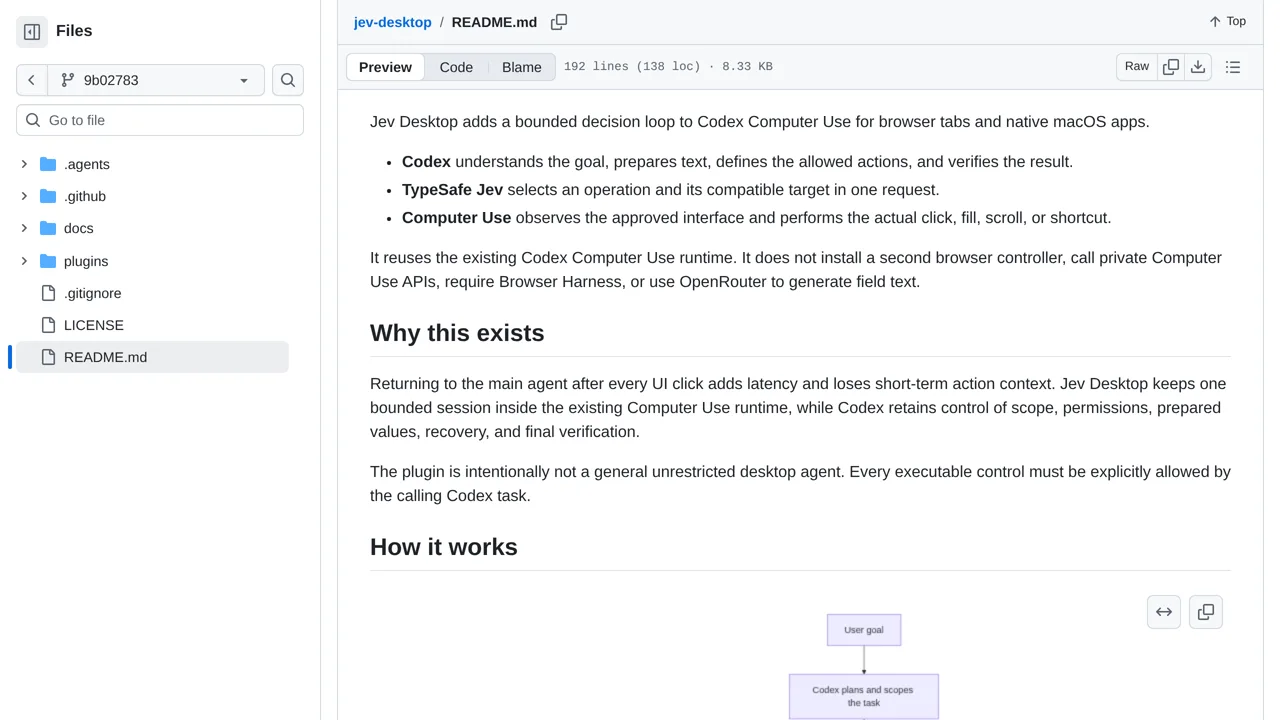
Runs bounded Jev action selection inside Codex Computer Use for observed browser and macOS controls, with local outcome checks.
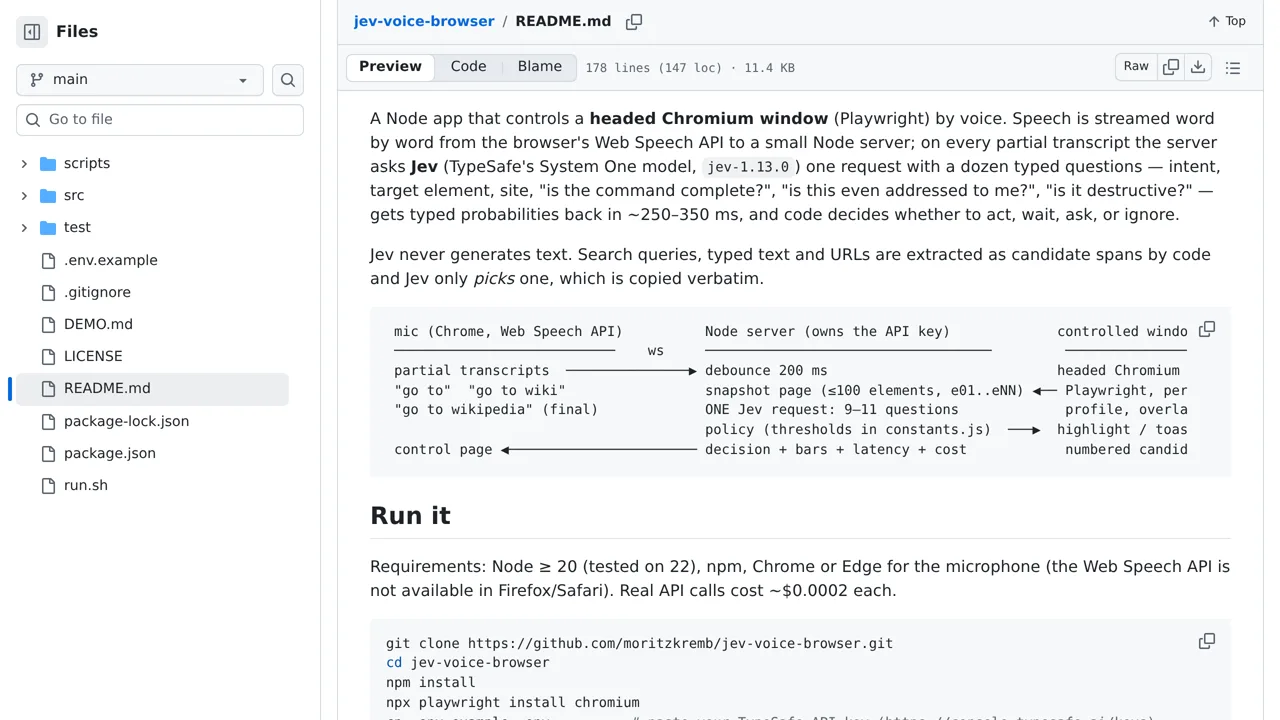
A voice-controlled browser where Jev selects an intent and target as speech arrives, then Playwright performs the action.
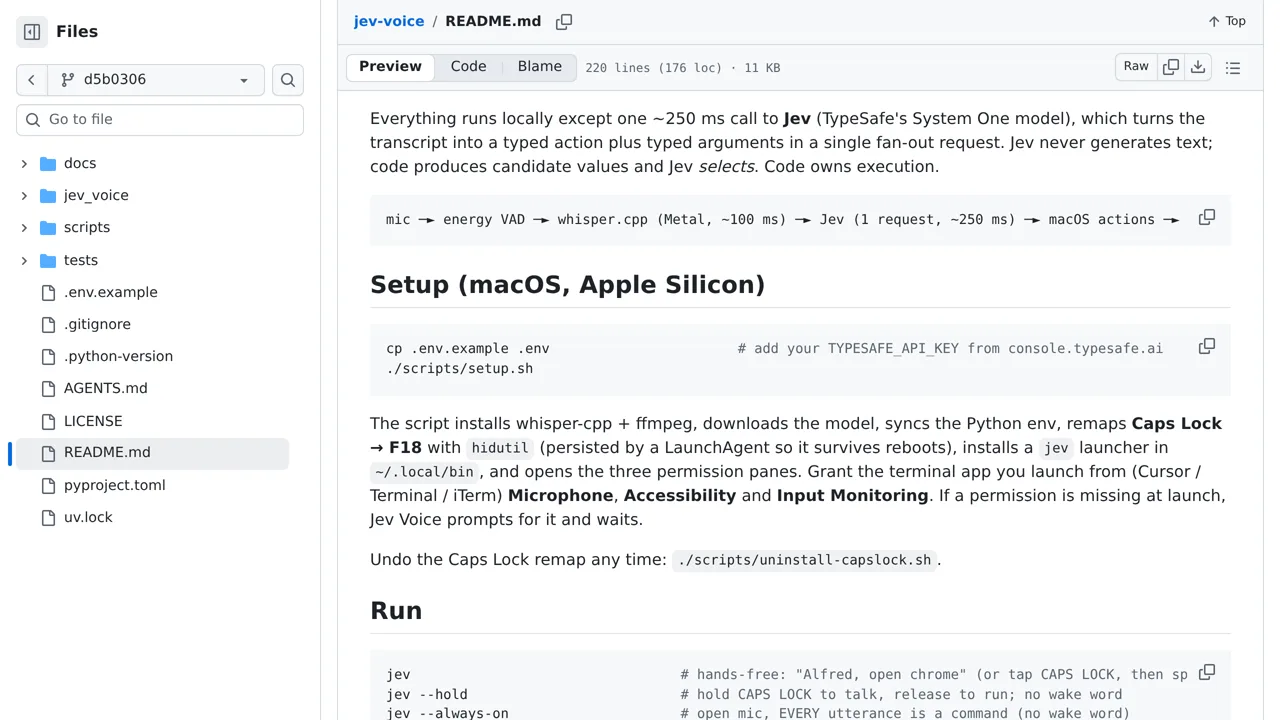
Speak a task to your Mac and let local transcription plus one Jev decision choose the operation and target.
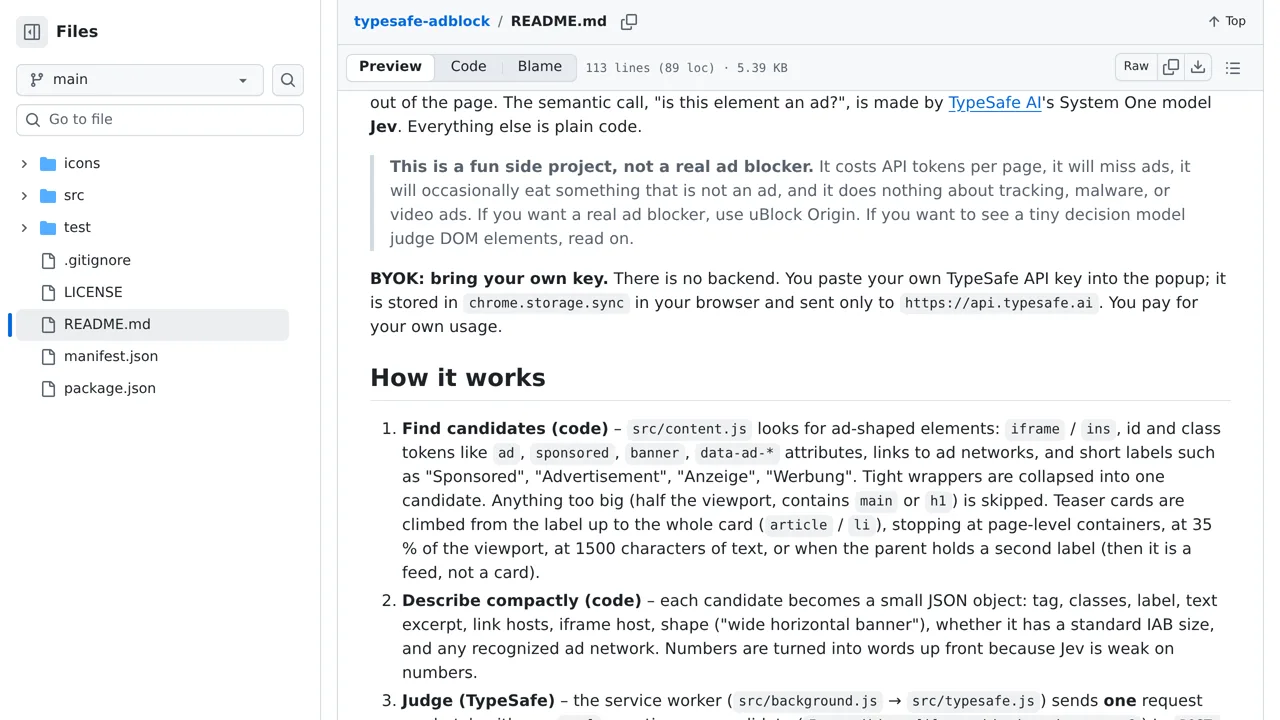
An experimental Chrome extension that asks Jev whether each DOM element is an ad, then removes matching elements.
A GUI agent that drives a real computer through USB HID after Jev chooses an operation and indexed screen element.
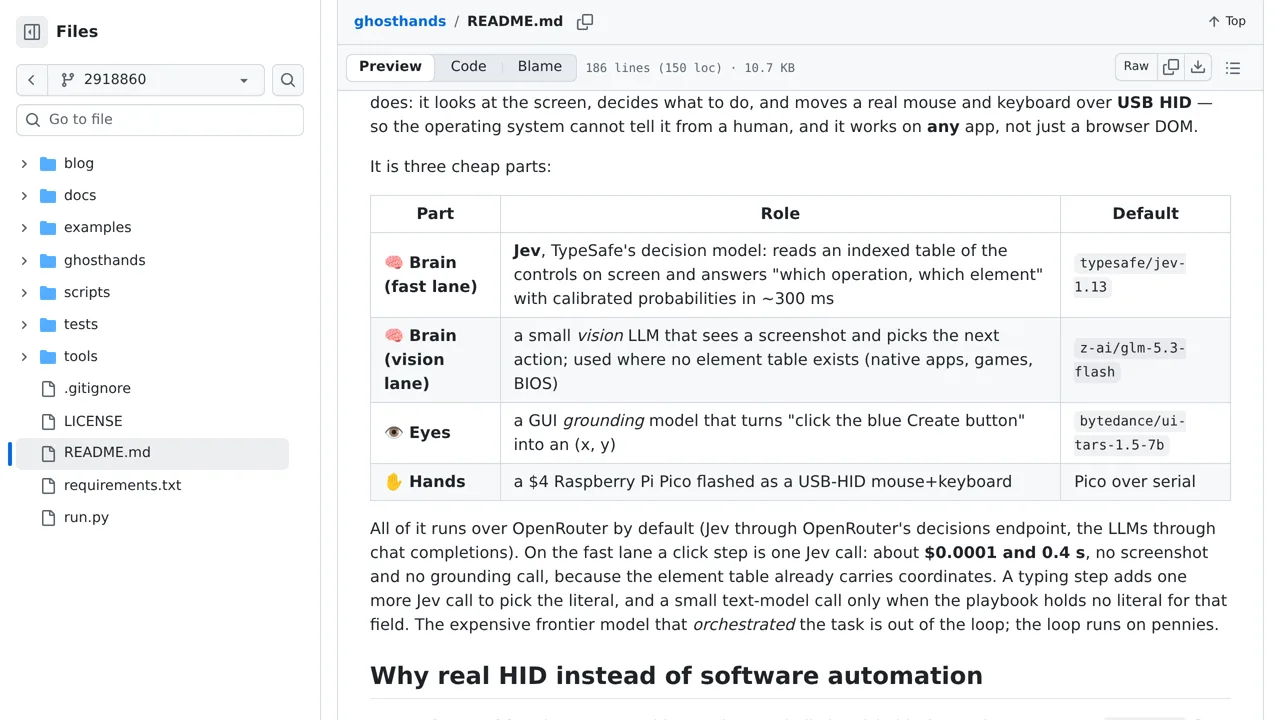
Focus a Windows app, describe a task, and let GhostHand choose accessible controls while risky actions wait for confirmation.
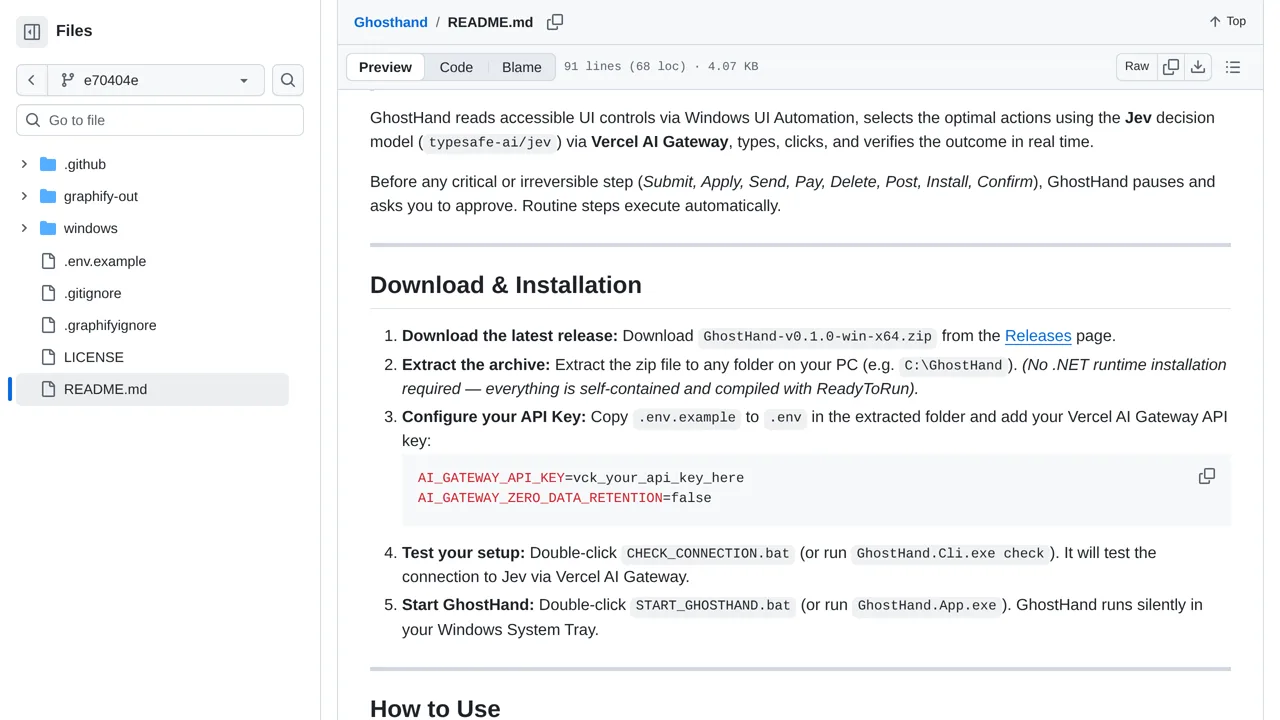
Give a hiring brief to a visible LinkedIn browser and watch Jev navigate, screen titles, and save profile evidence.
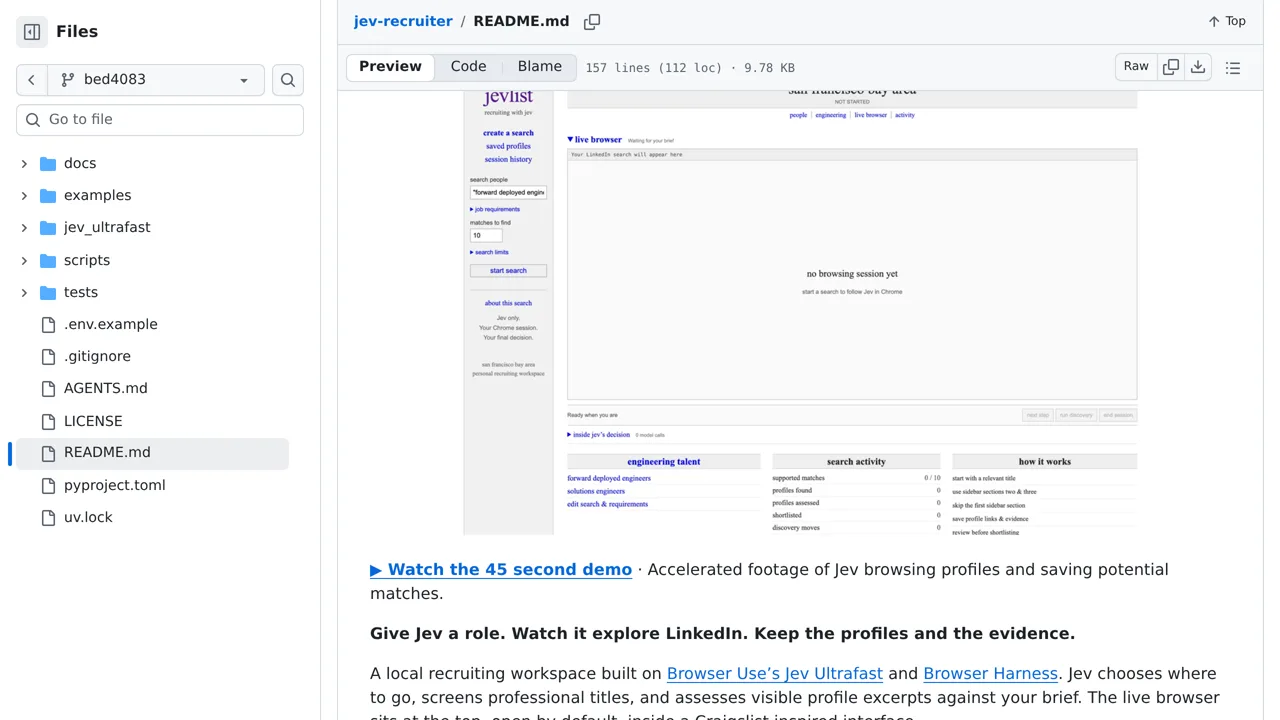
Generate and replay Excel browser tests with Playwright while local Laya resolves ambiguous controls; Jev support is only a roadmap item.
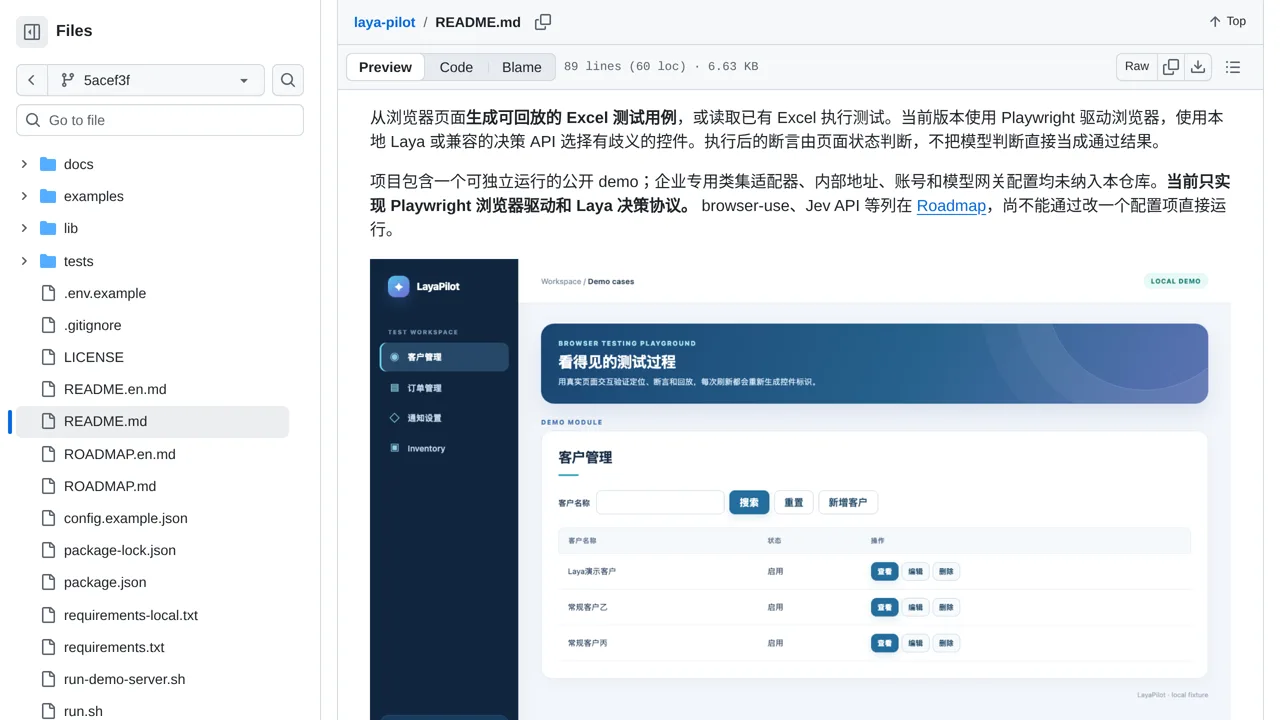
A research agent that uses Jev to decide where to browse on Instagram, TikTok and LinkedIn.
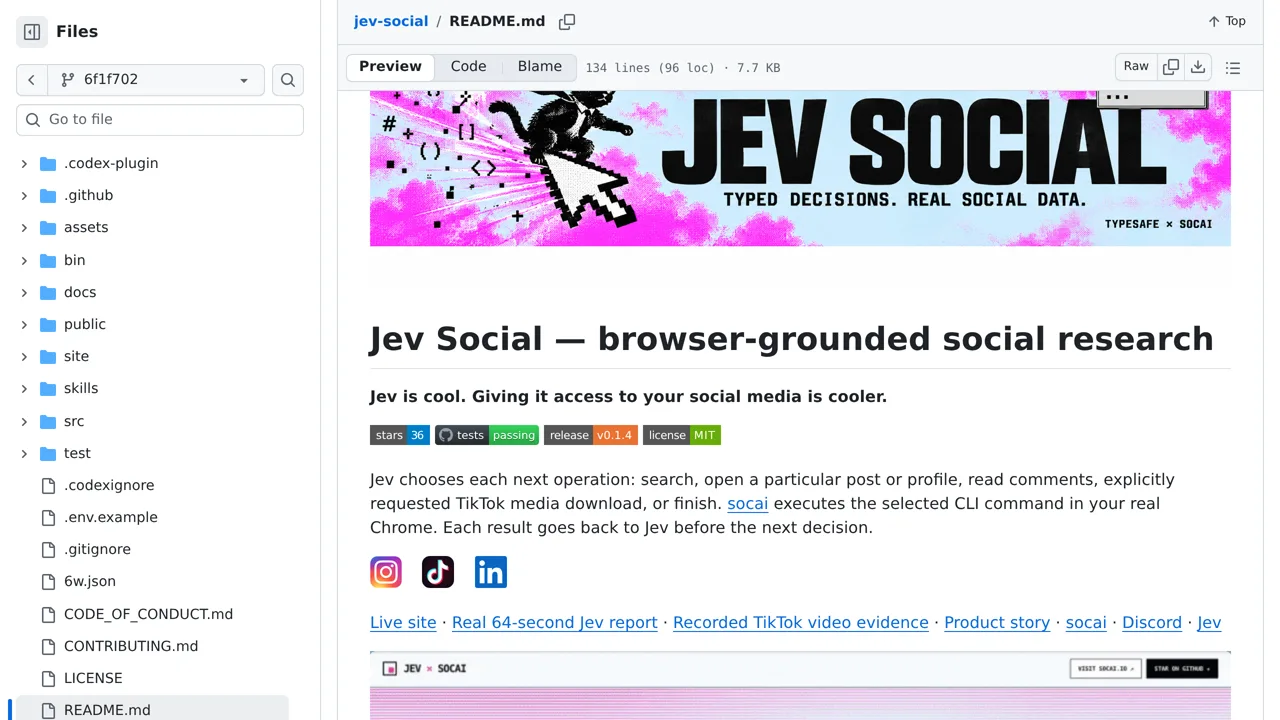
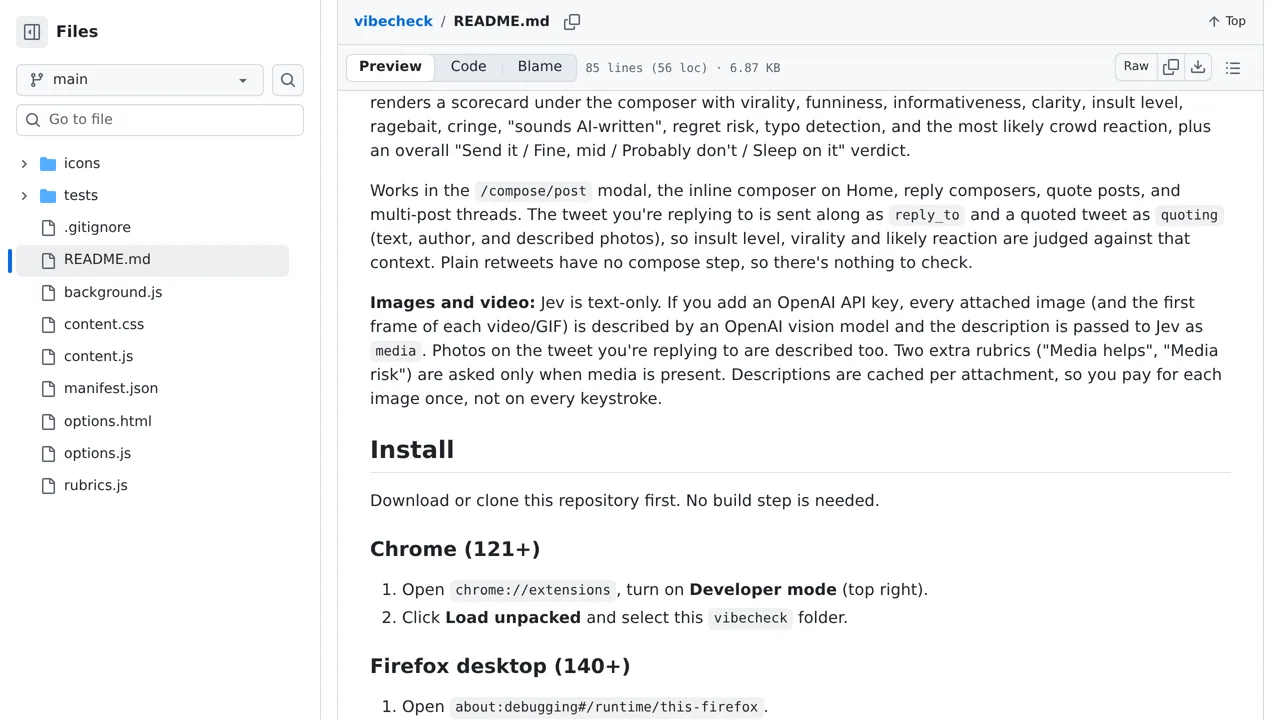
A Chrome extension that uses Jev to check the tone of an X post before it is published.
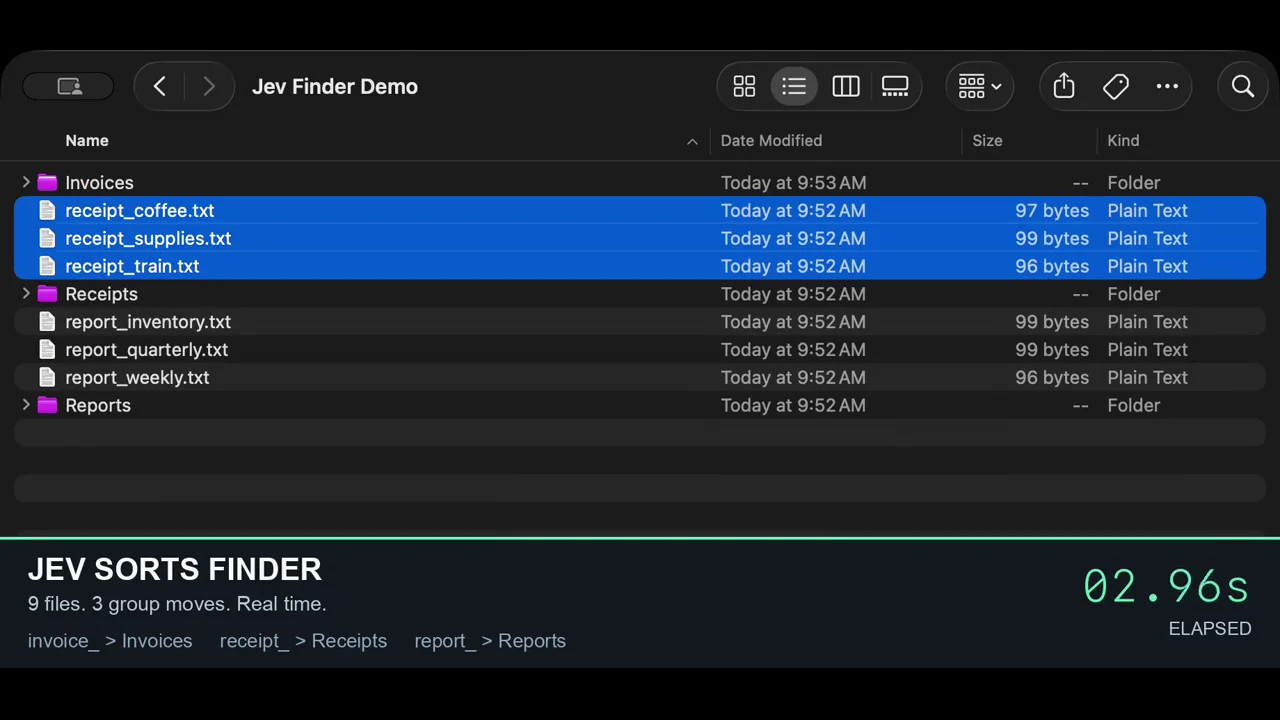
Give this native macOS agent a goal and watch it choose guarded clicks and drags from controls detected on your screen.
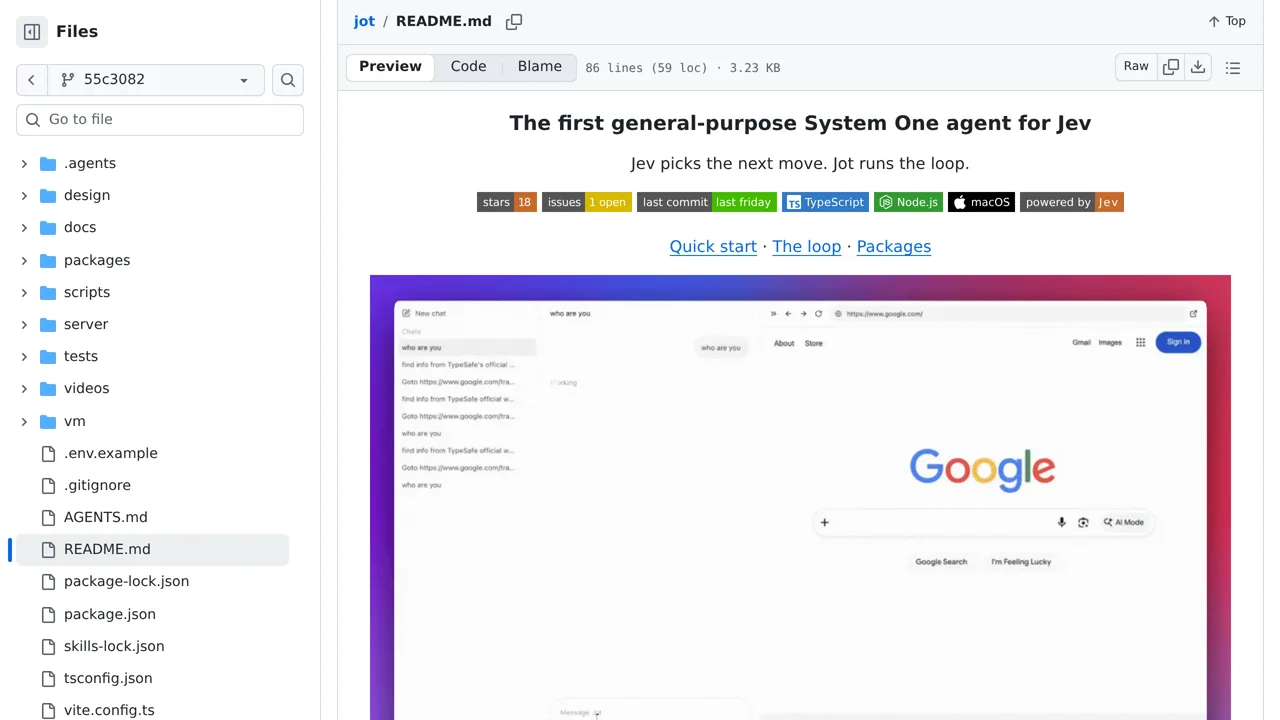
Run a local agent where Jev chooses a tool and its arguments, sees the real result and repeats until it can answer.
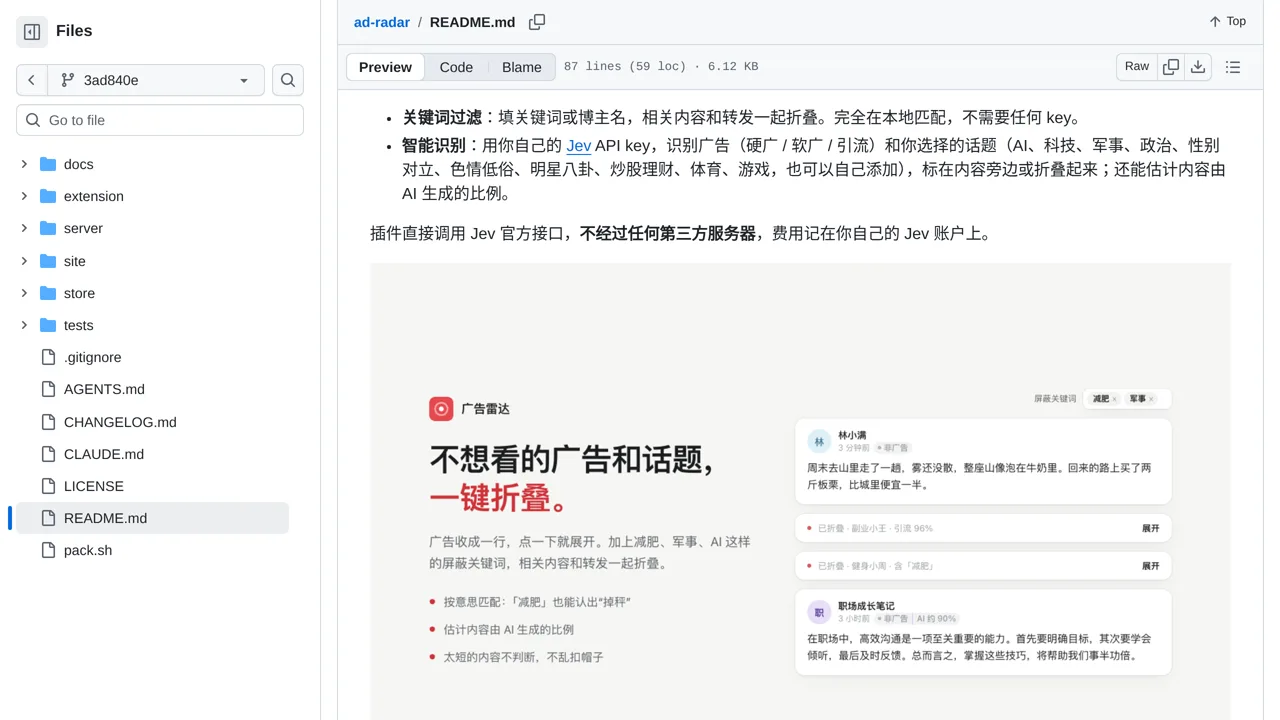
Mark or fold ads and chosen topics across Xiaohongshu, Weibo, X, and Zhihu as Jev reads each post.
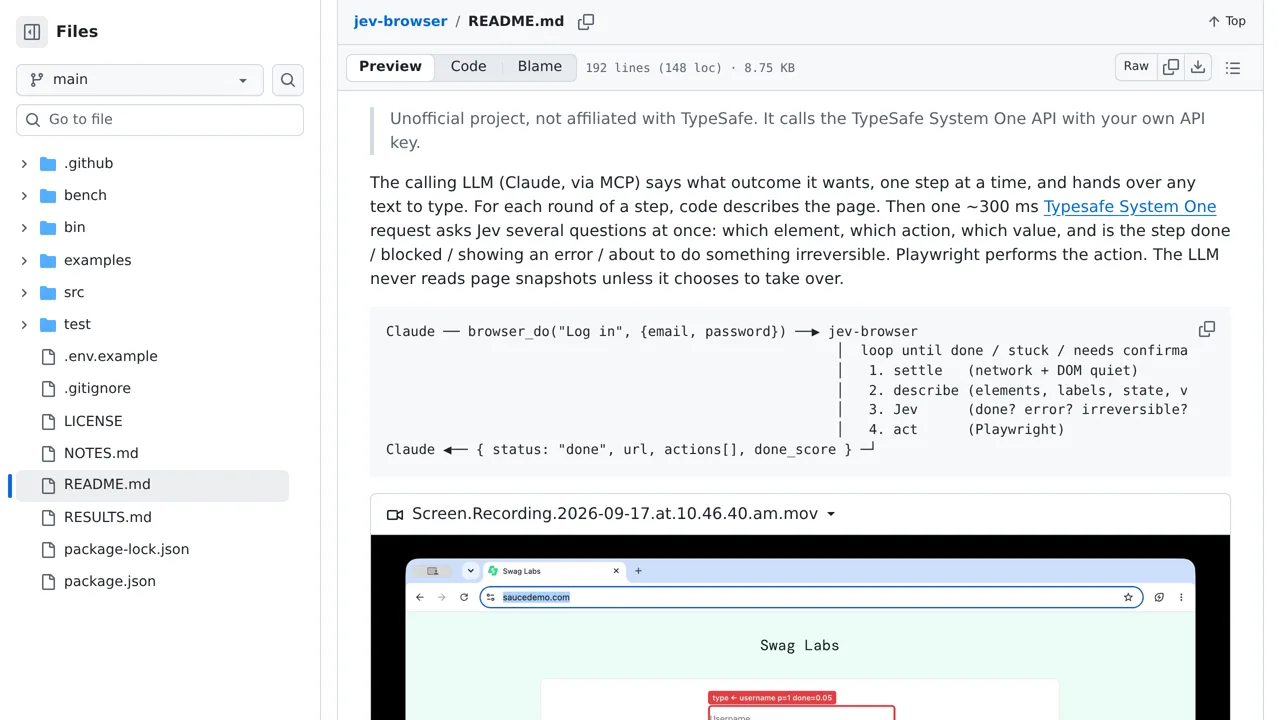
A browser automation toolkit where a language model plans and Jev chooses each action.
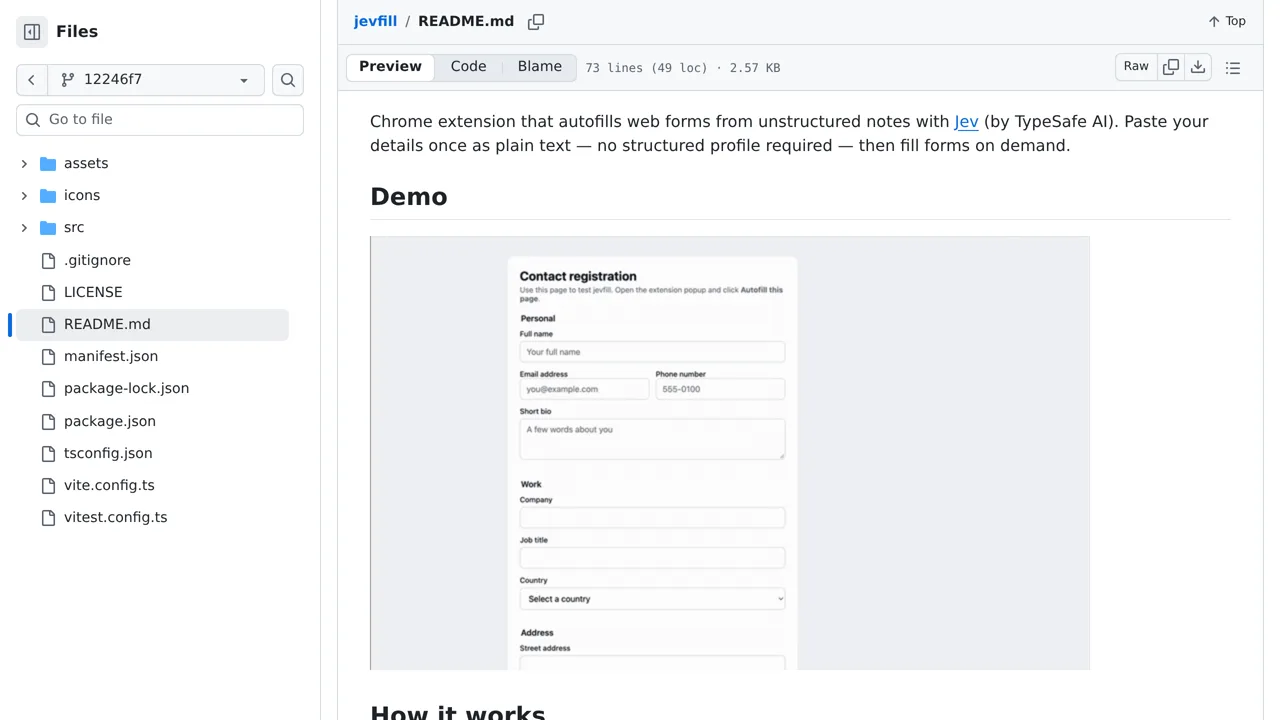
Match ordinary web-form fields to the right lines in your unstructured personal notes.
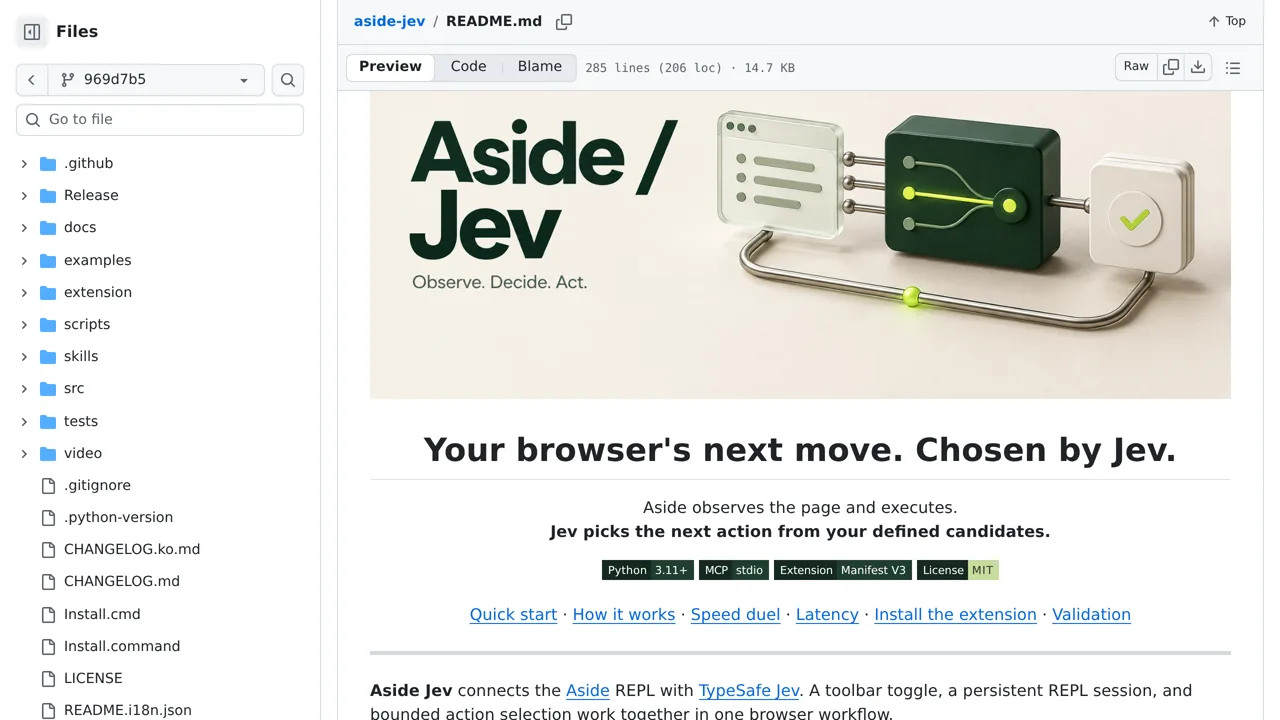
Connect Aside browser agents to Jev for bounded next-action decisions while Aside observes and executes.
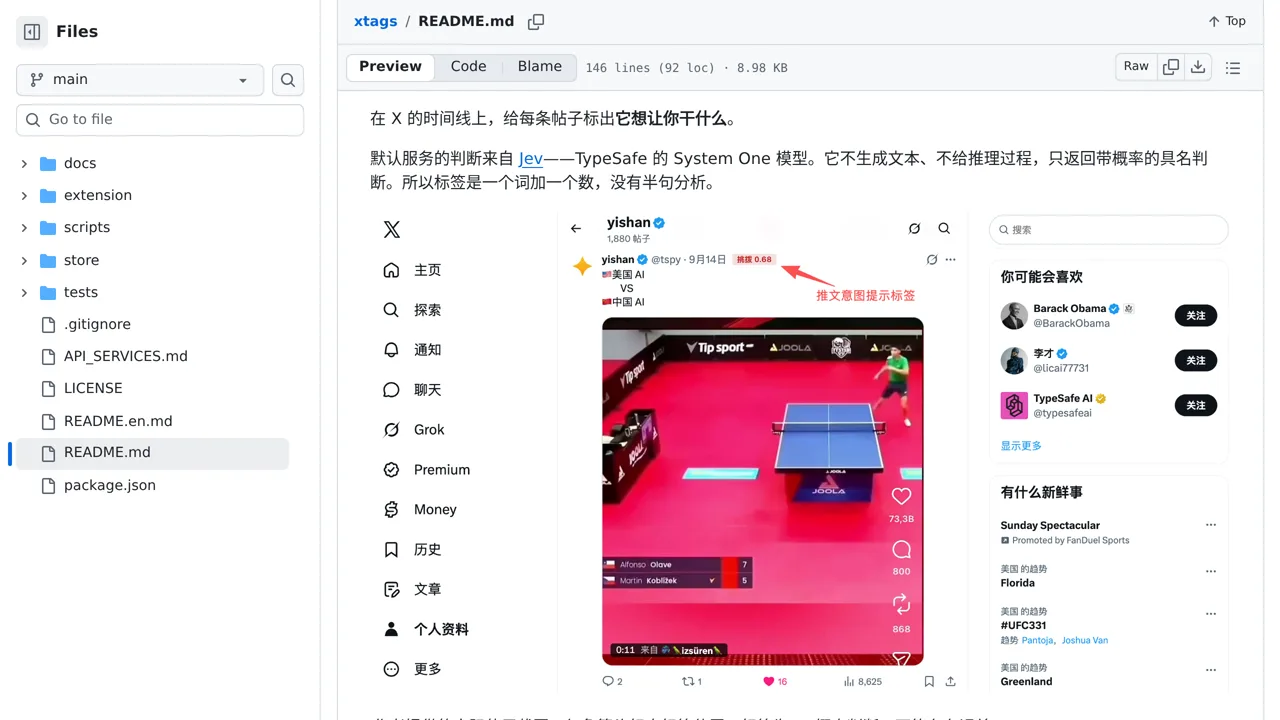
A Mac assistant that enters supplier invoices into Frappe Books, with Jev choosing the on-screen actions.
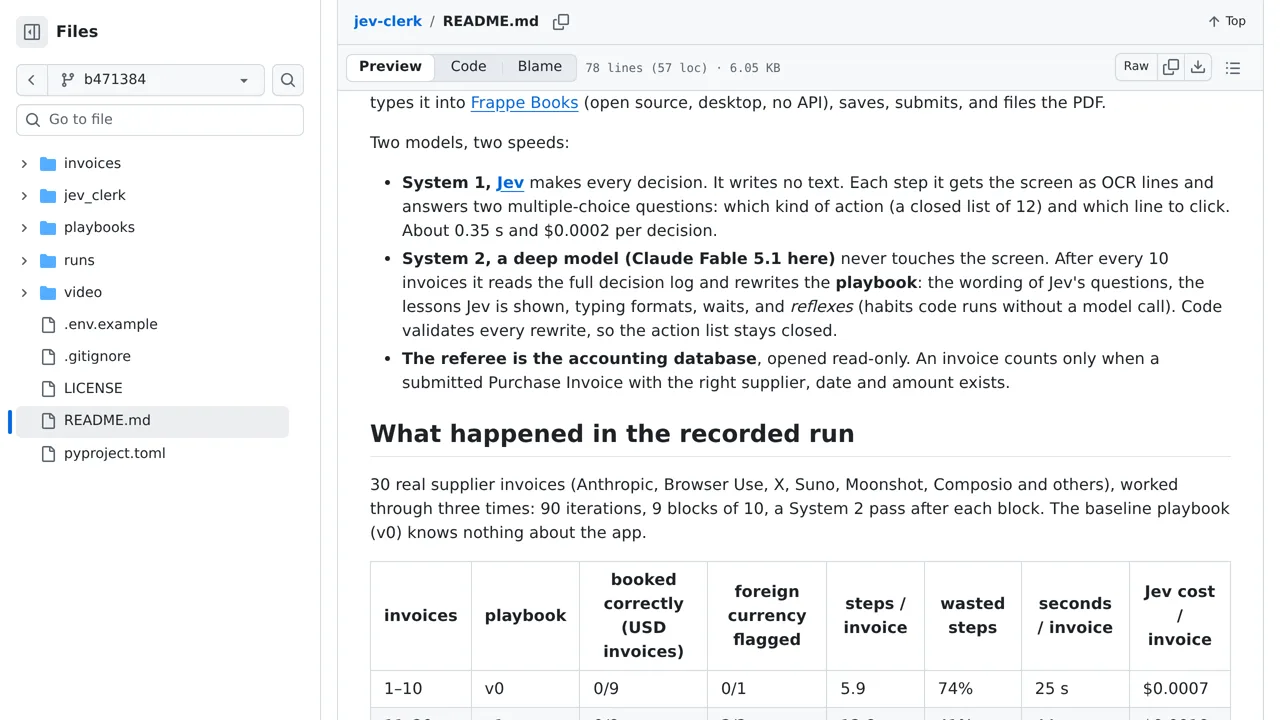
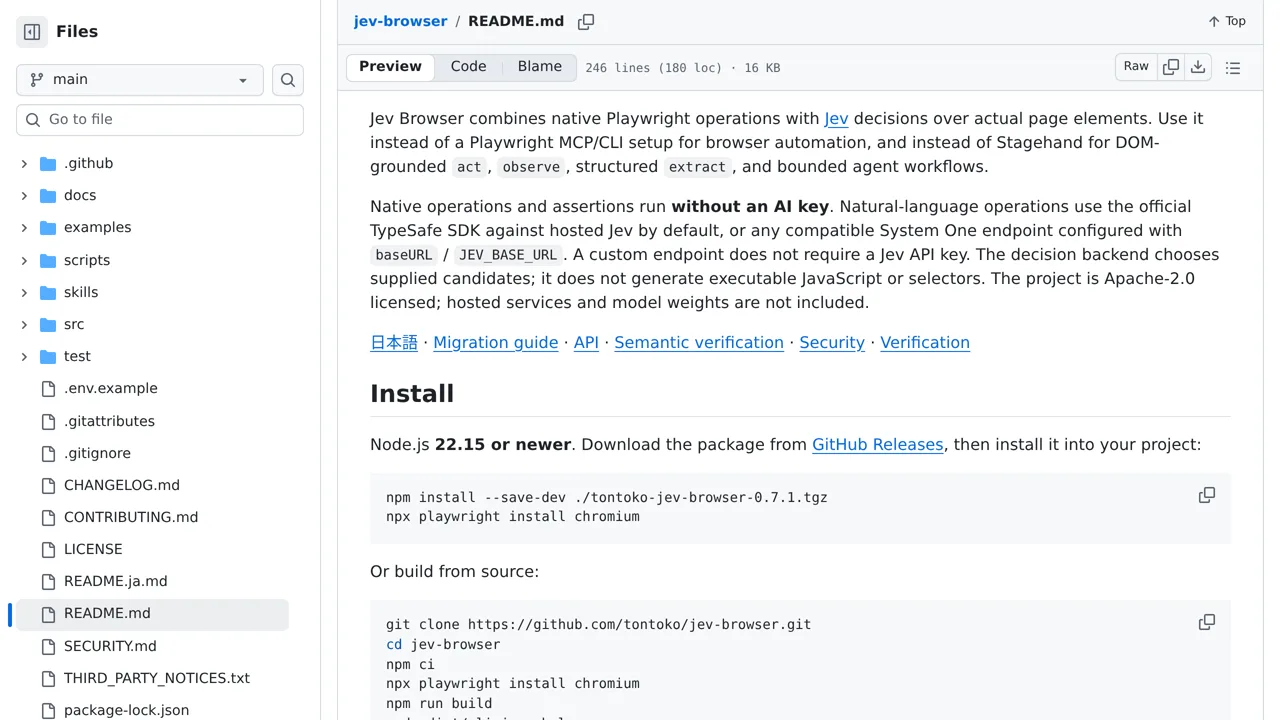
Turns plain-English browser flows into Playwright runs where Jev selects controls and independent checks preserve evidence for every result.
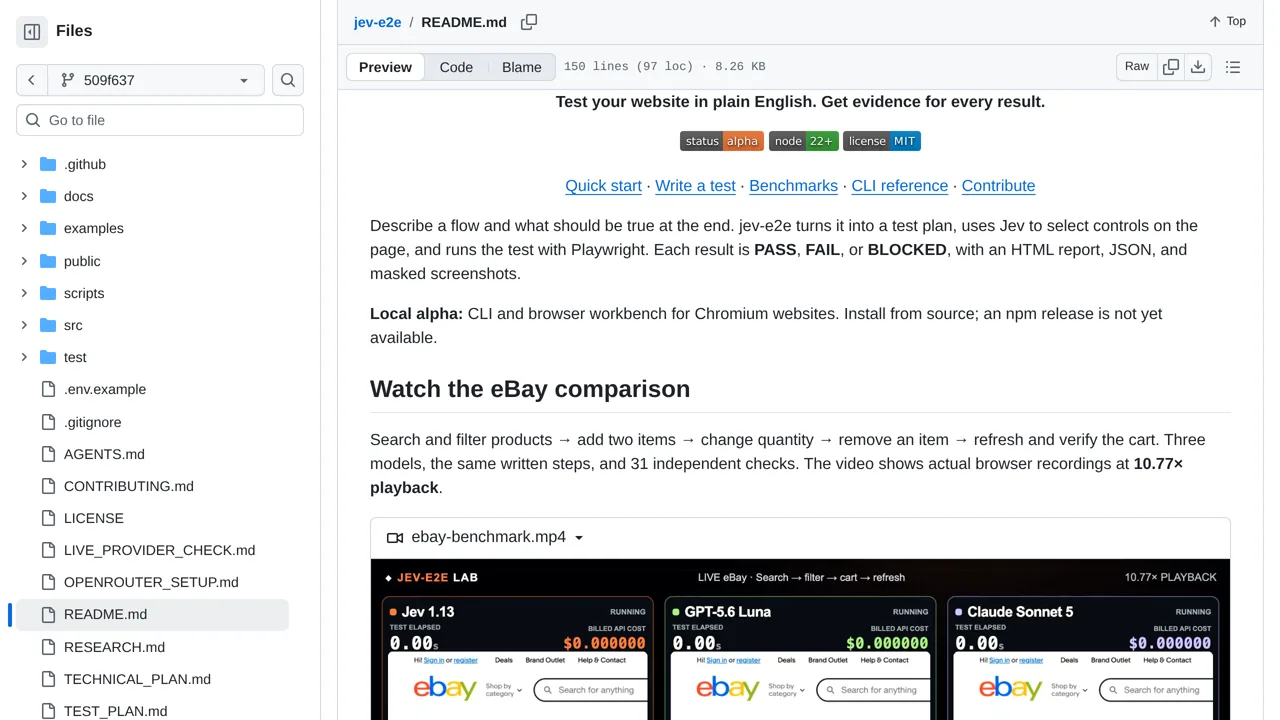
Tell wilwid what you don't want to see, and it hides matching posts and videos.
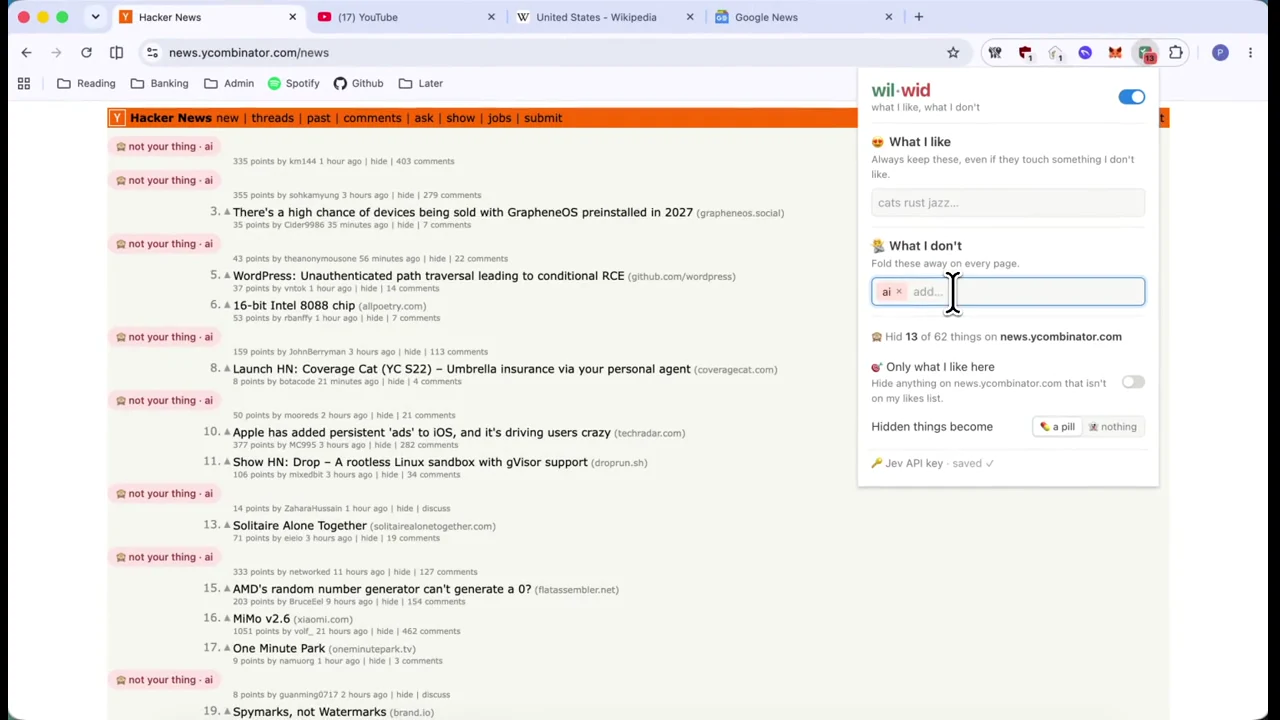
Spot the sales pitch, call to action or other intent behind an X post with labels chosen by Jev.
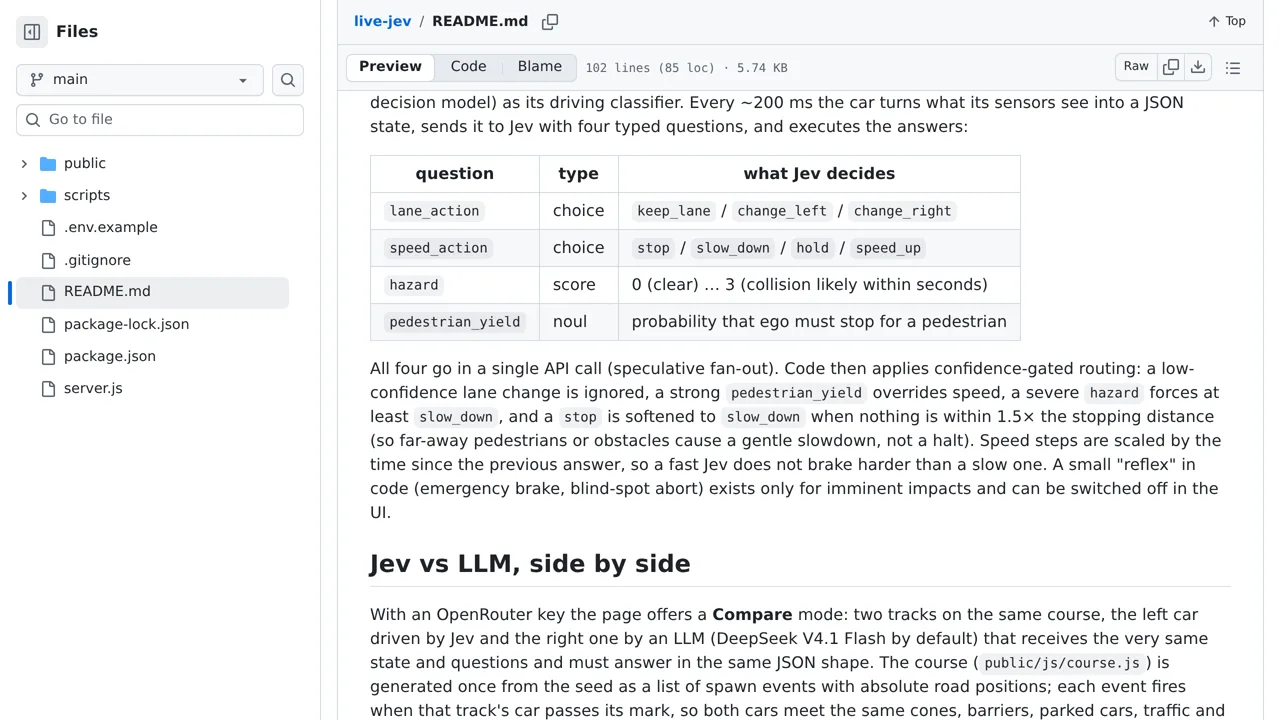
A browser-based 2D autonomous-car simulation driven by Jev decisions.
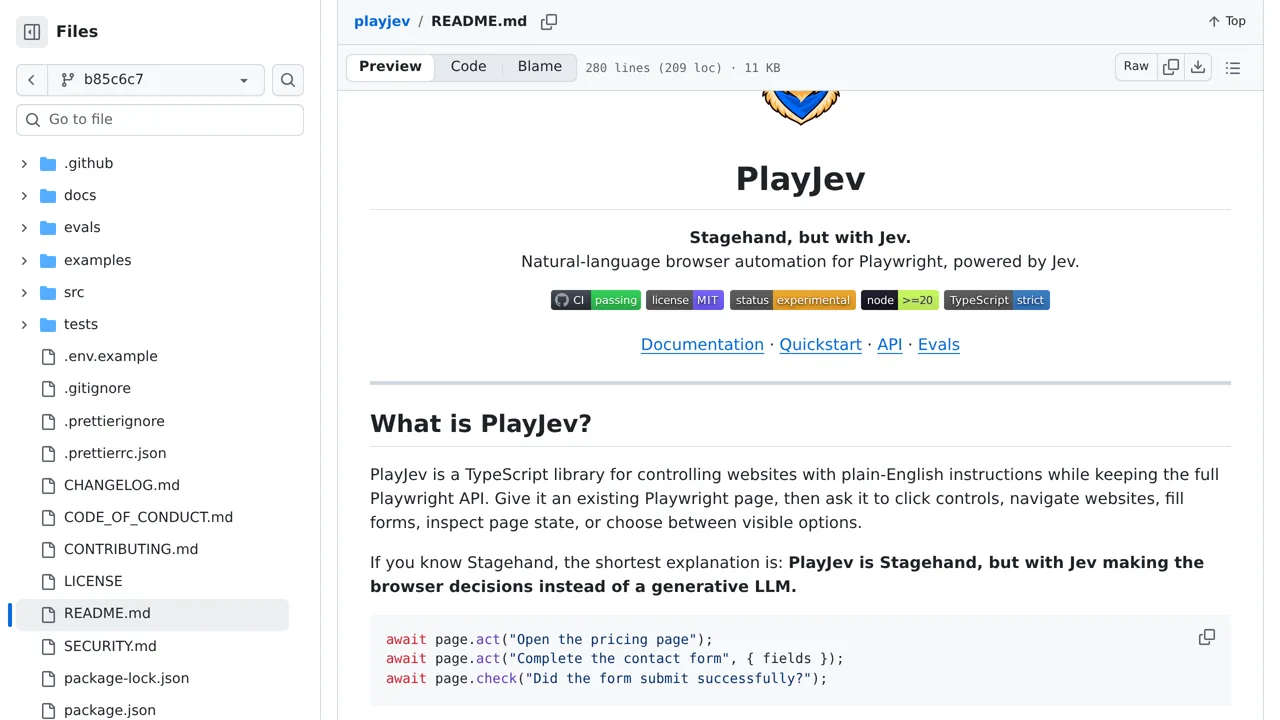
Drive Playwright from natural-language intents by letting Jev select among the current page’s elements and bounded actions.
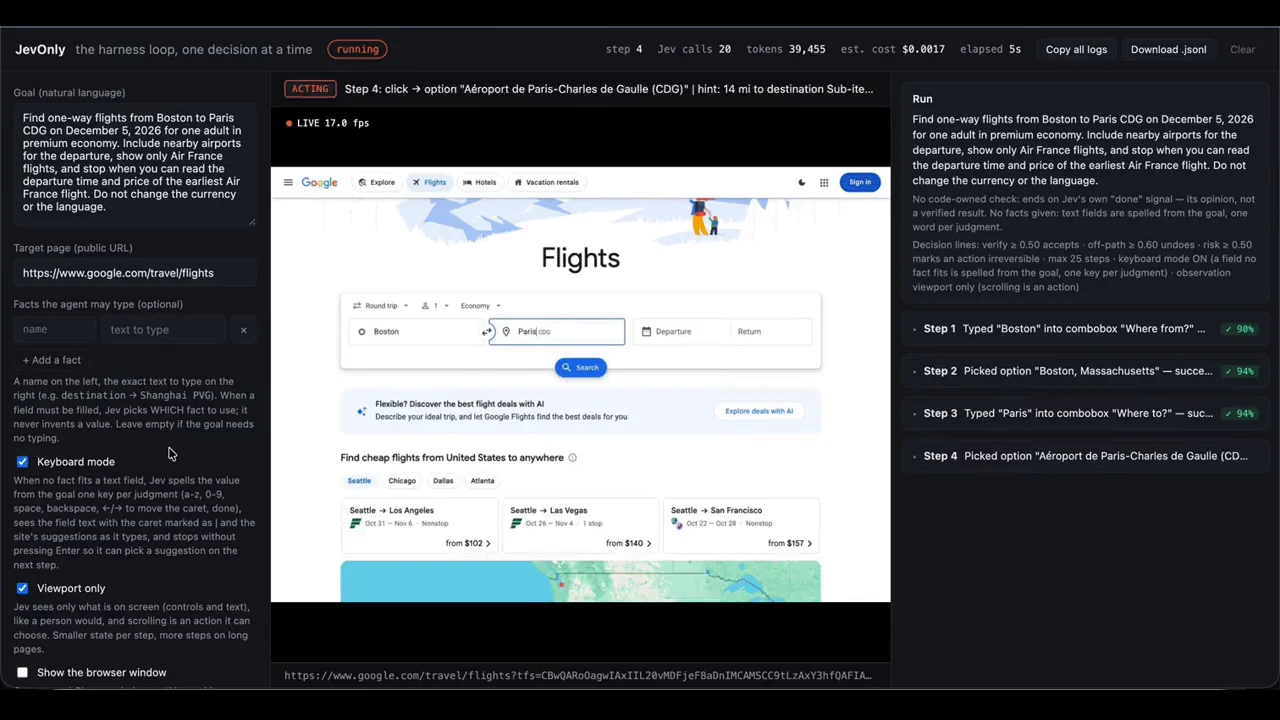
A browser agent with no general-purpose language model: Jev chooses bounded actions, targets and values from each page snapshot.
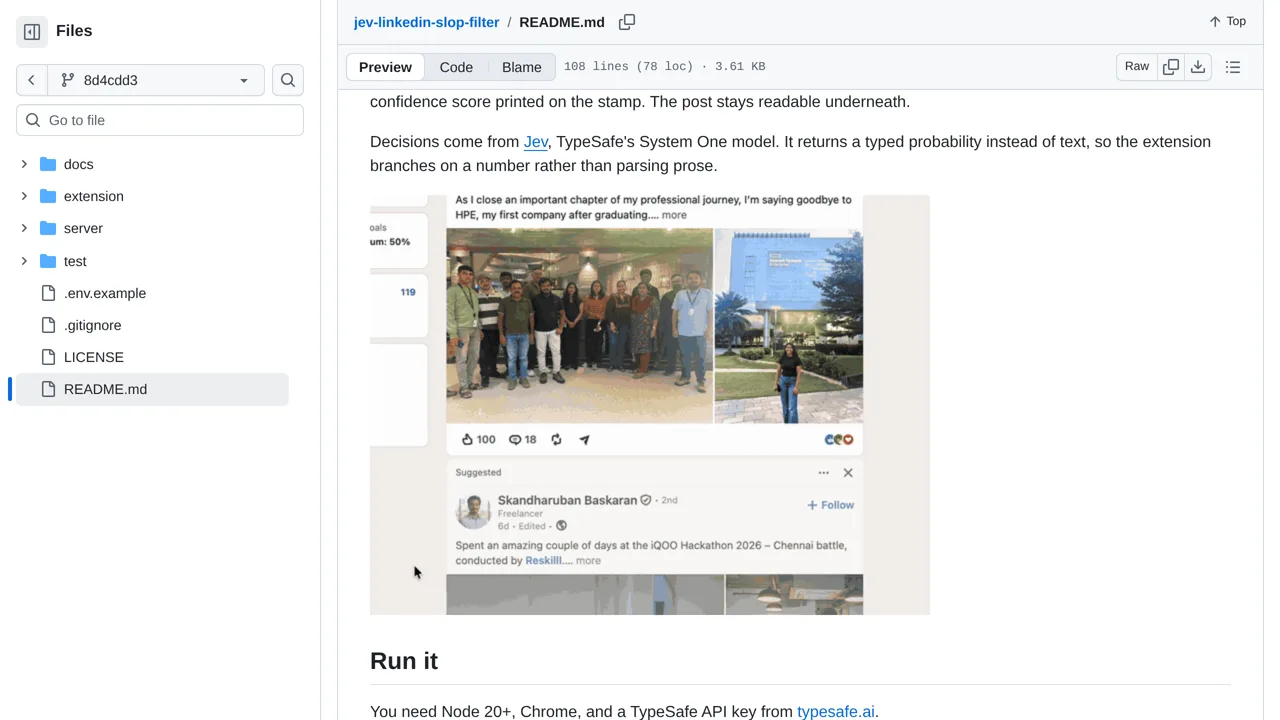
Stamp LinkedIn posts BAIT, CORP, or BRAG as Jev judges them in the feed, with confidence printed beneath each verdict.
Lets Codex prepare browser goals and text while Jev repeatedly selects the next allowed action, target, and prepared input.
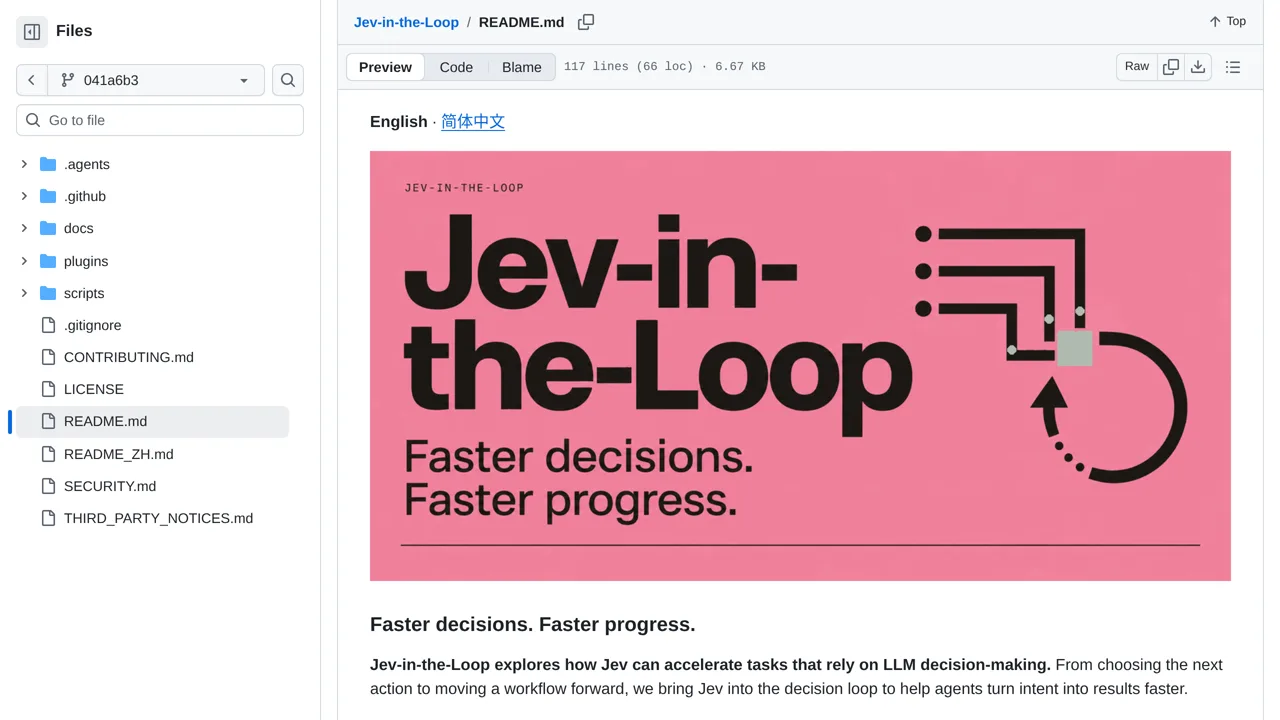
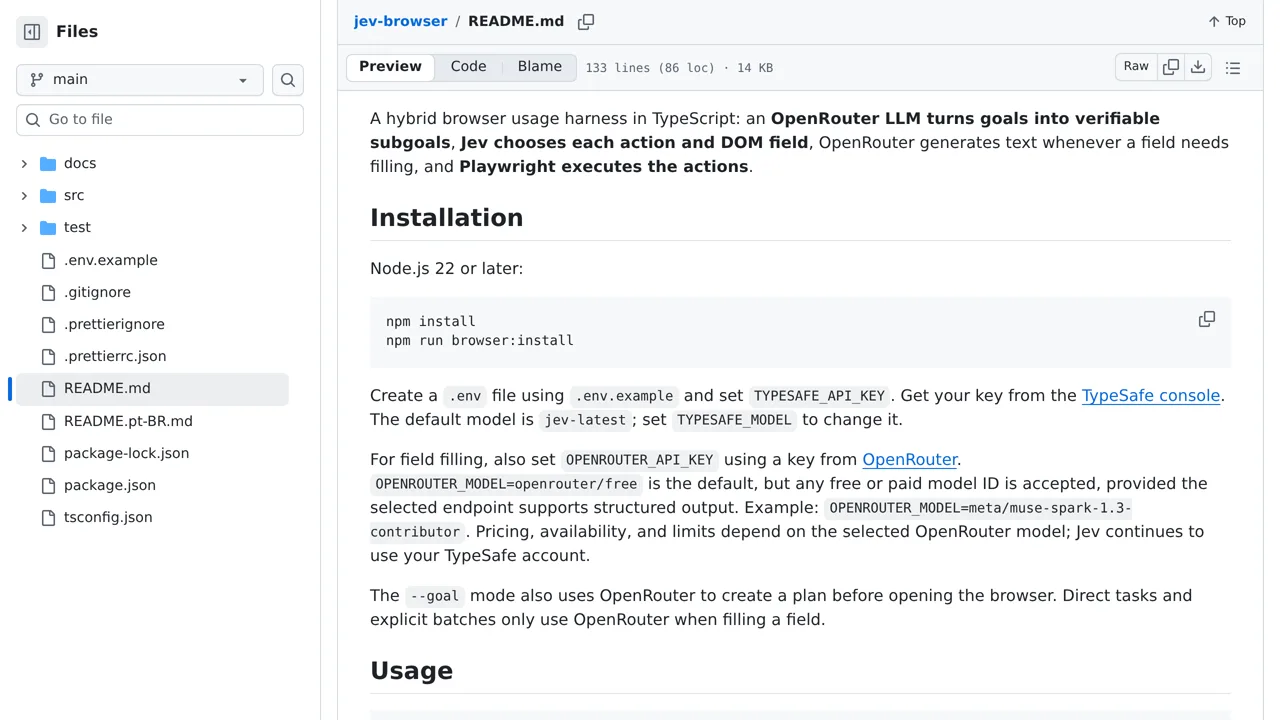
A browser harness where an LLM plans verifiable subgoals, Jev selects actions and fields, and Playwright executes them.
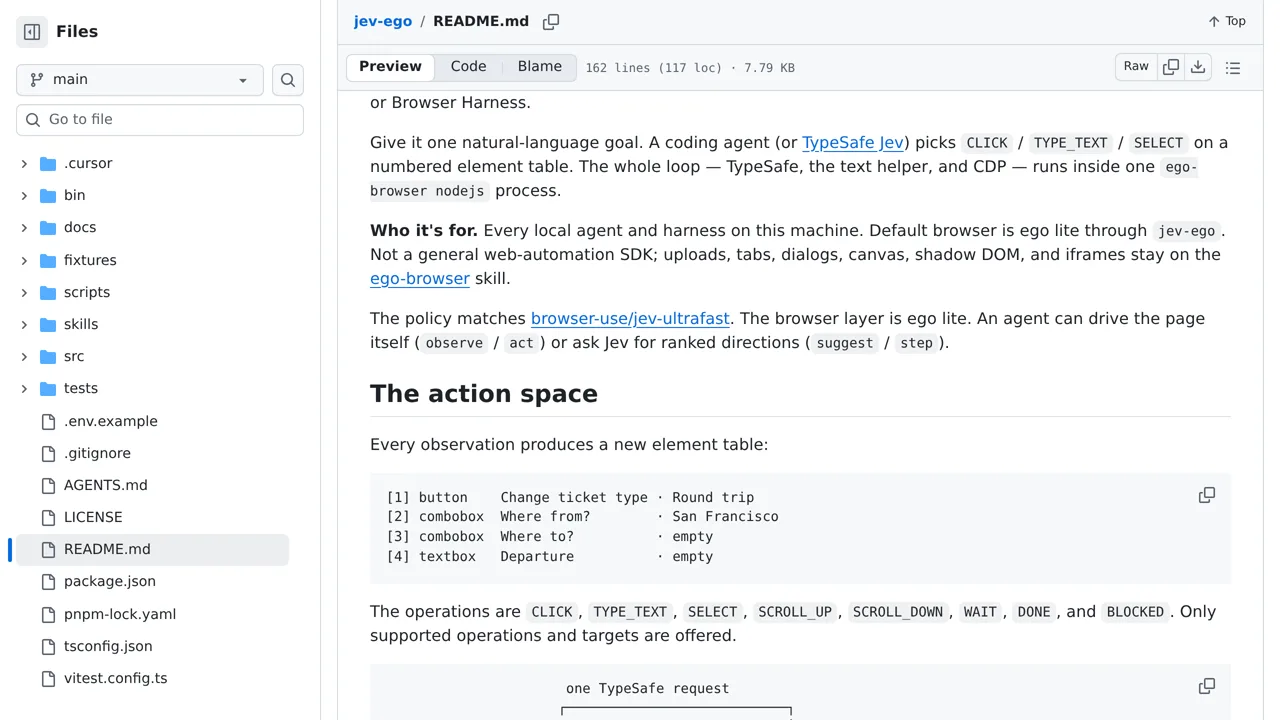
A browser agent for Ego Lite that asks Jev or another agent to choose one action per observed page state.
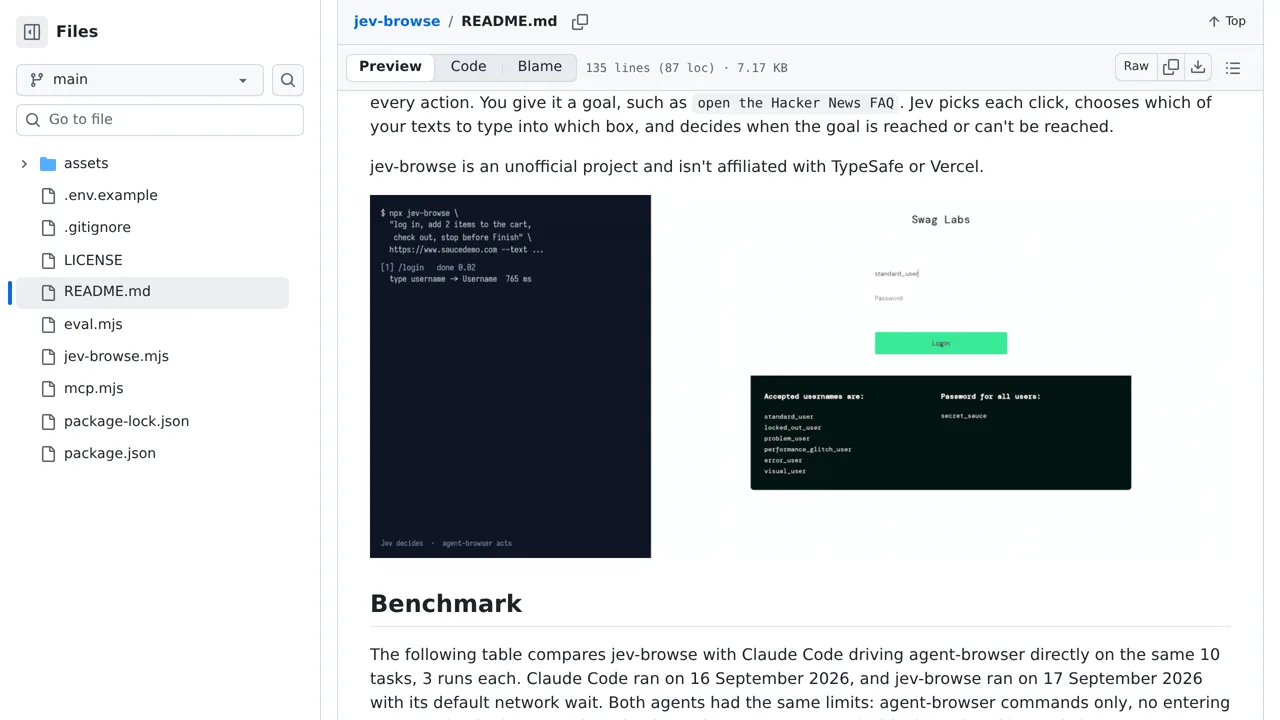
An MCP browser agent that lets Jev choose each click and map supplied text values to form fields.
Mark or collapse X replies that resemble generic AI-written paraphrases of the original post.
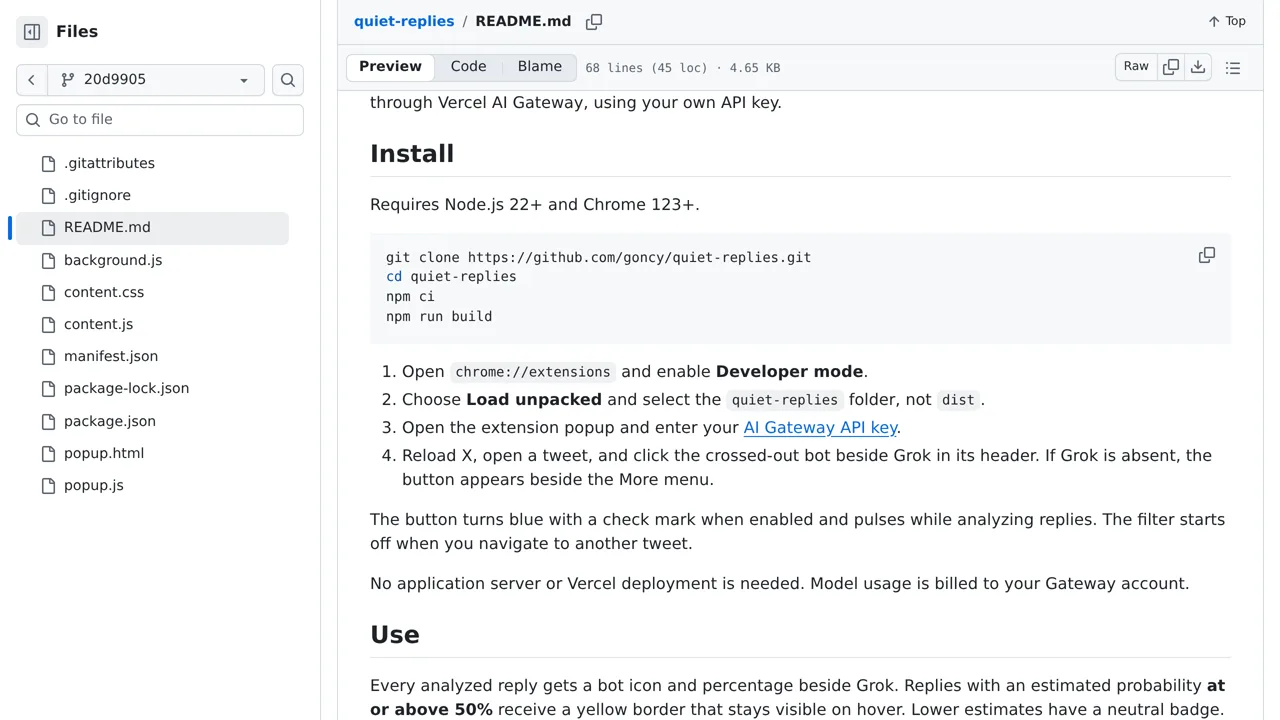
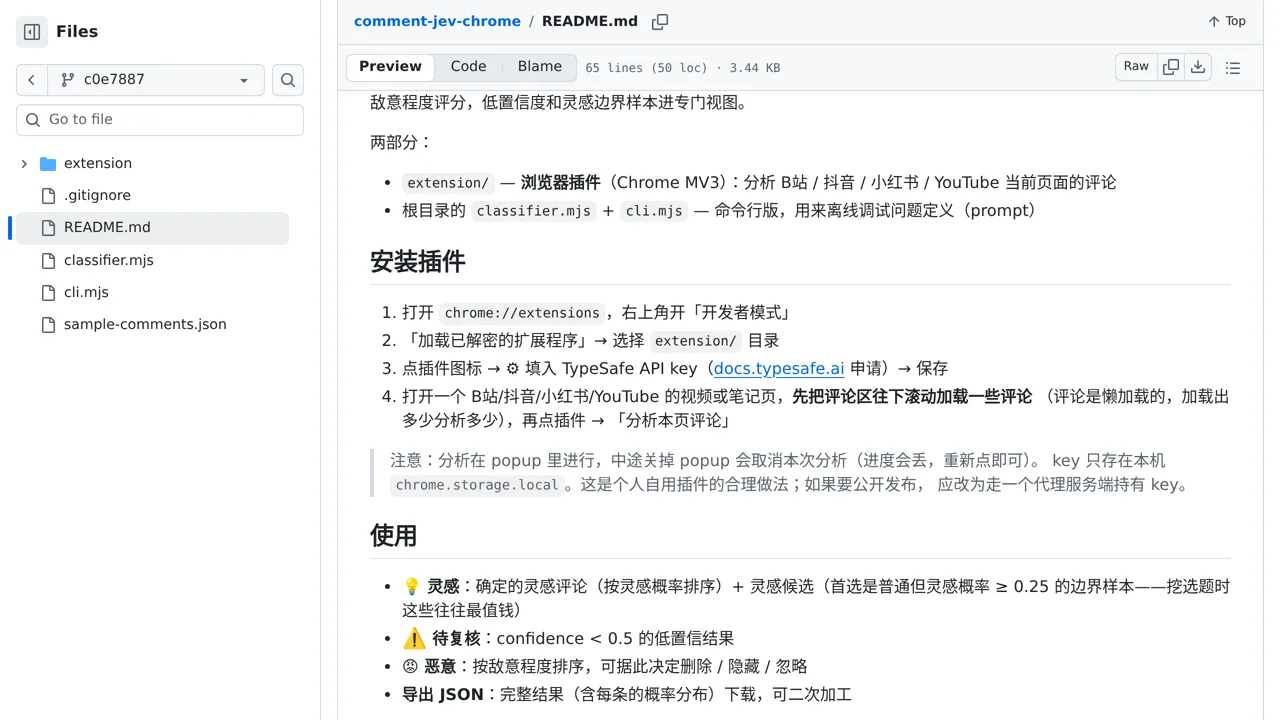
Sort loaded social comments into malicious, low-value, inspiring, or ordinary views while surfacing uncertain cases.
Let jev-ra drive the browser for a coding agent: Jev picks the next action and the page element to use.

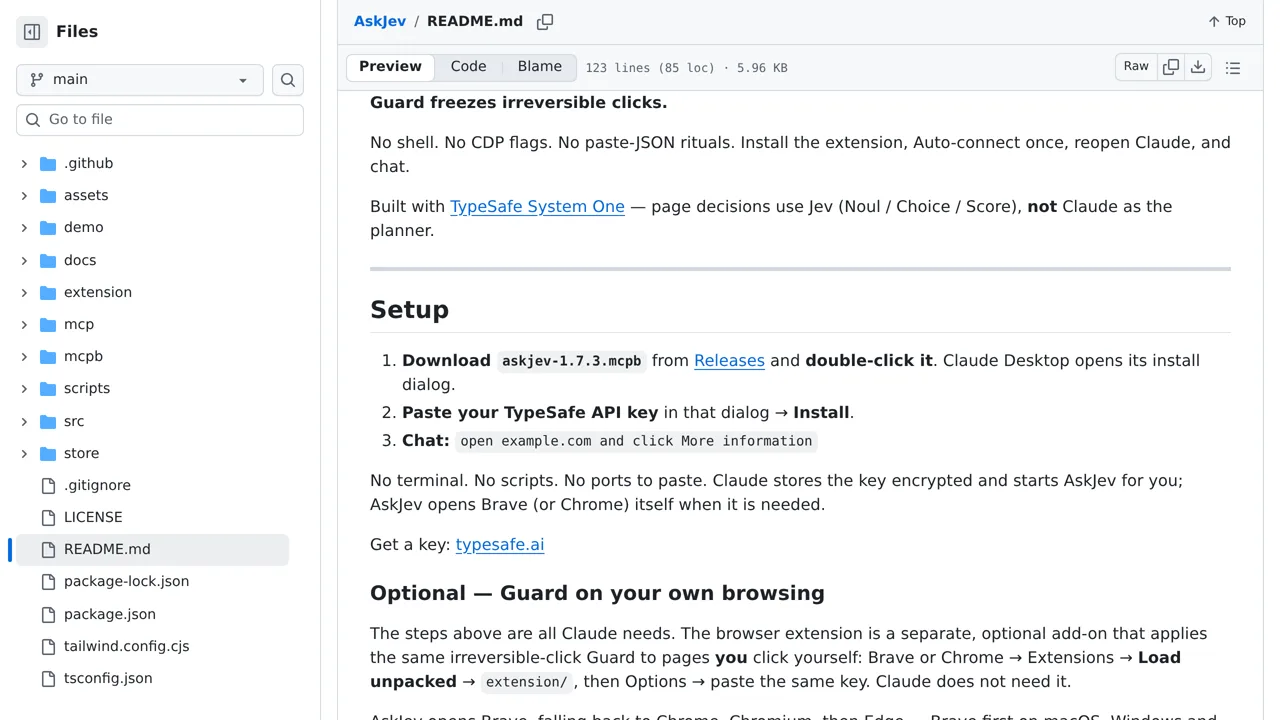
A Chrome extension that uses Jev to navigate websites while guarding irreversible clicks.
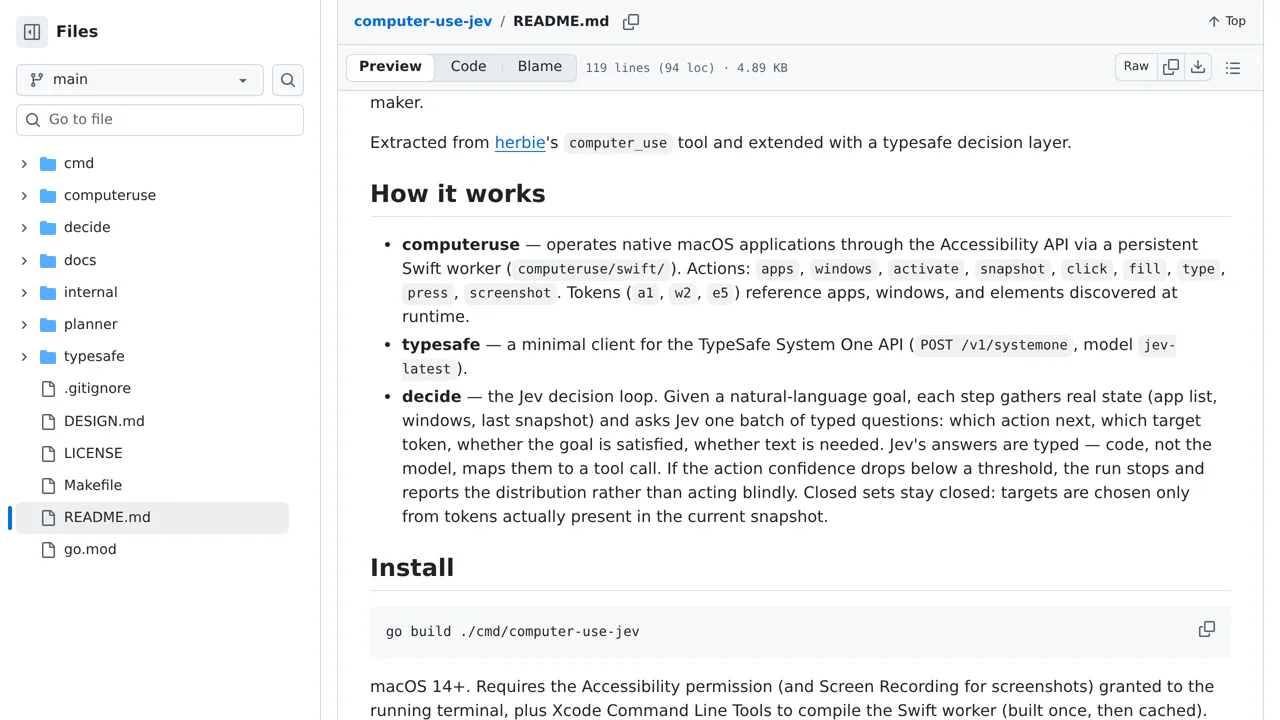
A Go command-line tool that uses Jev to control macOS applications.
Browser automation with Jev choosing what to click and Playwright doing the clicking.
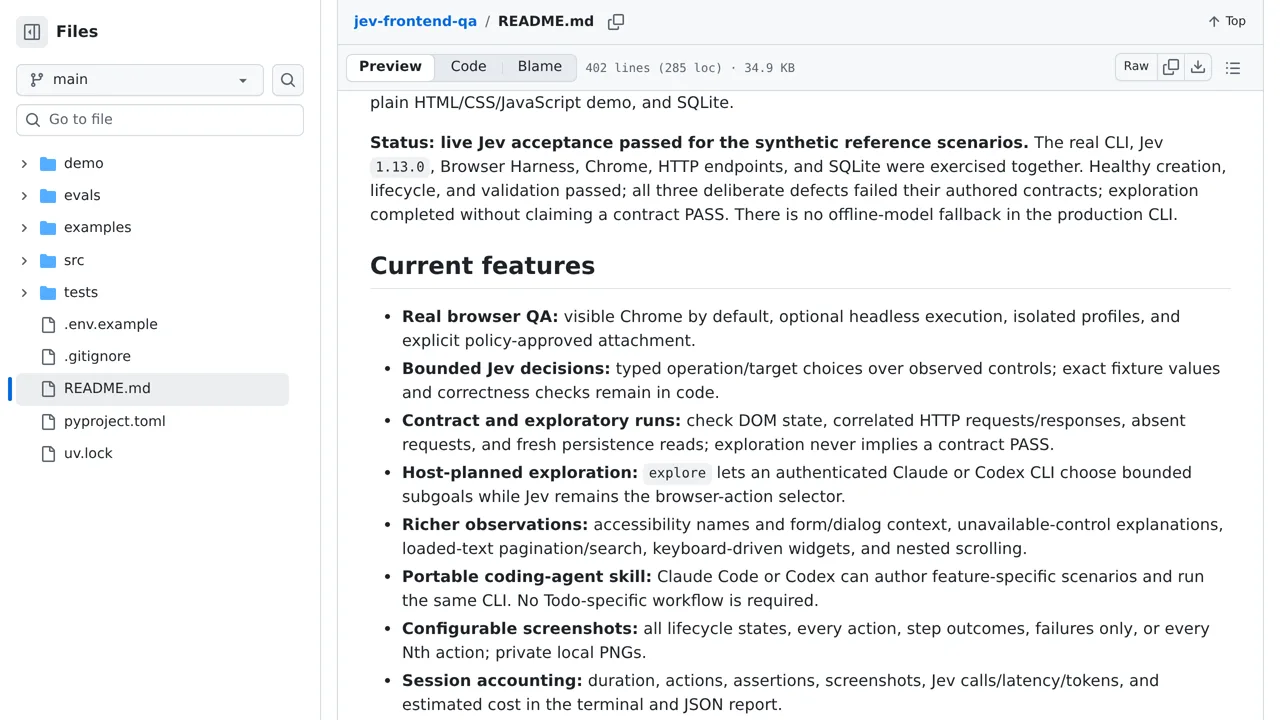
A frontend testing project built on Jev Ultrafast and Browser Harness, with evidence capture and a synthetic todo demo.
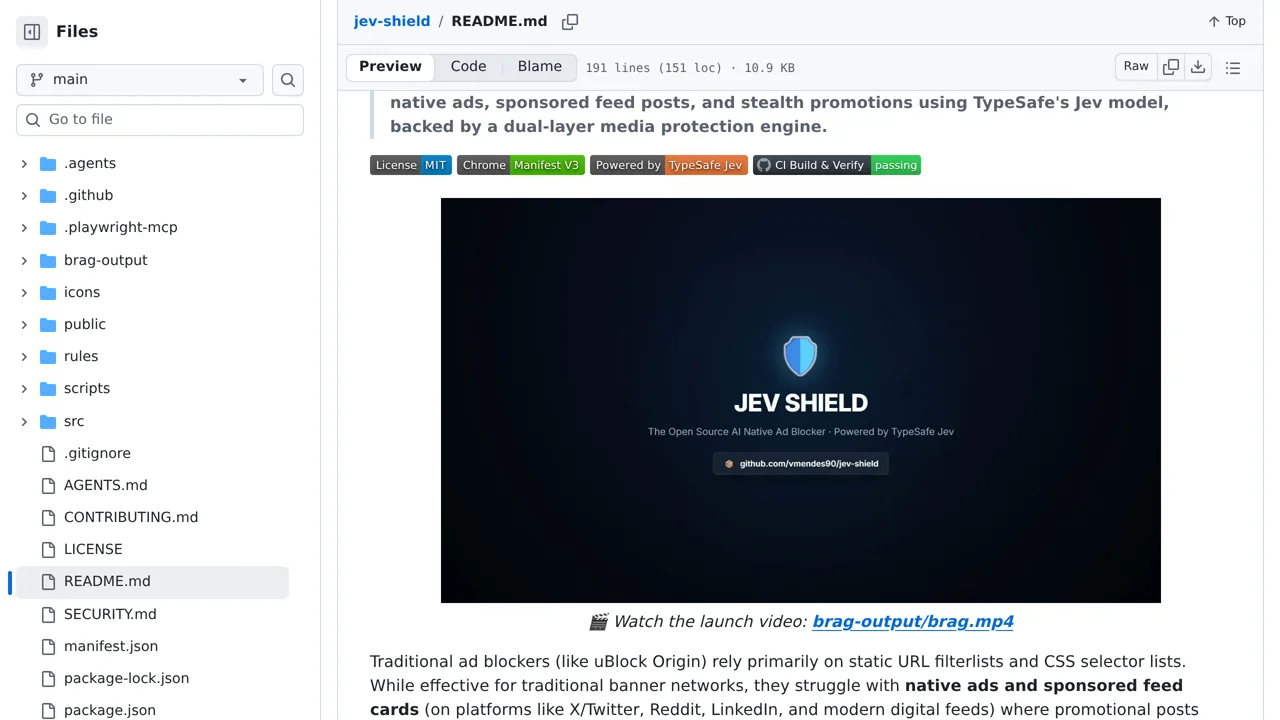
A privacy-focused Chrome extension that uses Jev to identify native ads, sponsored feed cards, and video ads.
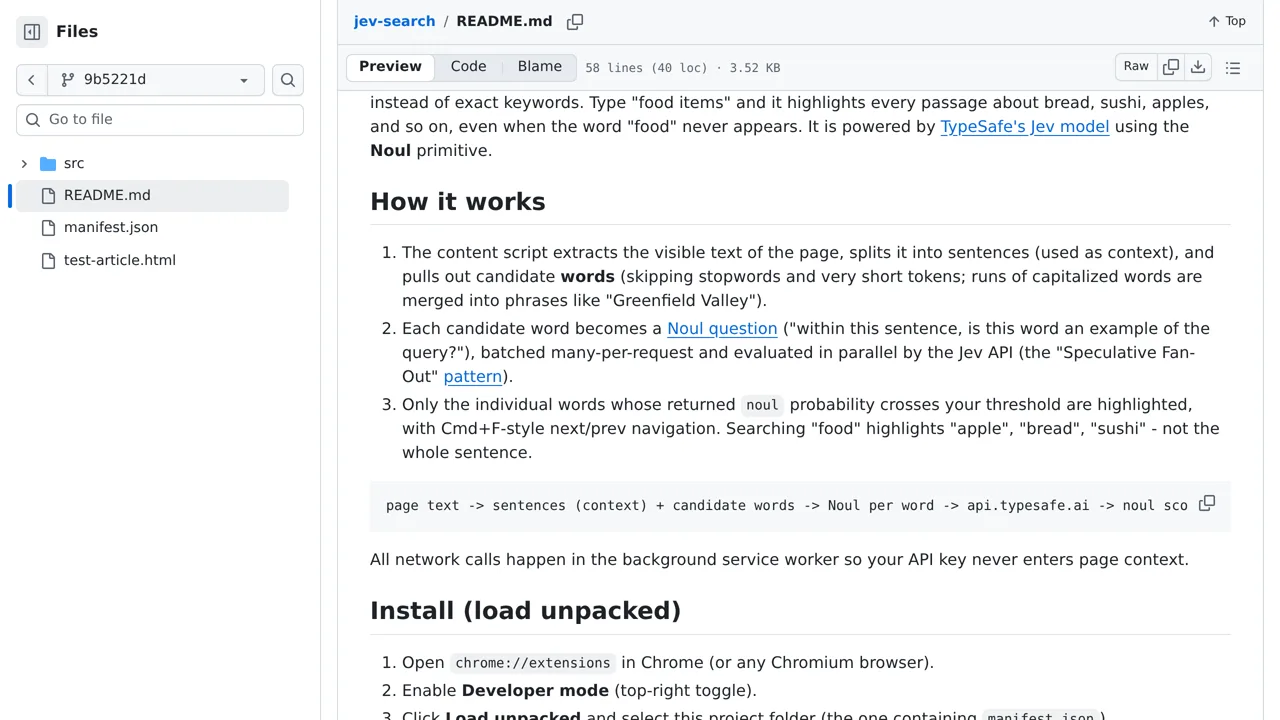
Search an article by concept and highlight matching words even when the query itself never appears.
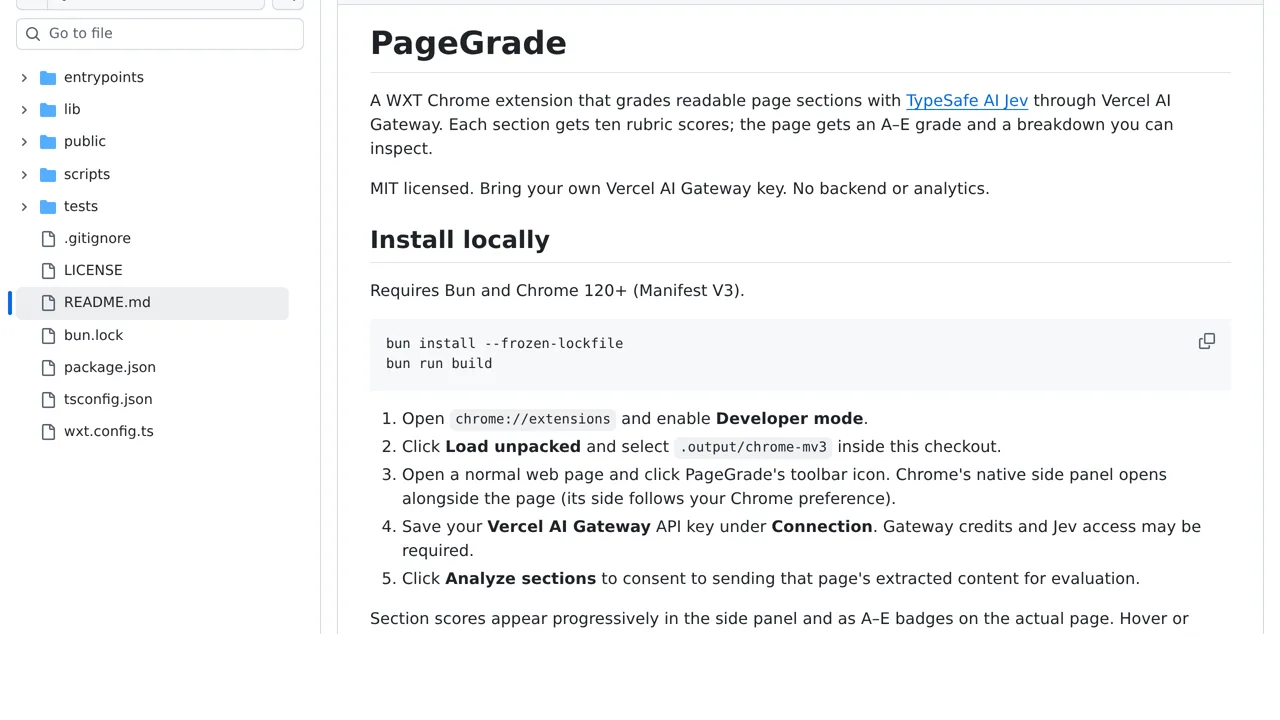
Grade every visible page section for clarity, writing quality, and on-page SEO from a browser extension.
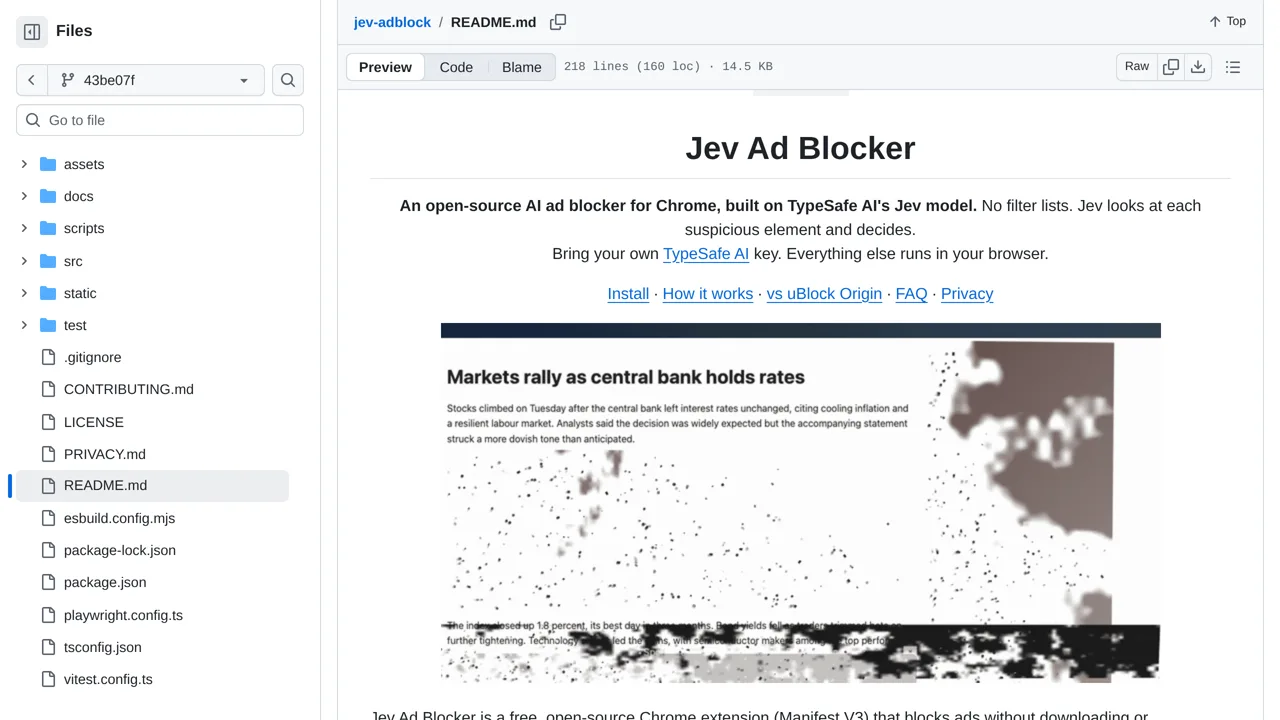
Watch suspected ads crumble into ash after Jev classifies their compact DOM descriptions.
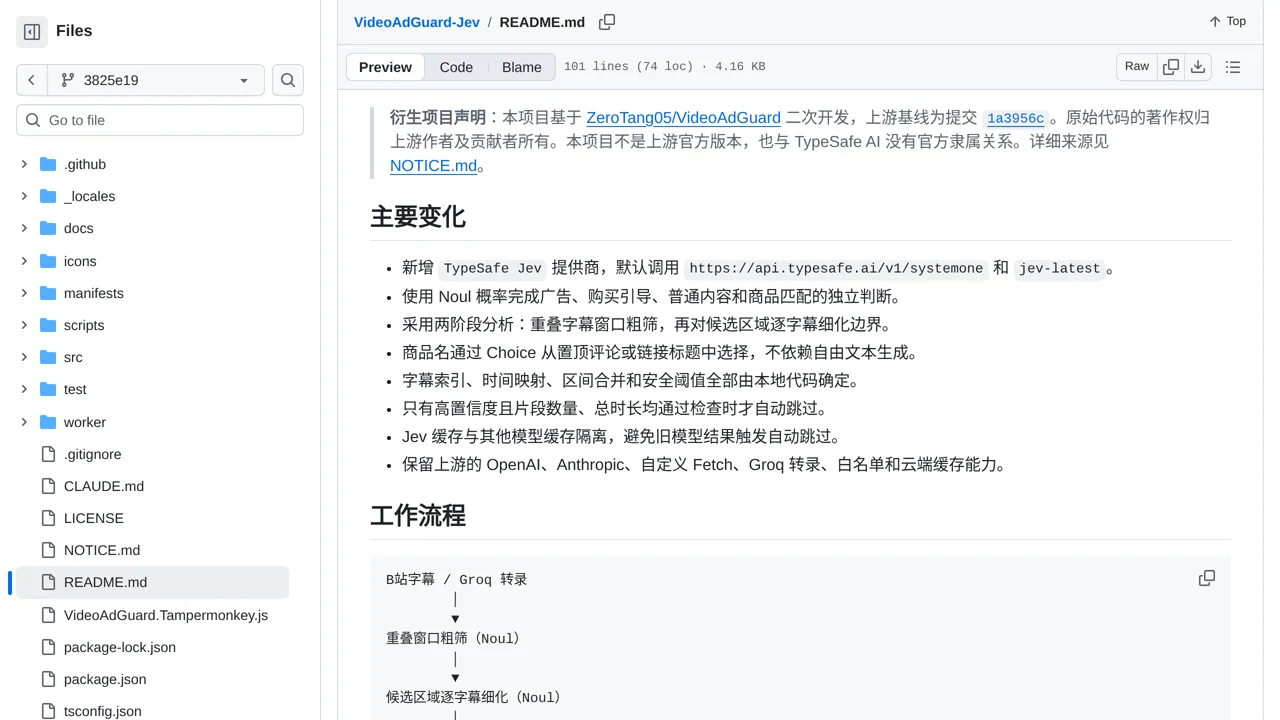
Detect sponsored segments from Bilibili subtitles and skip them when Jev’s independent ad and product judgments clear a confidence threshold.
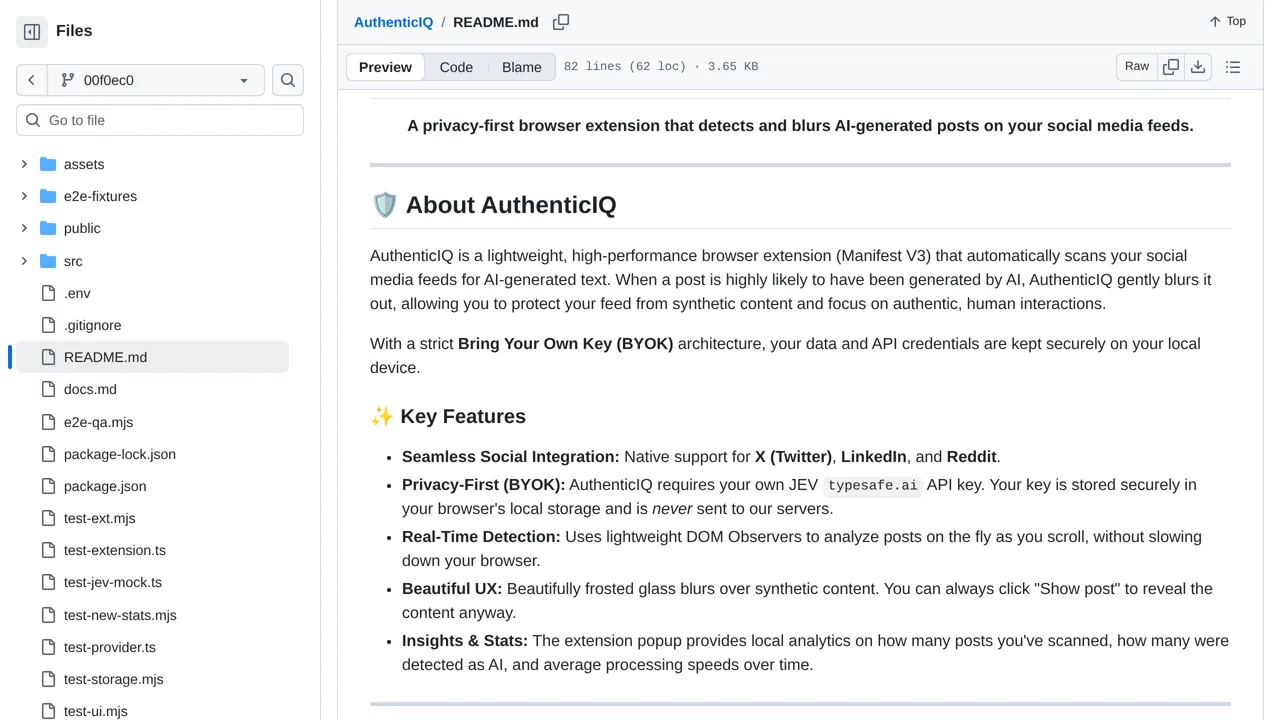
Blur posts Jev classifies as likely AI-written, with an uncertain result available when the text does not support a confident distinction.
Watch a browser agent split quick target, completion, and danger judgments from slower planning in a live control panel.
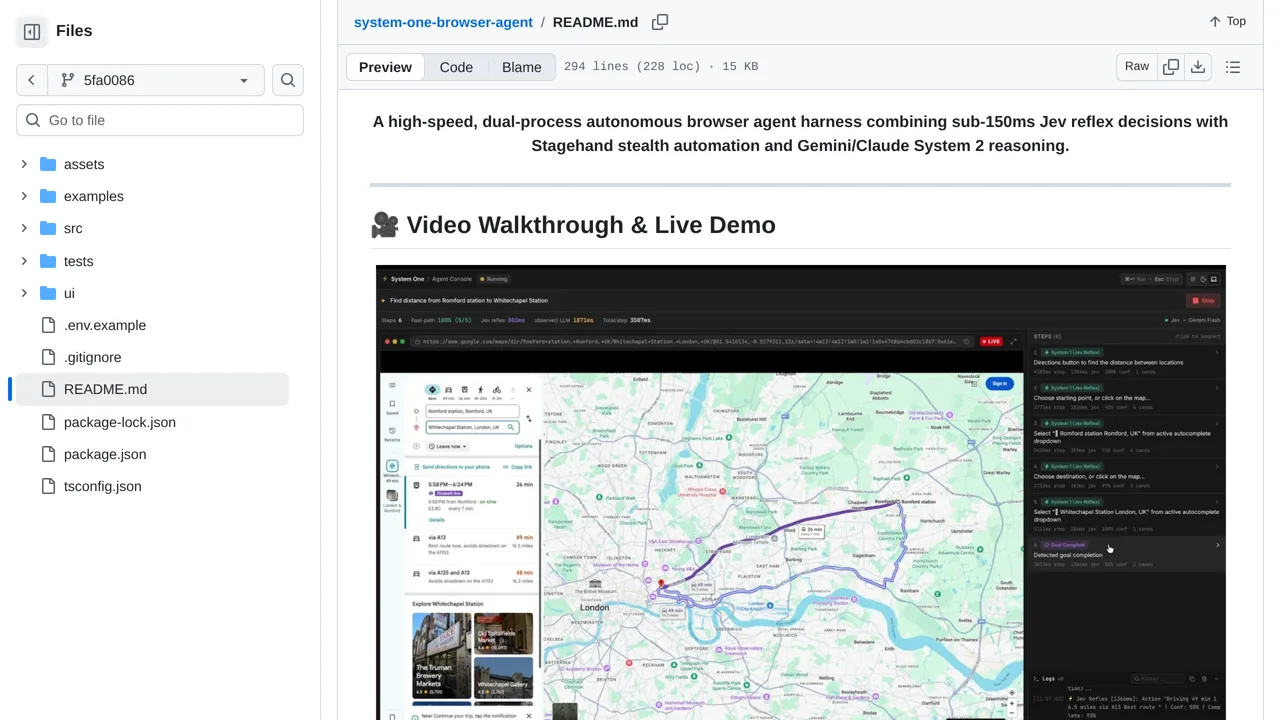
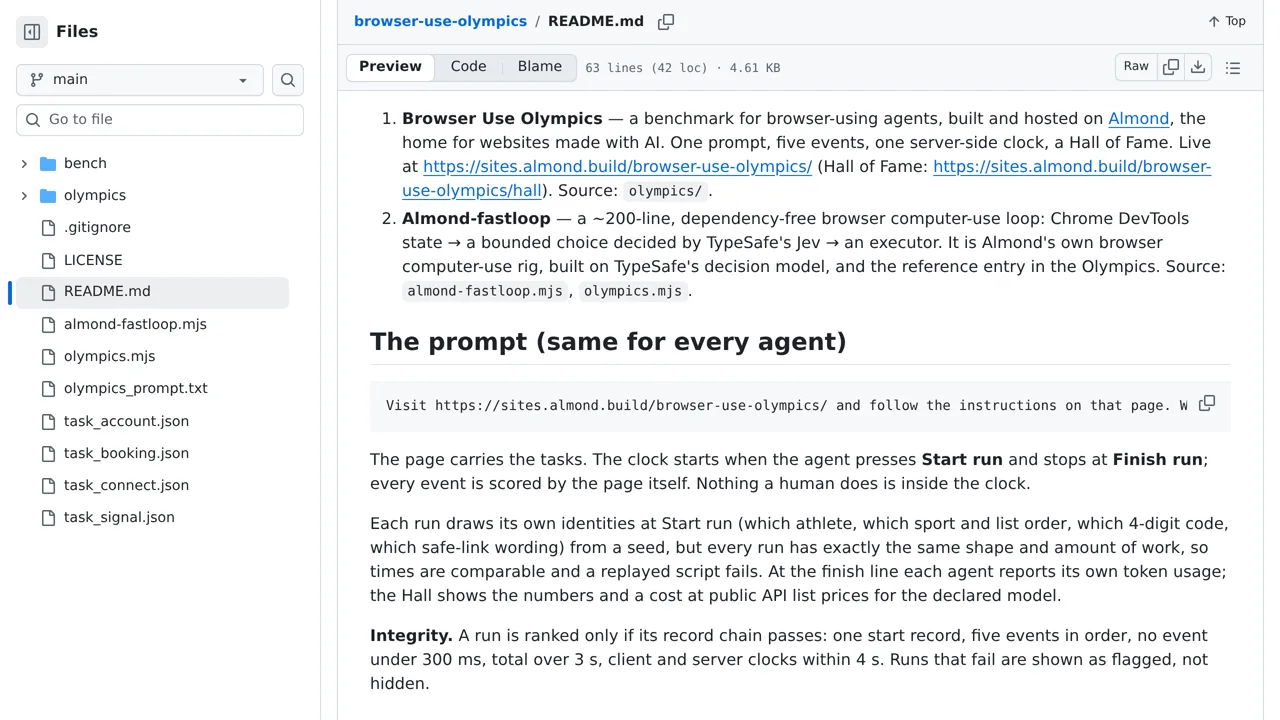
Almond's Chrome DevTools browser agent uses Jev for fast action selection and includes the Browser Use Olympics benchmark.
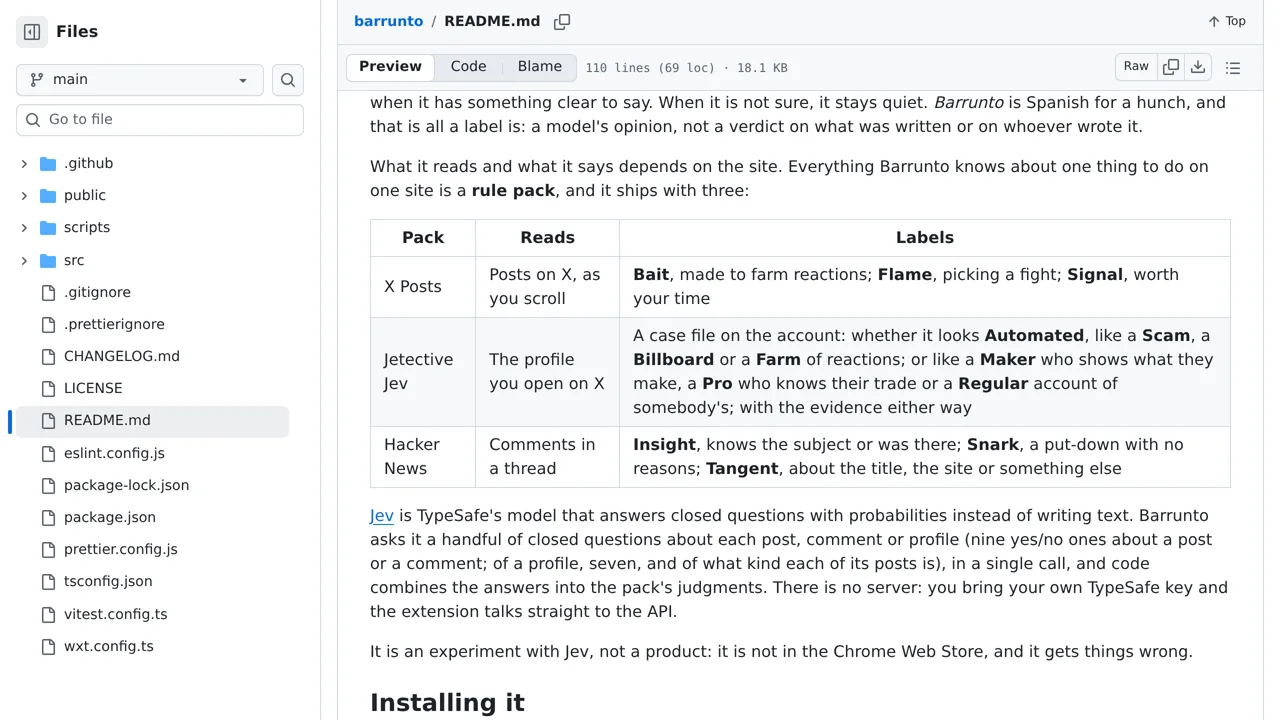
A Chrome extension that uses Jev to analyze X posts as they appear in the timeline.
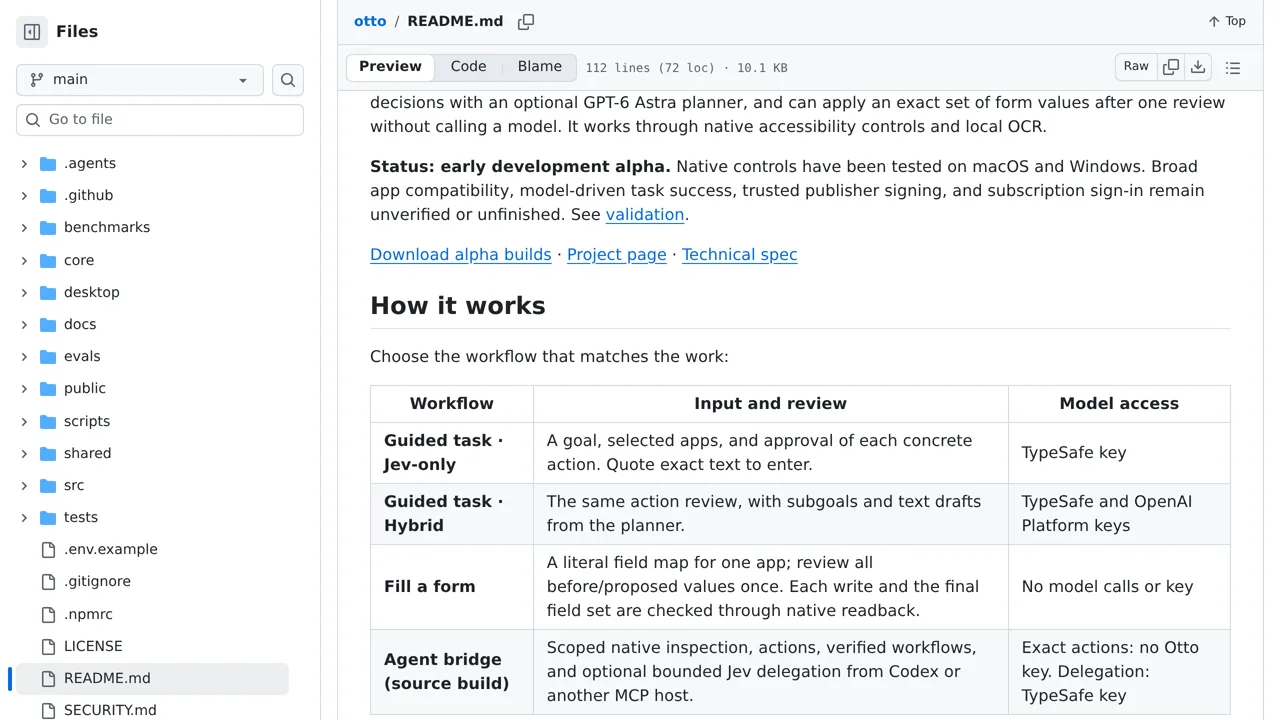
Automate a Mac or Windows desktop with Otto, which reads the screen locally and asks Jev what to do next.
Jev, briefly
A chat model generates text token by token and hopes you parse it. Jev never generates a word. Your code sends the state of the world plus typed questions; Jev returns every answer in one parallel pass — typed values with calibrated probabilities and a confidence score your code can trust. About 70–500 ms end to end, $0.042 per million input tokens, output free. Trained with what TypeSafe calls Reinforcement Learning for Calibrated Decisions.
You define the options. Jev returns the chosen option, a probability for every option, and a confidence. The workhorse of routing, agents, and games — the answer space is always legal, so there is nothing to parse and nothing to hallucinate.
You describe ordered levels — say trivial / normal / critical. Jev returns the level, the probability of each, and a confidence. Scores turn fuzzy judgment (“how severe is this log line?”) into a number-free decision your code can branch on.
You assert a statement; Jev returns the probability that it is true — a noul. Moderation, verification, guardrails, “does this diff actually fix the bug?”: one question, one calibrated probability.
Official material lives at typesafe.ai and docs.typesafe.ai. JevMade is an independent community registry — not affiliated with or endorsed by TypeSafe AI.
Recurring lessons
Games, drones, trading bots, and browser agents all converge on the same loop: serialize the state, ask one decisive question, act, repeat. Jev’s latency makes the loop feel instant — the model lives inside the control loop, not outside it.
The answer says what; the confidence says whether to act. The most reliable entries threshold on confidence to route edge cases to a slower model or a human — automation with an honest escape hatch.
Makers rarely ask Jev to pick from everything. Local tactics prune 225 gomoku moves to ~40; DOM filters turn a page into an element table; code narrows options, Jev judges within them.
A recurring split: Jev makes every decision cheaply and instantly, and a small LLM is only invoked when a human-facing string must actually be written. Decision and generation are separate budgets.
Send the link — repo, live demo, post, or video — plus a line on what it does and which primitives it uses. Every entry is verified against its primary source before it ships.
Submit your experimentSign in first so we can reply to you. Submissions are reviewed, not published automatically.