JevMade hello@JevMade.com
← Back to guides

JevMade field notes / Technical guide

Map meaning across a long document

Semantic Microscope draws a map of sentence-level judgments, helping readers inspect a long document without replacing its text with an AI summary.

Original by abhishekmishragithubEvaluation

Listen to this guide

JevMade’s plain-English explanation

0:00 /

AI narration

Credits and license

“Semantic Microscope” by abhishekmishragithub. Read the original source.

This expanded guide is an AI-narrated adaptation of the source’s essential explanation, examples and caveats, not a word-for-word reading. The synthetic voice does not imitate the author or imply their endorsement.

License: MIT

MIT License

Copyright (c) 2026 Abhishek Mishra

Permission is hereby granted, free of charge, to any person obtaining a copy
of this software and associated documentation files (the "Software"), to deal
in the Software without restriction, including without limitation the rights
to use, copy, modify, merge, publish, distribute, sublicense, and/or sell
copies of the Software, and to permit persons to whom the Software is
furnished to do so, subject to the following conditions:

The above copyright notice and this permission notice shall be included in all
copies or substantial portions of the Software.

THE SOFTWARE IS PROVIDED "AS IS", WITHOUT WARRANTY OF ANY KIND,
EXPRESS OR IMPLIED, INCLUDING BUT NOT LIMITED TO THE WARRANTIES OF
MERCHANTABILITY, FITNESS FOR A PARTICULAR PURPOSE AND NONINFRINGEMENT.
IN NO EVENT SHALL THE AUTHORS OR COPYRIGHT HOLDERS BE LIABLE FOR ANY CLAIM,
DAMAGES OR OTHER LIABILITY, WHETHER IN AN ACTION OF CONTRACT, TORT OR
OTHERWISE, ARISING FROM, OUT OF OR IN CONNECTION WITH THE SOFTWARE OR THE USE
OR OTHER DEALINGS IN THE SOFTWARE.

Our summary

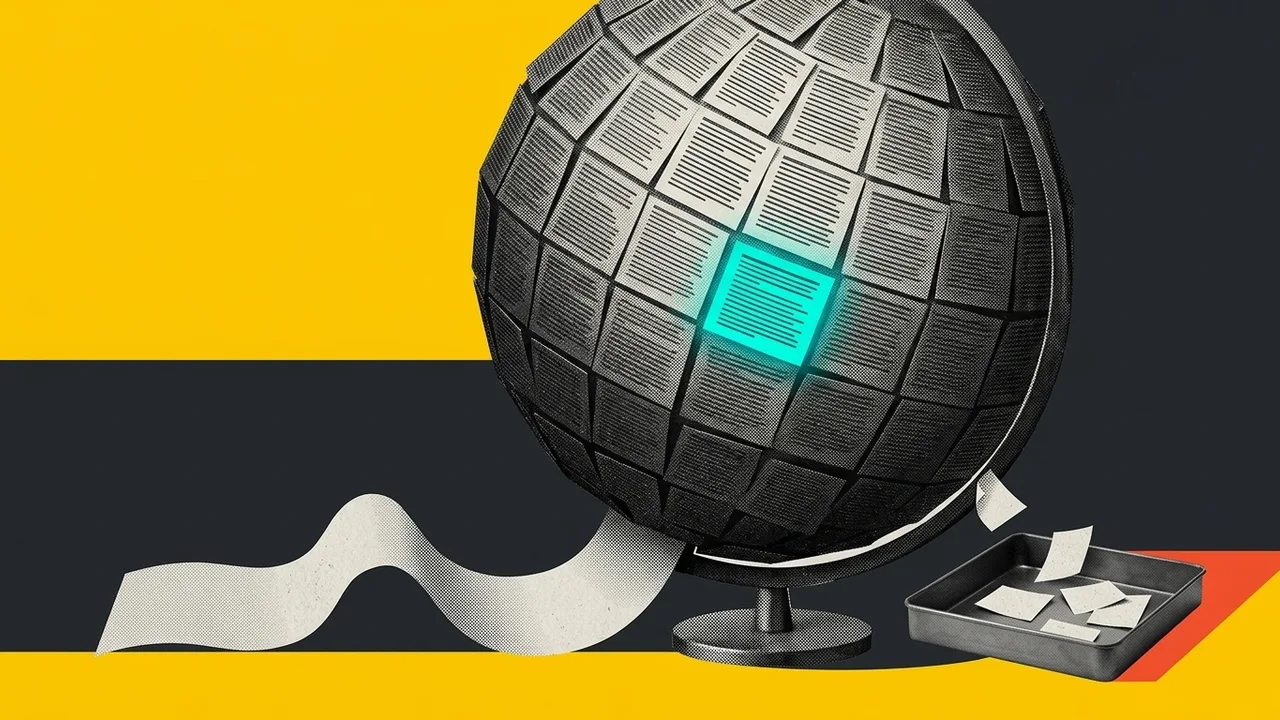
Semantic Microscope splits a document into sentences and asks several questions about each one. It draws the answers as coloured lanes or blocks while keeping the original sentences available. A reader can look for patterns in contracts, stories, or technical documents without relying on a generated summary.

Saved question sets can look for features such as obligation or tension. The program saves answers as they arrive and records failures, allowing interrupted work to resume. A checking tool hides the AI's guesses while a person labels selected examples, then compares those labels with the probabilities.

The author's accuracy check covers only one document, question, and reviewer, and reports problems with middle-range probabilities. Sentence splitting and removed text also affect the picture. Documents go to the model, where hostile instructions may influence answers, so private or untrusted material needs care.

Key takeaways

  1. Keep the full source visible beside the AI's labels.
  2. Record failed and skipped sentences instead of silently dropping them.
  3. Label your own examples without seeing the model's guesses, then compare the answers.

The measurements and study of probability accuracy belong to the source author. JevMade did not reproduce them.

GitHub README · Source reviewed

Read the original guide Opens the author’s site in a new tab.