What it does
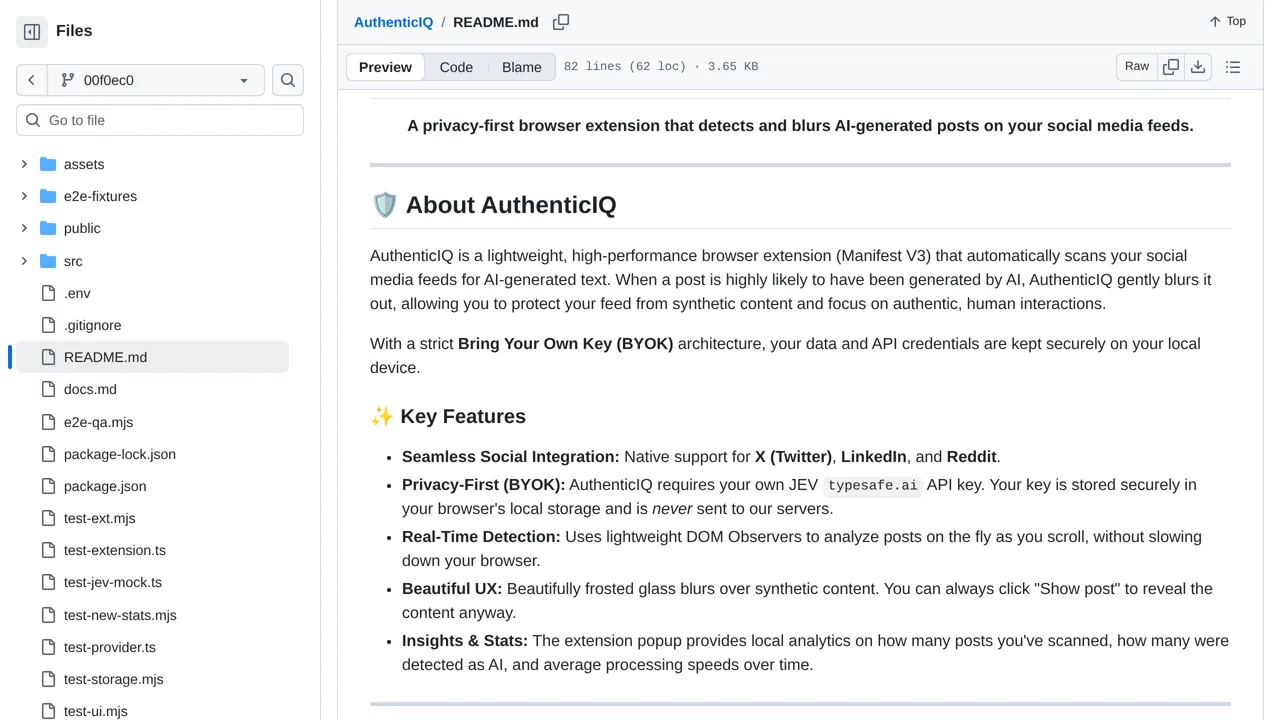
The key stays in browser local storage and requests go directly to TypeSafe; the result is a probabilistic classification, not proof of authorship.
Browser & computer use
Blur posts Jev classifies as likely AI-written, with an uncertain result available when the text does not support a confident distinction.
Only you can see your notes.
Screenshot unavailable. Open the experiment ↗
The key stays in browser local storage and requests go directly to TypeSafe; the result is a probabilistic classification, not proof of authorship.
Choose which social sites you want to filter, such as Reddit, LinkedIn, or X. Have a developer build the browser extension and install it in your Chrome-compatible browser. You will need your own TypeSafe API key, which is an access key that connects the extension directly to the scanning service.
Once it is running, the extension scans posts as you scroll and blurs suspected text. You can adjust the sensitivity slider to control how easily posts get hidden, or click to reveal any blurred post. Keep in mind that these classifications are automated estimates, not proof of who wrote a message.