What it does
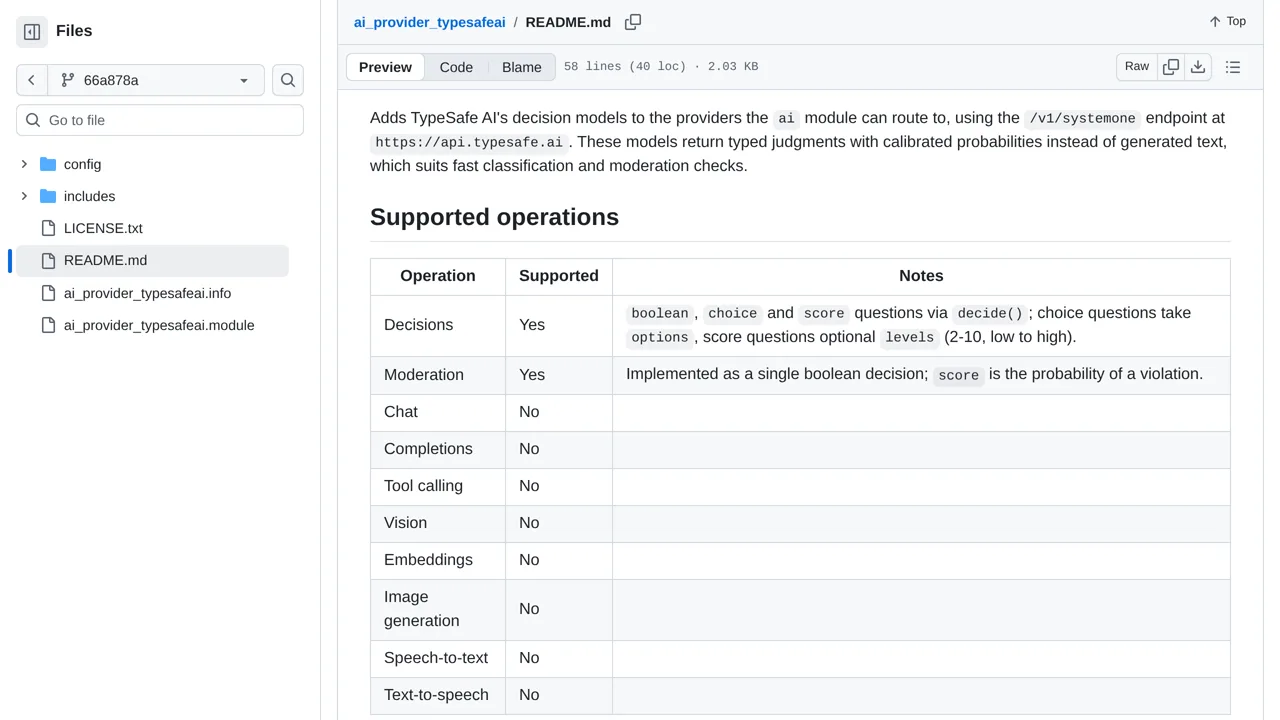
This provider does not generate chat replies. A failed moderation request returns an unflagged result, while a failed general decision request raises the error.
Integrations
Connect Backdrop CMS to TypeSafe’s decision models for text classification and moderation checks.
Only you can see your notes.
Screenshot unavailable. Open the experiment ↗
This provider does not generate chat replies. A failed moderation request returns an unflagged result, while a failed general decision request raises the error.
If your website runs on Backdrop CMS, your developer can use this add-on to check submitted text. The tool asks an outside AI service called TypeSafe to make simple choices, such as picking a topic or answering yes or no. You will need an access key from TypeSafe to connect the systems.
Keep in mind that this tool cannot write chat replies. Any text you check gets sent to TypeSafe across the internet. If the safety check fails to connect, the system marks the message as clean. That passing score is not proof of safety, so plan how your site handles connection errors.