What it does
Speech is transcribed on-device; transcript text and group descriptions go to TypeSafe for sorting. If Jev fails, the transcript stays together as an editable Unsorted note.
Apps & data pipelines
Speak a voice diary, let Jev sort your thoughts, then review the notes, tasks and reminders before sending them to Notion.
Only you can see your notes.
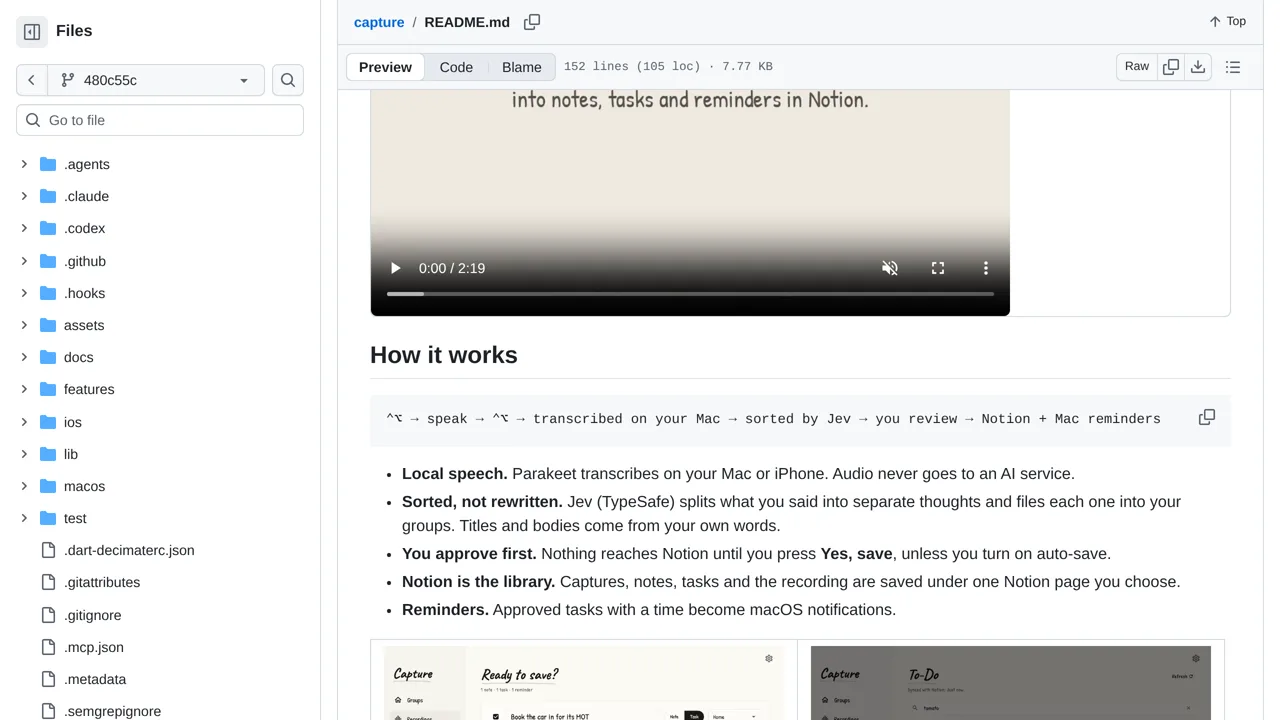
Screenshot unavailable. Open the experiment ↗
Speech is transcribed on-device; transcript text and group descriptions go to TypeSafe for sorting. If Jev fails, the transcript stays together as an editable Unsorted note.
To start, list the notebook categories you want to use and describe what belongs in each one. You can install the pre-built app directly onto your Mac or iPhone. When you speak your thoughts aloud, your device turns your voice into text entirely on your own machine.
Connecting the app requires an access key from TypeSafe and a link to your Notion workspace. While your voice audio never leaves your device, the written text and group descriptions travel over the internet to be sorted. You can review and edit each note before anything saves.