What it does
Actions that commit something always pause for approval. When the accessibility-style element table is missing, the system switches to a vision lane instead of guessing coordinates.
Browser & computer use
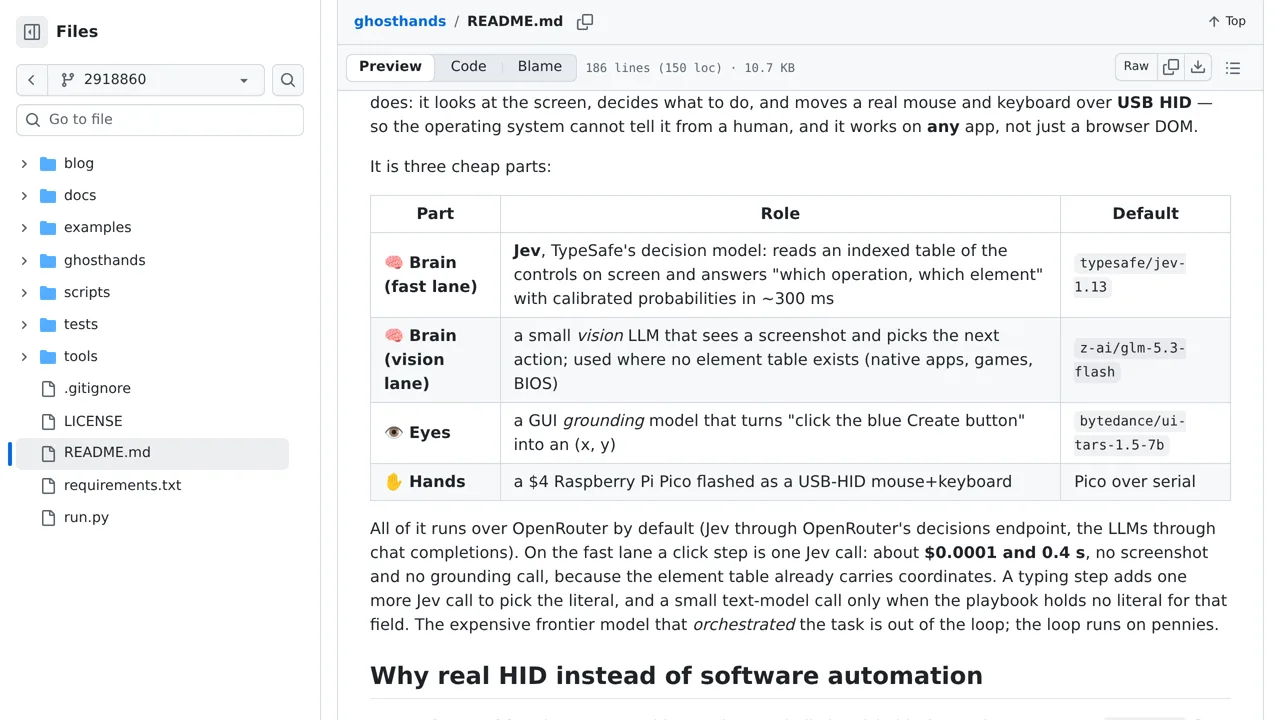
A GUI agent that drives a real computer through USB HID after Jev chooses an operation and indexed screen element.
Only you can see your notes.
Screenshot unavailable. Open the experiment ↗
Actions that commit something always pause for approval. When the accessibility-style element table is missing, the system switches to a vision lane instead of guessing coordinates.
To start, list the repetitive computer jobs you want done. Note the fields to fill and buttons to click in any desktop app. Mark actions that spend money or save permanent changes so a person checks them first. A developer must connect a small accessory board that acts like a physical keyboard and mouse.
Your developer will need an access key that connects the software to an online AI provider. The system reads screen buttons directly or looks at screen images to decide its next move. It requires special screen recording permissions, and it cannot promise that every automated click will land correctly.