What it does
The executor checks progress and escalates uncertain or risky actions; form values are handled outside Jev rather than invented by the decision model.
Browser & computer use
Give a browser agent a task and watch Jev choose each click from the page’s observed controls.
Only you can see your notes.
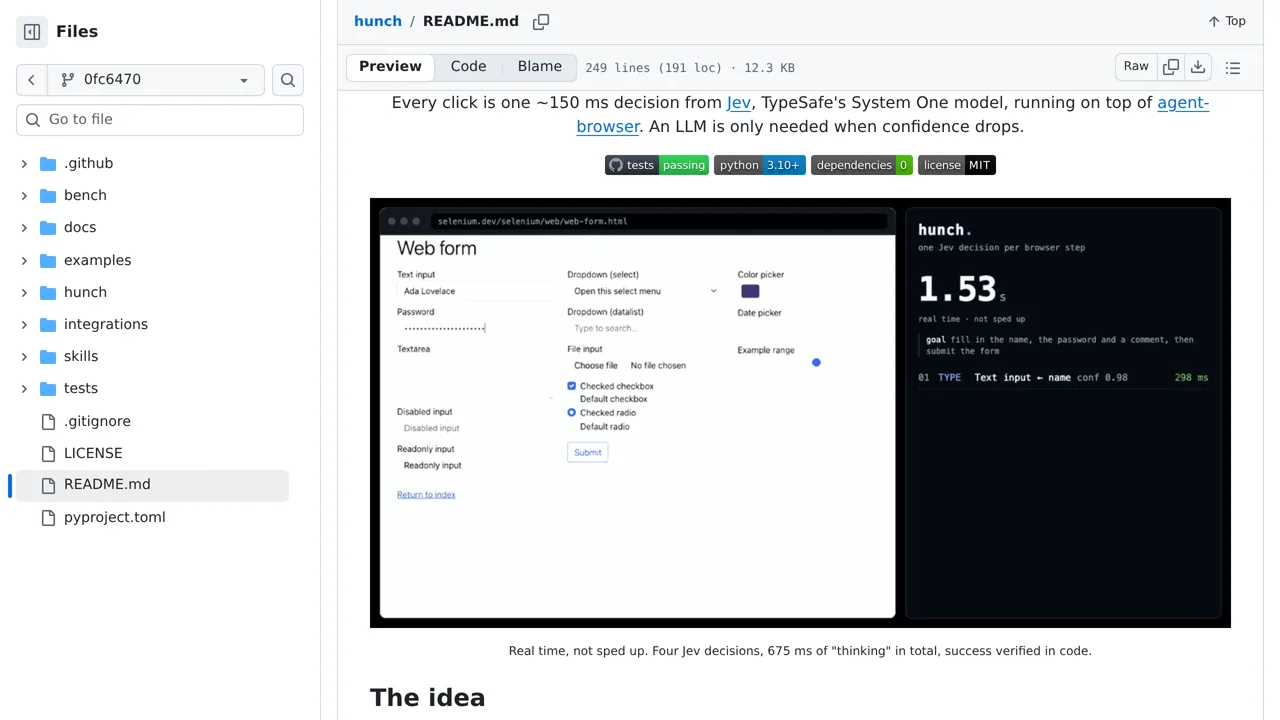
Screenshot unavailable. Open the experiment ↗
The executor checks progress and escalates uncertain or risky actions; form values are handled outside Jev rather than invented by the decision model.
Start by writing down a clear web goal you want completed, like finding a product. Note any sensitive moments, such as entering passwords or buying an item. A developer can then set up the tool so the AI inspects the webpage and chooses each click toward your goal.
Your developer connects the code so private form details are filled in directly without sharing them with the AI. If the page stops responding, or if a click seems risky or confusing, the tool stops and asks a person to take over.