What it does
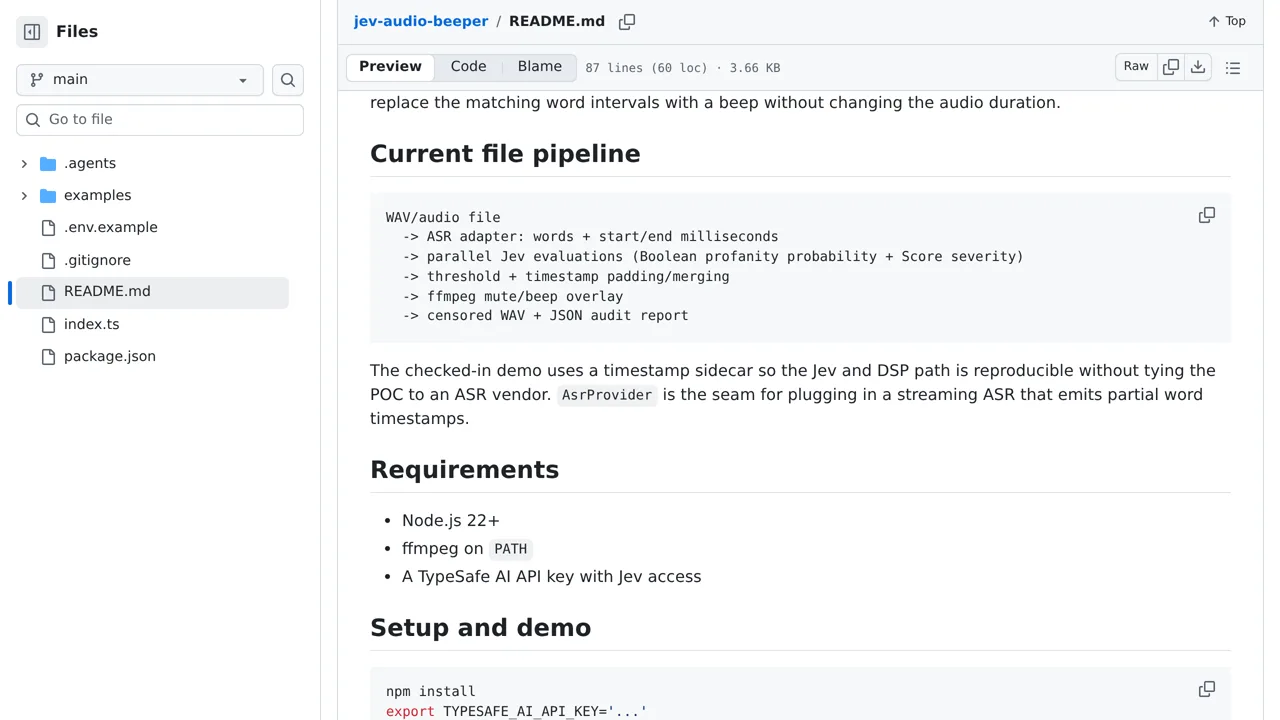
It aligns speech-recognition timestamps with parallel profanity and severity checks, then merges nearby spans before applying a mute or beep.
Apps & data pipelines
A proof of concept that uses Jev judgments and FFmpeg to censor selected words in audio with low latency.
Only you can see your notes.
Screenshot unavailable. Open the experiment ↗
It aligns speech-recognition timestamps with parallel profanity and severity checks, then merges nearby spans before applying a mute or beep.
First, gather a spoken audio clip and a written transcript that records exact start and end times for each word. You can borrow this experiment to automatically bleep out spoken insults without changing your audio length. A developer must set up sound-editing software on their machine and provide a connection key that links your project to TypeSafe AI.
This tool sends your transcript text to TypeSafe to evaluate words, so avoid confidential recordings. Automated filters can make mistakes. You and your developer will need to test sample clips and tune the sensitivity cutoff so it matches your dialect without silencing ordinary speech.