What it does
The maker reports browser operations running five to ten times faster with this split.
Browser & computer use
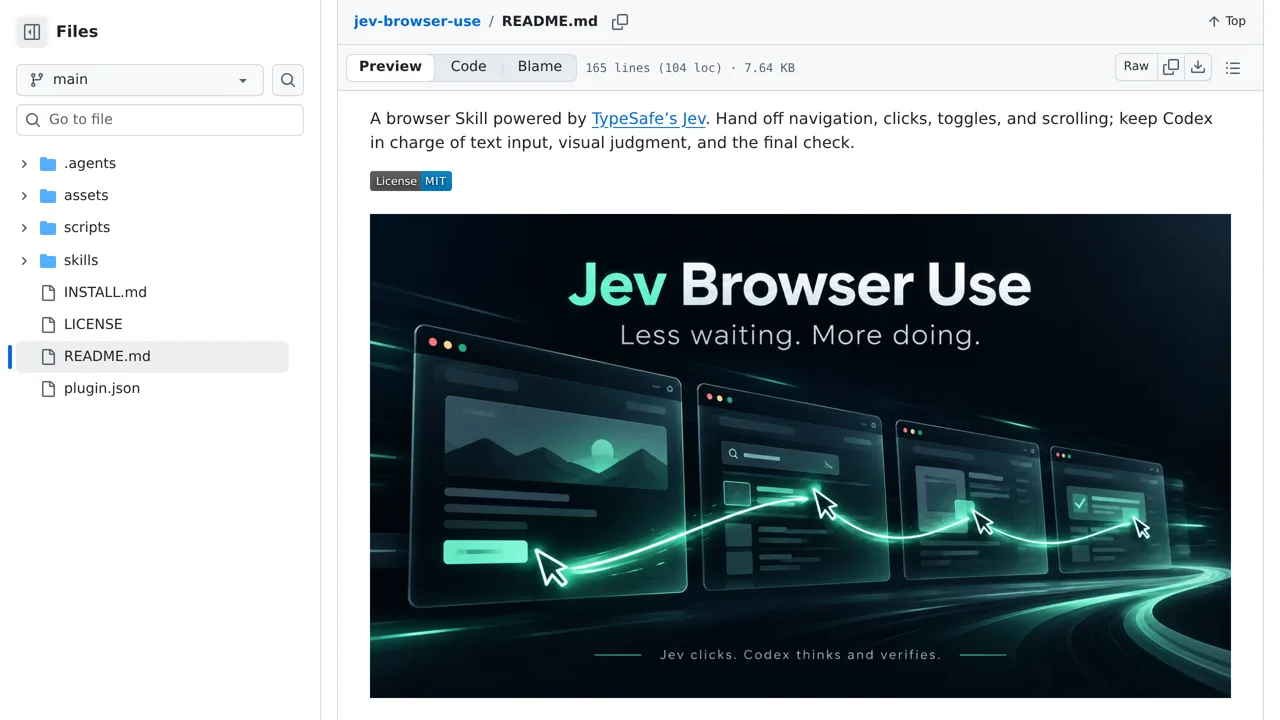
A Codex plugin where Jev handles browser clicks while Codex plans and verifies the larger task.
Only you can see your notes.
Screenshot unavailable. Open the experiment ↗
The maker reports browser operations running five to ten times faster with this split.
First, list the repetitive browser steps you want handled, such as opening menus or scrolling through reports. A developer can install this add-on into your Codex setup. You will also need an account with TypeSafe or OpenRouter to get an access code that links software to Jev.
After setup, type a plain-language request telling Codex what to do. Jev takes over routine clicking and scrolling, while Codex fills in text and checks the finished work. Because the tool sends webpage text to your chosen external provider, avoid pages that contain confidential or personal information.