What it does
It is available as a library, CLI, and MCP server built on Playwright.
Browser & computer use
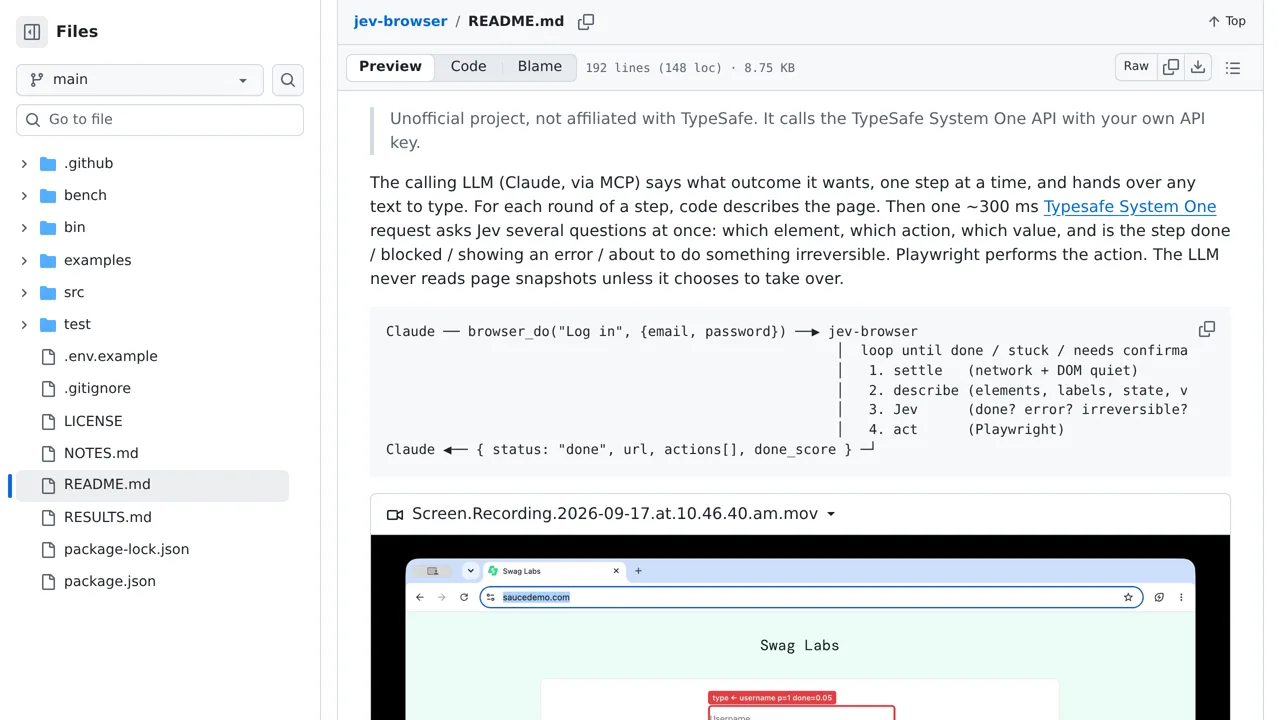
A browser automation toolkit where a language model plans and Jev chooses each action.
Only you can see your notes.
Screenshot unavailable. Open the experiment ↗
It is available as a library, CLI, and MCP server built on Playwright.
You can use this tool to let an AI assistant automatically click buttons and fill out web forms. Instead of scanning whole web pages, the assistant provides one specific goal at a time, such as logging into a website, while the software figures out which element to click or fill.
A developer can connect the tool to an assistant to drive a web browser. To use it, you must provide an access key from TypeSafe to reach their service. The system requires clear, single-step tasks, so you cannot give it open-ended instructions or multi-step lists in one go.