What it does
The accessibility app is deliberately read-only: it neither drafts nor sends messages, and its downloadable APK is 861 KB.
Apps & data pipelines
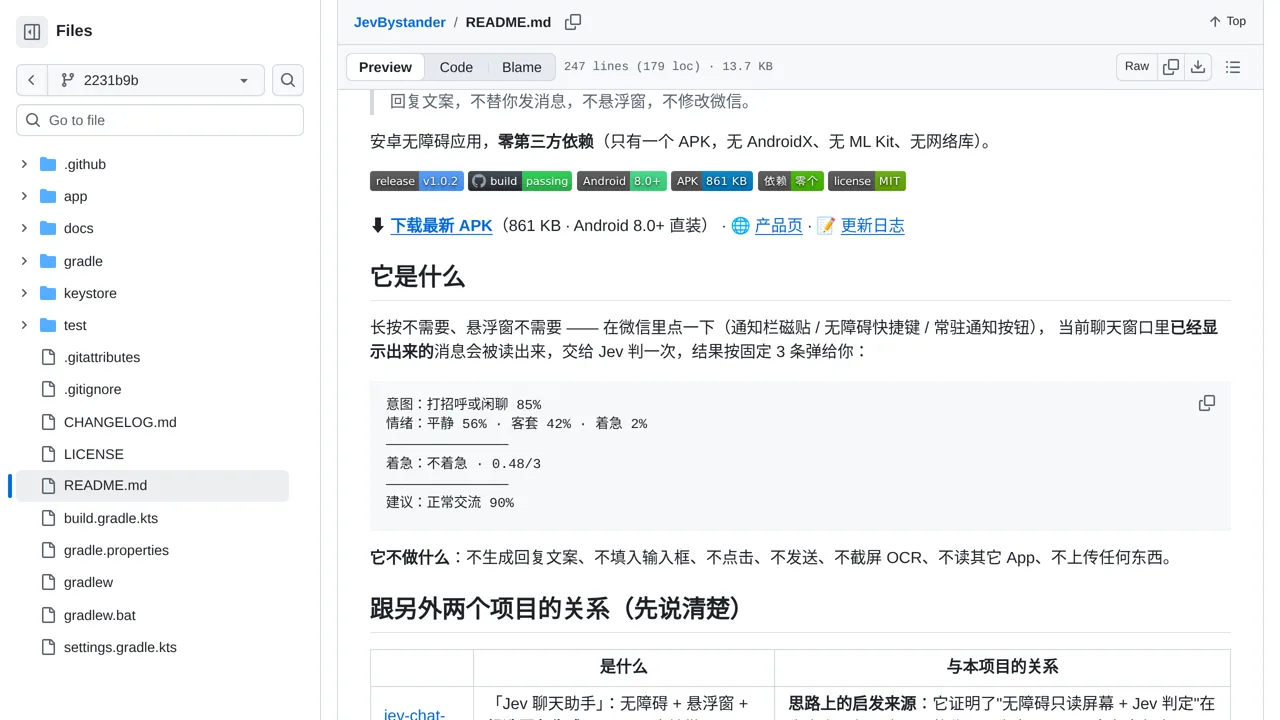
Read a visible WeChat conversation and see Jev’s judgments about intent, emotion, urgency, and how to respond.
Only you can see your notes.
Screenshot unavailable. Open the experiment ↗
The accessibility app is deliberately read-only: it neither drafts nor sends messages, and its downloadable APK is 861 KB.
To try this tool, install the app package onto an Android phone. Open your phone settings to turn on accessibility permissions for the application. Next, paste in an access key from Jev, which connects your phone to the analysis service.
Open a WeChat conversation and tap the shortcut button to trigger an analysis. The app reads whatever chat text is visible on your screen. It then displays brief notes showing how urgent or emotional the messages seem, without drafting any reply.