What it does
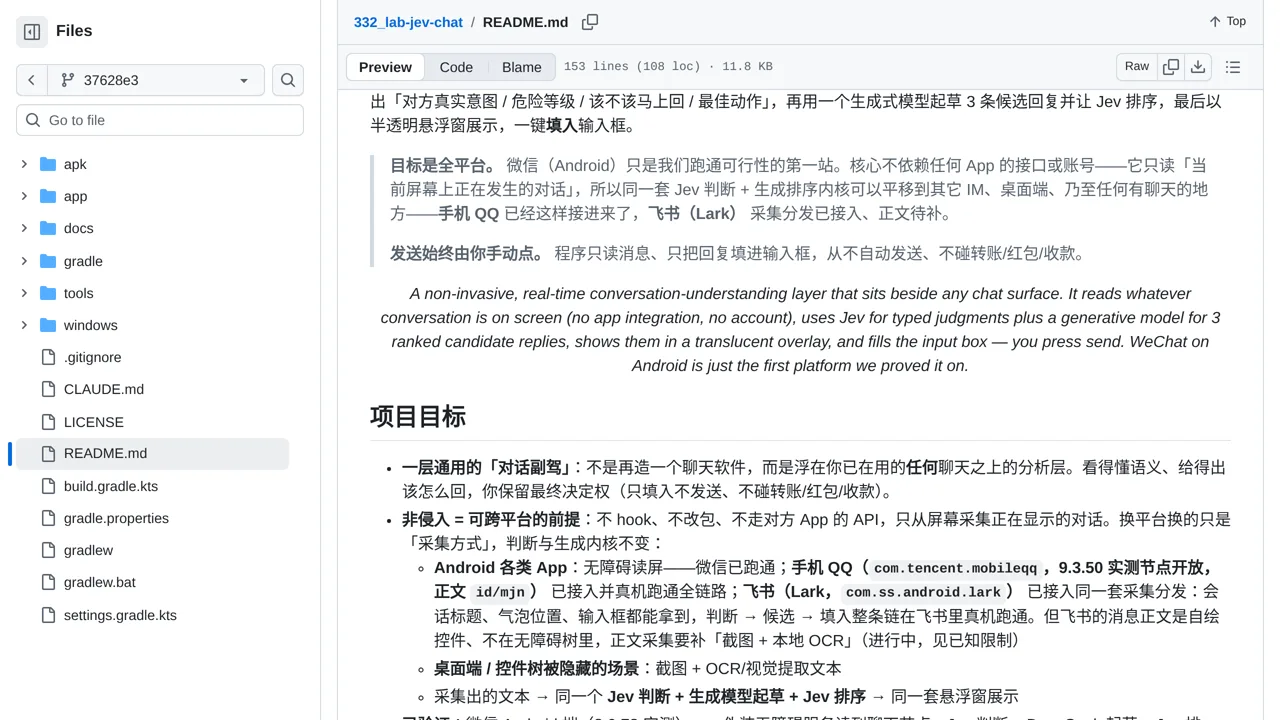
It reads on-screen accessibility text, asks a generative model for three drafts, and lets Jev rank them; only the user can send.
Apps & data pipelines
Float a translucent panel over WeChat or QQ to see intent, risk, urgency, and Jev-ranked reply candidates.
Only you can see your notes.
Screenshot unavailable. Open the experiment ↗
It reads on-screen accessibility text, asks a generative model for three drafts, and lets Jev rank them; only the user can send.
A developer could adapt this code to build a floating chat helper. The app reads the current conversation directly from the screen. It sends the text to TypeSafe, an outside AI service, to judge the sender's goal. A separate text generator creates three possible replies. TypeSafe then ranks these options on the floating panel.
The helper only pastes your chosen reply into the message box. You must press the send button yourself. The app never sends a message automatically. It only reads the text currently visible on your screen. You always control what goes to the other person.