What it does
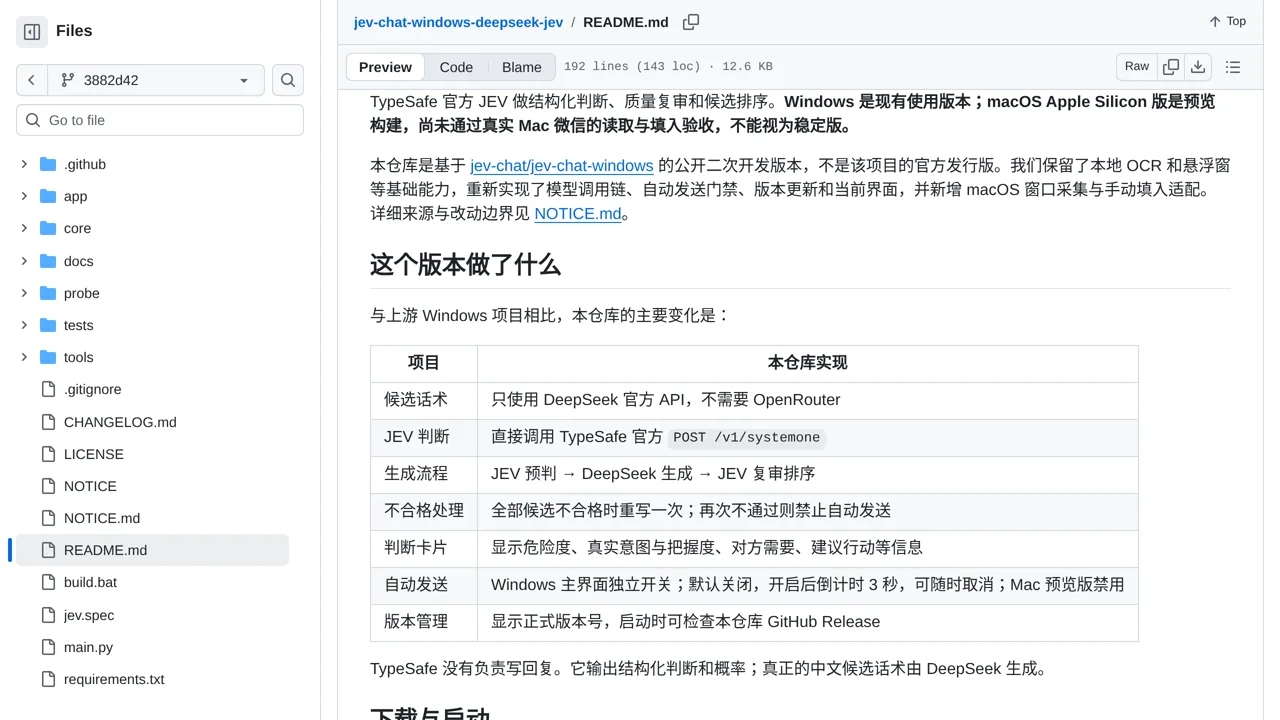
Combines DeepSeek-written WeChat replies with optional Jev intent checks, quality review, and ranking on Windows and preview macOS builds.
Apps & data pipelines
Only you can see your notes.
Screenshot unavailable. Open the experiment ↗
Combines DeepSeek-written WeChat replies with optional Jev intent checks, quality review, and ranking on Windows and preview macOS builds.
Download the app release package for Windows or test builds on Mac. Open your desktop WeChat app and enter the required service access keys in the settings window. The assistant reads the conversation visible on your screen, drafts three possible replies, and scores their safety before ranking them.
You can select the best suggested answer yourself or enable an automatic countdown timer on Windows. Keep in mind that automated quality checks can still miss mistakes or unsafe text. External services also process whatever chat messages appear on your screen, so avoid displaying sensitive personal information.