What it does
Commands queue while work is in progress, and a Jev activity view shows the model's inputs, choices, errors, and observed results for every step.
Browser & computer use
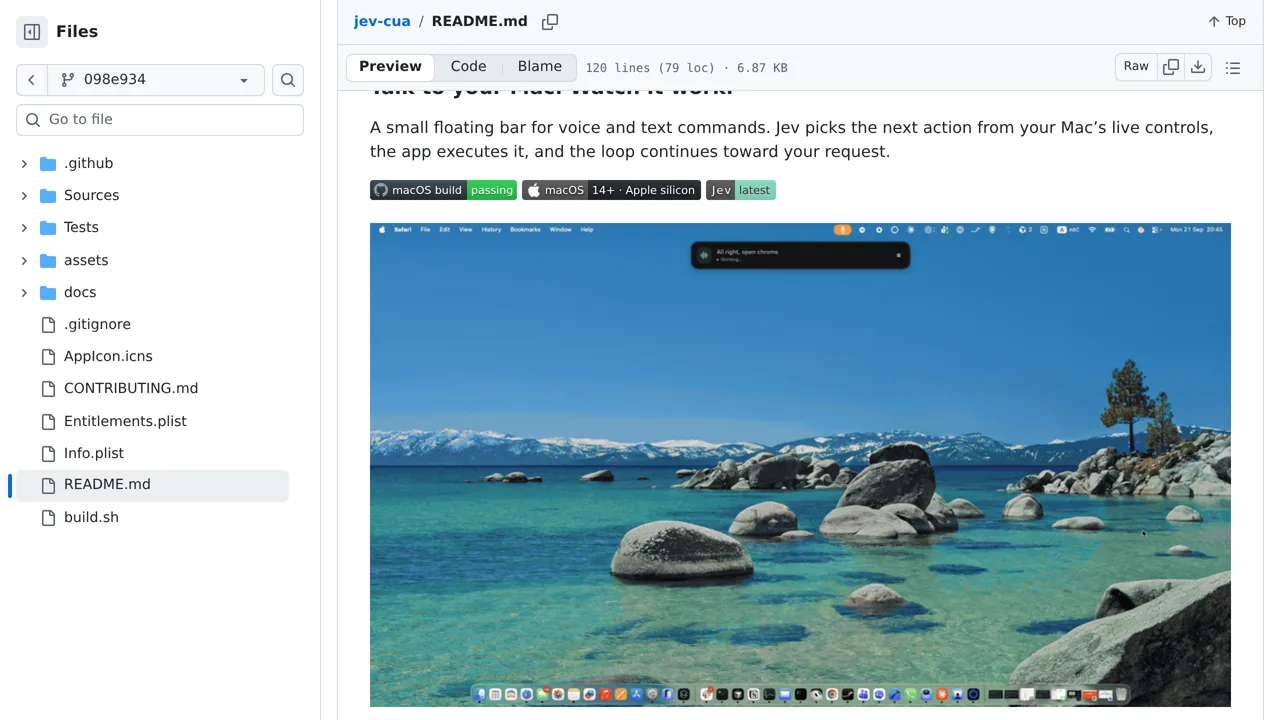
A macOS floating bar for voice and text commands where Jev picks the next action from your Mac's live controls and the app executes it in a loop.
Only you can see your notes.
Screenshot unavailable. Open the experiment ↗
Commands queue while work is in progress, and a Jev activity view shows the model's inputs, choices, errors, and observed results for every step.
Try voice control for your project on a supported Mac, starting with a harmless request such as opening Calculator. A developer must build the app and connect an outside AI service. Commands and screen text leave your Mac. There is no approval step before actions, so keep the stop button within reach.