What it does
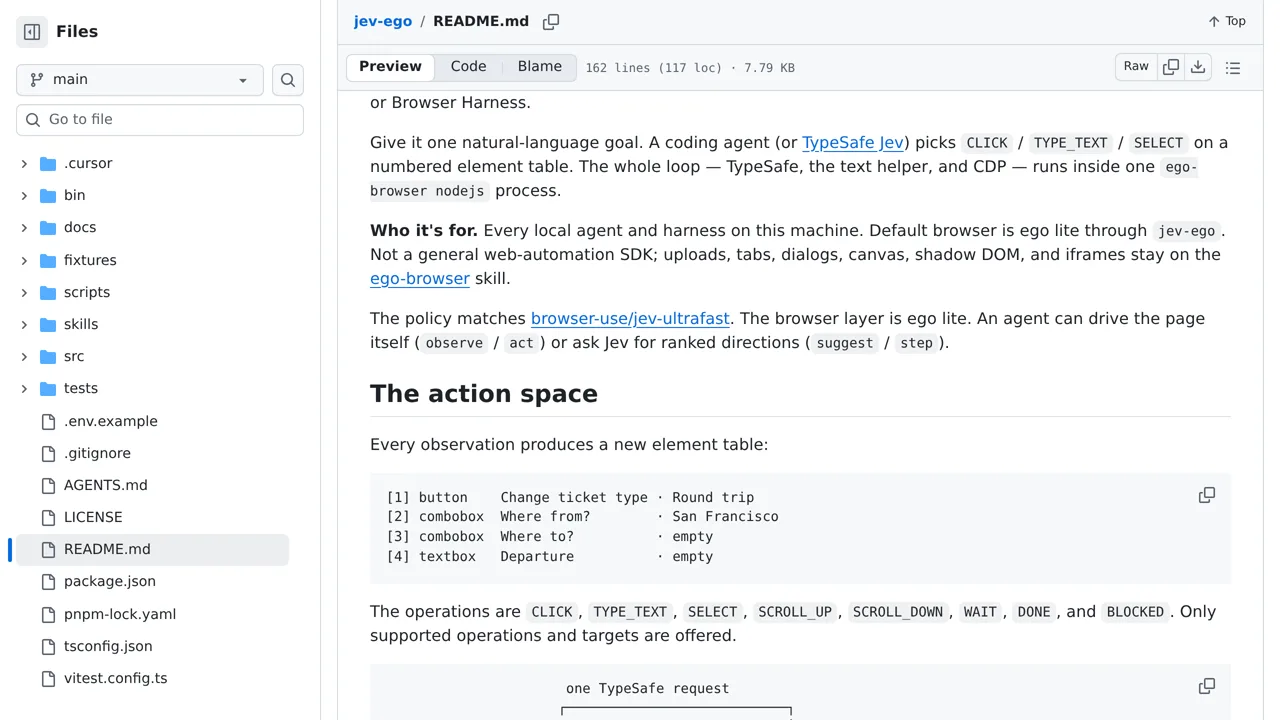
Its CLI separates serving, observing, suggesting, and acting so each stage can be inspected.
Browser & computer use
A browser agent for Ego Lite that asks Jev or another agent to choose one action per observed page state.
Only you can see your notes.
Screenshot unavailable. Open the experiment ↗
Its CLI separates serving, observing, suggesting, and acting so each stage can be inspected.
Before touching any code, pick a straightforward website task like searching for flight options or finding a specific article. Write down the starting web address and your clear goal. Then have a developer set up the project on a Mac with the specialized ego lite browser and access keys for the connected AI services.
Your developer can run the app to inspect numbered page elements and take actions step by step. Keep in mind that this setup cannot handle file uploads, pop-up tabs, or complex embedded frames, so a person should still independently check that the final result is correct.