What it does
The plugin never writes or sends a reply, and the message leaves the phone only for the user-configured Jev endpoint.
Apps & data pipelines
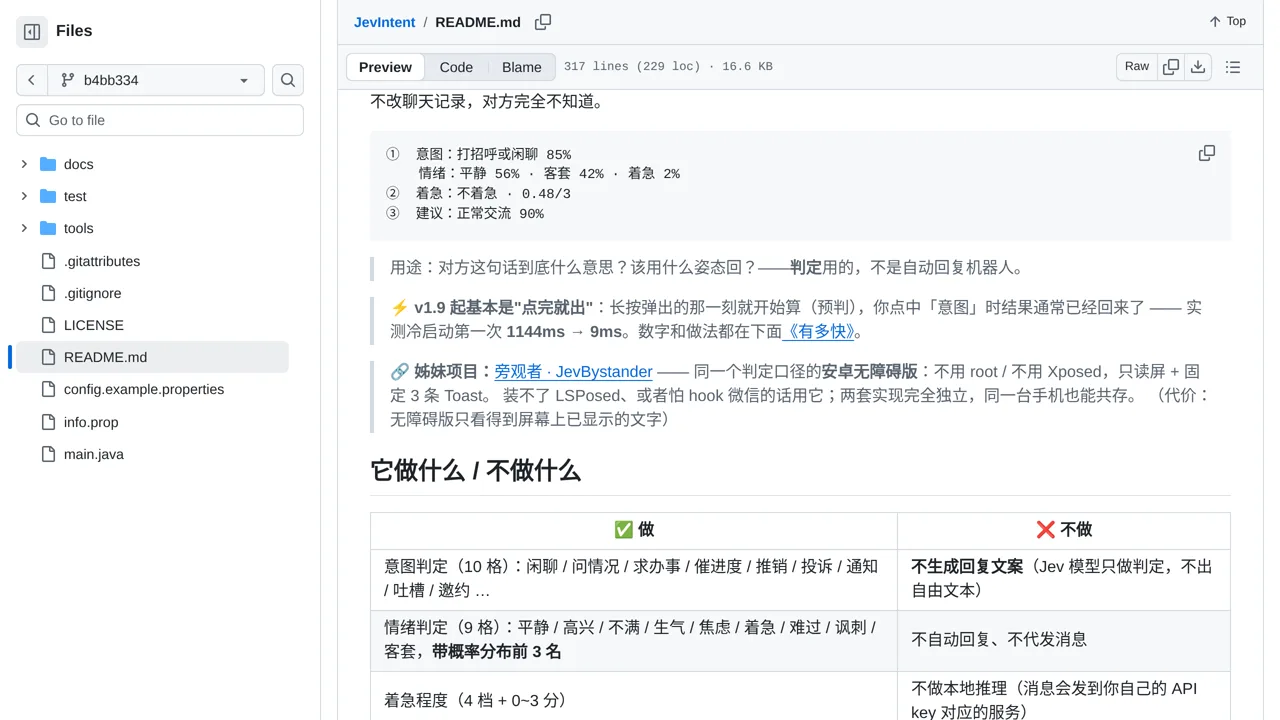
Long-press a WeChat message to see its likely intent, emotion, urgency, and a suggested reply posture in a local popup.
Only you can see your notes.
Screenshot unavailable. Open the experiment ↗
The plugin never writes or sends a reply, and the message leaves the phone only for the user-configured Jev endpoint.
To try this in WeChat, decide which conversations you want help understanding. You can install the plugin and enter an account access key that connects your phone to the outside analysis service.
When you press and hold a message, the tool only rates urgency, feelings, and goals from preset options. It does not write replies for you. Remember that each inspected message travels over the internet to that external evaluation service.