What it does
OpenAI Realtime handles the conversation, while Jev chooses from indexed browser elements. The local proof of concept requires macOS accessibility permissions.
Apps & data pipelines
Talk to a macOS desktop app that combines realtime voice conversation with optional Jev-guided browser actions.
Only you can see your notes.
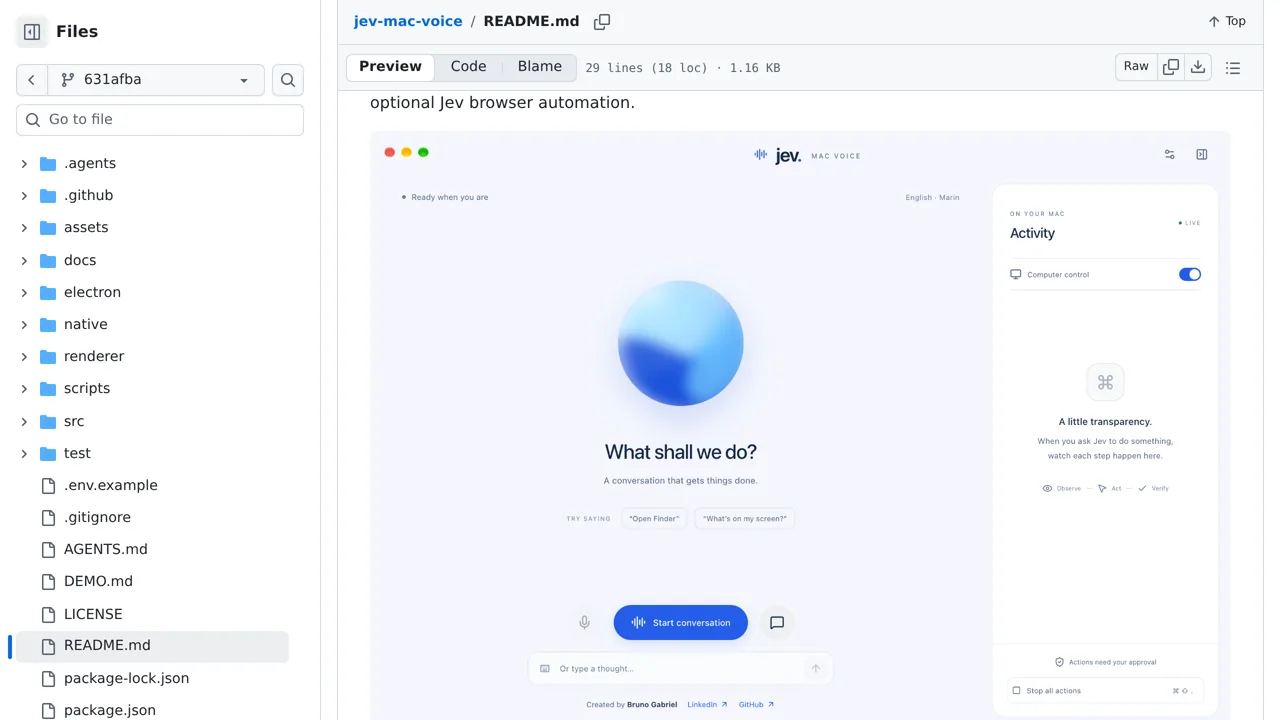
Screenshot unavailable. Open the experiment ↗
OpenAI Realtime handles the conversation, while Jev chooses from indexed browser elements. The local proof of concept requires macOS accessibility permissions.
A developer can use this code to build a custom voice-controlled tool. They provide an access key that connects the software to OpenAI. This service turns your spoken words into text. Another key connects to TypeSafe. This outside AI service reads the text transcript to decide what to click.
The app requires permission to control your Mac screen. It sends text details about your screen to TypeSafe, rather than sending pictures. This is an early test project. Its ability to click what you want depends on how the target website is built.