What it does
Row badges work without Gmail OAuth, while the full dashboard requires it. Scores are triage signals, not grounds for automatic deletion.
Apps & data pipelines
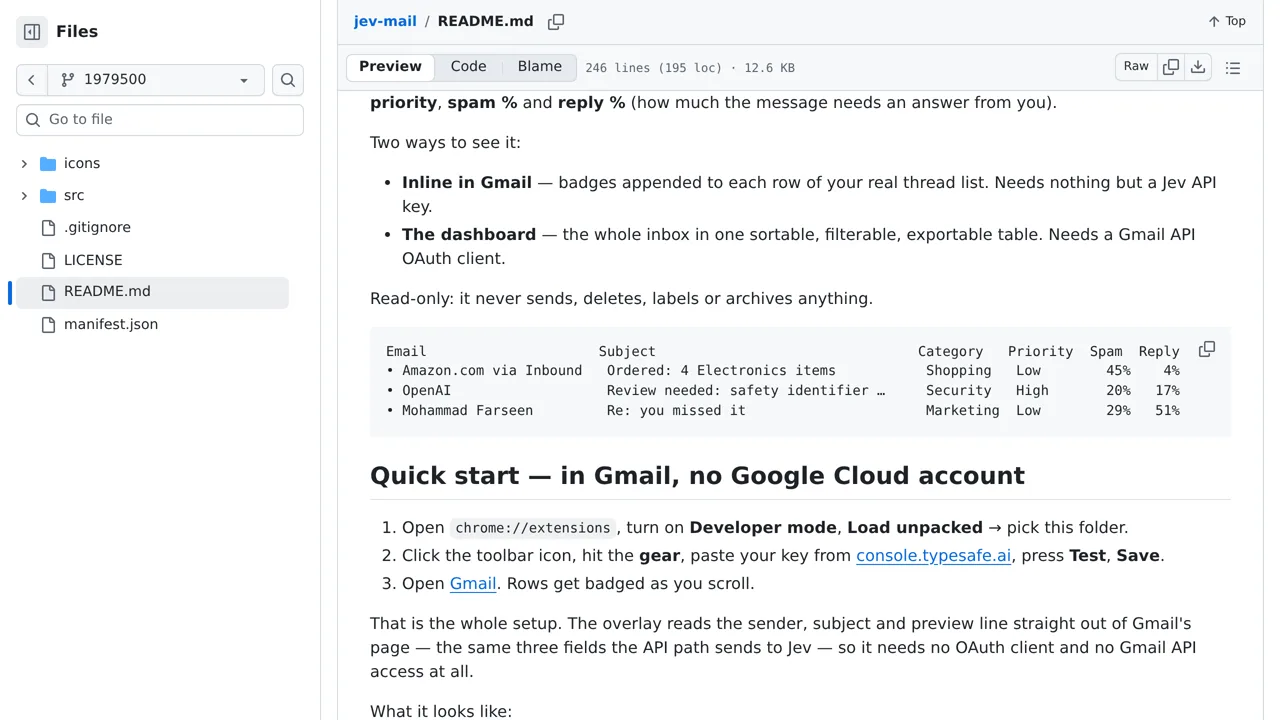
Triage Gmail at a glance with badges for category, priority, spam likelihood, and whether a message needs a reply.
Only you can see your notes.
Screenshot unavailable. Open the experiment ↗
Row badges work without Gmail OAuth, while the full dashboard requires it. Scores are triage signals, not grounds for automatic deletion.
Load the extension into your browser and open its settings. Enter an access key that connects the extension to TypeSafe. When you open Gmail, the tool reads sender names, subjects, and preview snippets right from your screen to show triage badges.
This setup sends those message snippets to an outside scoring service. Automated ratings can make mistakes, so use the badges only to guide what you read first, never to delete or ignore messages automatically.