What it does
The page becomes a clean element model, so the many small decisions belong to Jev and the agent stays the planner.
Browser & computer use
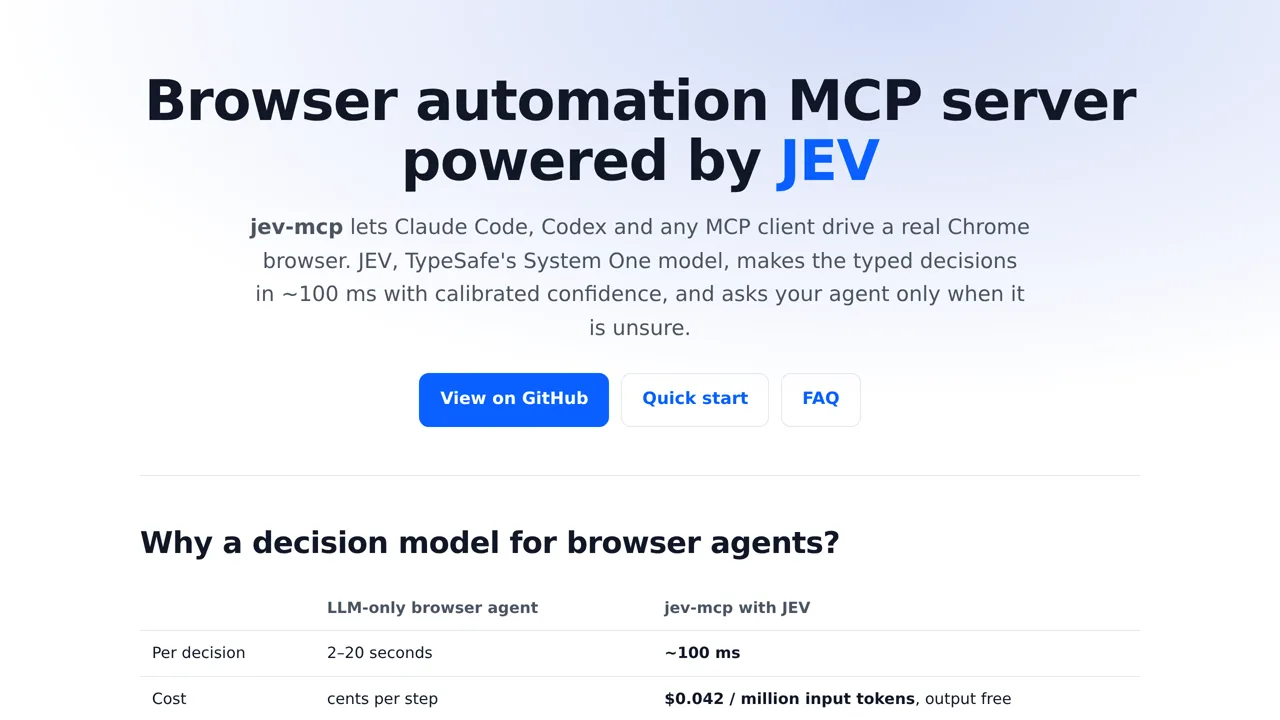
An MCP server that lets a coding agent drive a real Chrome browser through Jev: the model answers small typed questions and the tool acts when it is confident.
Only you can see your notes.
Screenshot unavailable. Open the experiment ↗
The page becomes a clean element model, so the many small decisions belong to Jev and the agent stays the planner.
You can list the steps for a web task, like searching for cheap flights. A developer can then set up this tool to let your AI assistant control a real Chrome browser. Running the tool requires an access key that connects the software to TypeSafe.
The connected tool looks at the web page and answers quick questions about it. It can find input boxes, handle pop-up notices, and click buttons on its own. When it is not confident about what to click, it pauses and asks your main assistant.