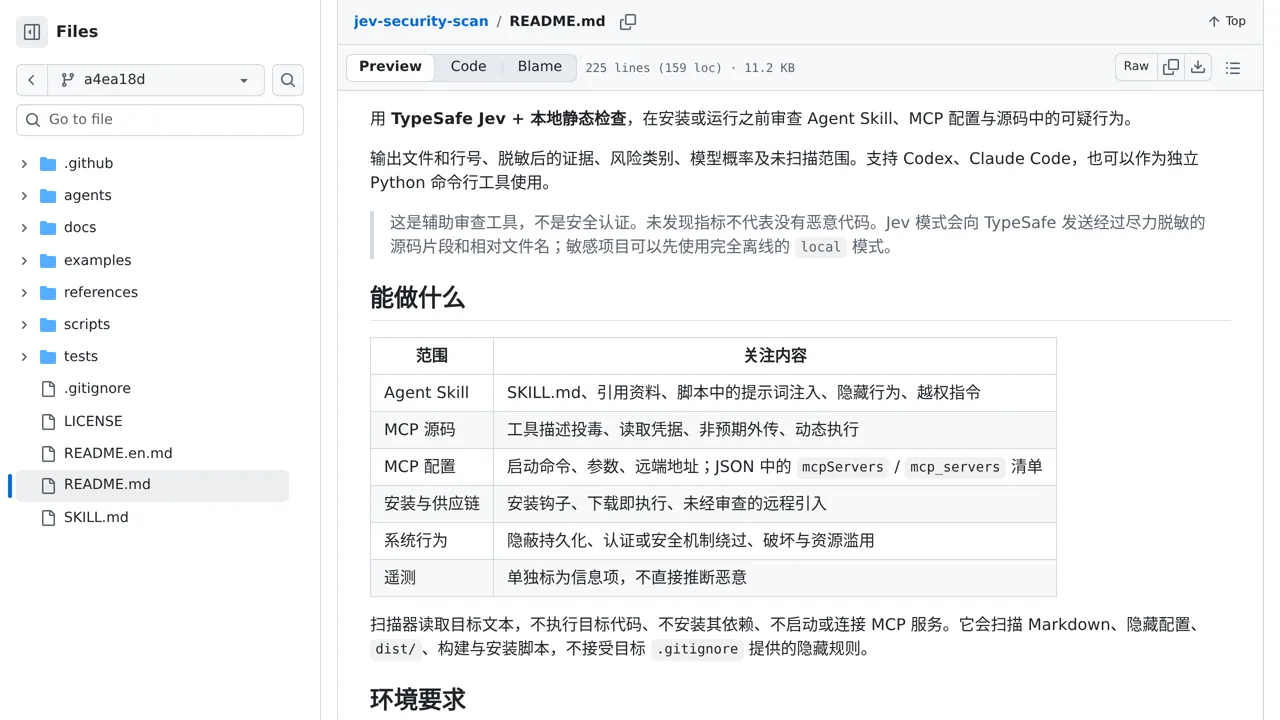
What it does
Targets are inspected without execution, and a local-only mode is available when source should not leave the machine.
Agent tooling
Screens agent skills and MCP code before installation by combining static evidence with security judgments.
Only you can see your notes.
Screenshot unavailable. Open the experiment ↗
Targets are inspected without execution, and a local-only mode is available when source should not leave the machine.
Before installing new agent tools, download their source folders or configuration files into one place. Ask a developer to run the scan locally first. This checks the files for hidden commands and suspicious behavior without running any code or sending anything online.
For deeper checks, your developer can connect the tool to TypeSafe using an account access key. Keep in mind this sends code snippets out for review. A clean result is helpful guidance, but it does not guarantee the software is completely safe.