What it does
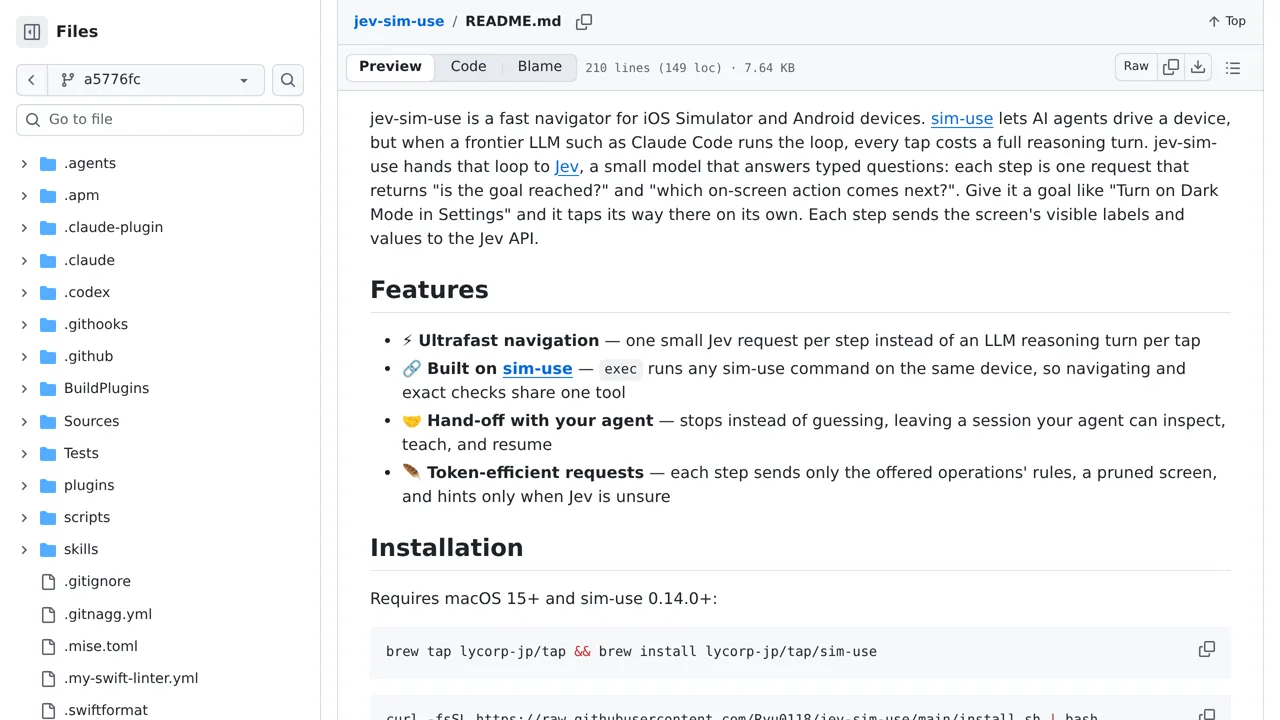
Jev answers two small questions per step, whether the goal is reached and what to tap next, and hands the session back when it is unsure.
Browser & computer use
Lets an agent reach any screen in the iOS Simulator or on Android without burning a reasoning turn on every tap.
Only you can see your notes.
Screenshot unavailable. Open the experiment ↗
Jev answers two small questions per step, whether the goal is reached and what to tap next, and hands the session back when it is unsure.
Write down a simple goal you want to test in your mobile app, such as turning on dark mode. A developer can set up the tool on a computer and connect it to a software phone simulator or an Android phone using an access key from TypeSafe.
Once you open your app, the tool reads visible screen labels and taps toward your goal. Keep in mind that it sends on-screen text to an outside service, cannot launch apps by itself, and does not work on real iPhones.