What it does
The key stays server-side — the browser only calls the same-origin proxy, which also sidesteps CORS — and the static build deliberately ships without one.
Apps & data pipelines
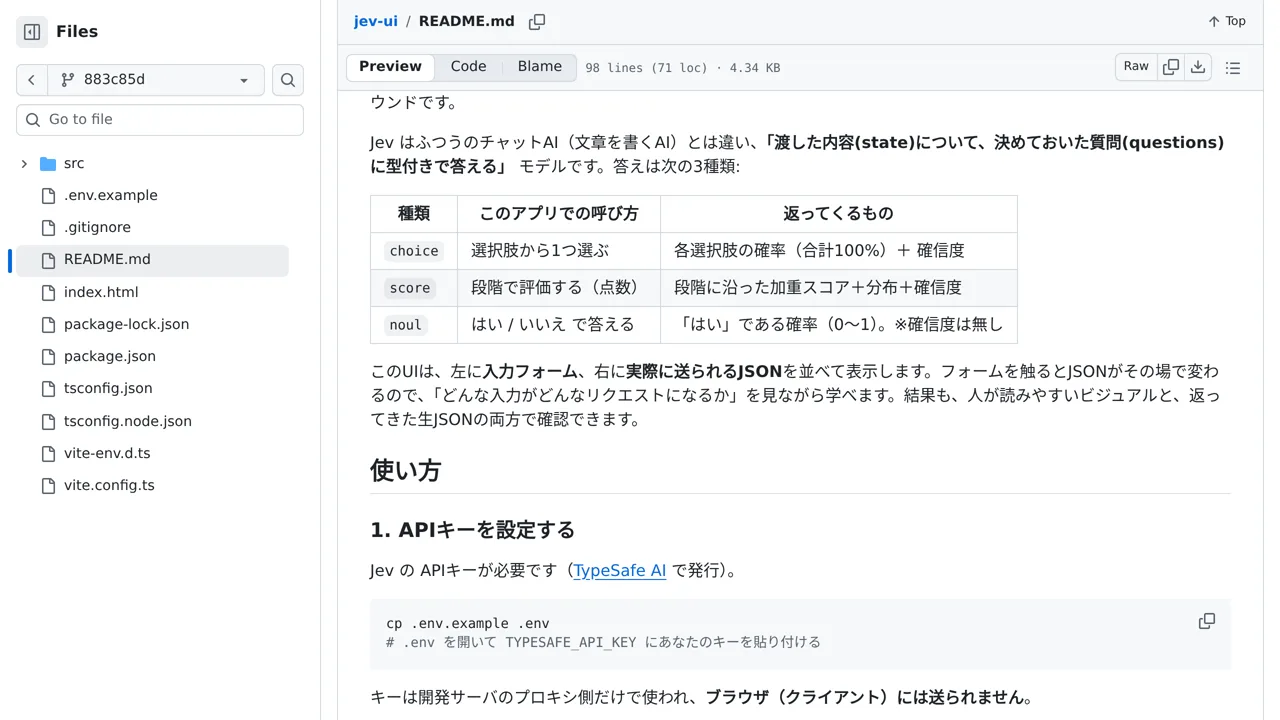
A local playground that shows the request as you build it: a form on the left and the JSON that will be sent on the right.
Only you can see your notes.
Screenshot unavailable. Open the experiment ↗
The key stays server-side — the browser only calls the same-origin proxy, which also sidesteps CORS — and the static build deliberately ships without one.
Your developer can set up this tool so you can test the outside AI service. You simply type a customer complaint into the left side of the screen. The right side instantly shows the exact data it prepares. This lets you practice asking the AI if human help is needed.
To start, your developer runs the project on their computer. They supply an access key that connects the software to TypeSafe. The tool safely hides this key from the web browser. Because of this protection, the testing screen only works locally during development.