What it does
A decision model drives the page over the Chrome DevTools Protocol and picks only from elements that exist; the server refuses the task rather than invent a click.
Browser & computer use
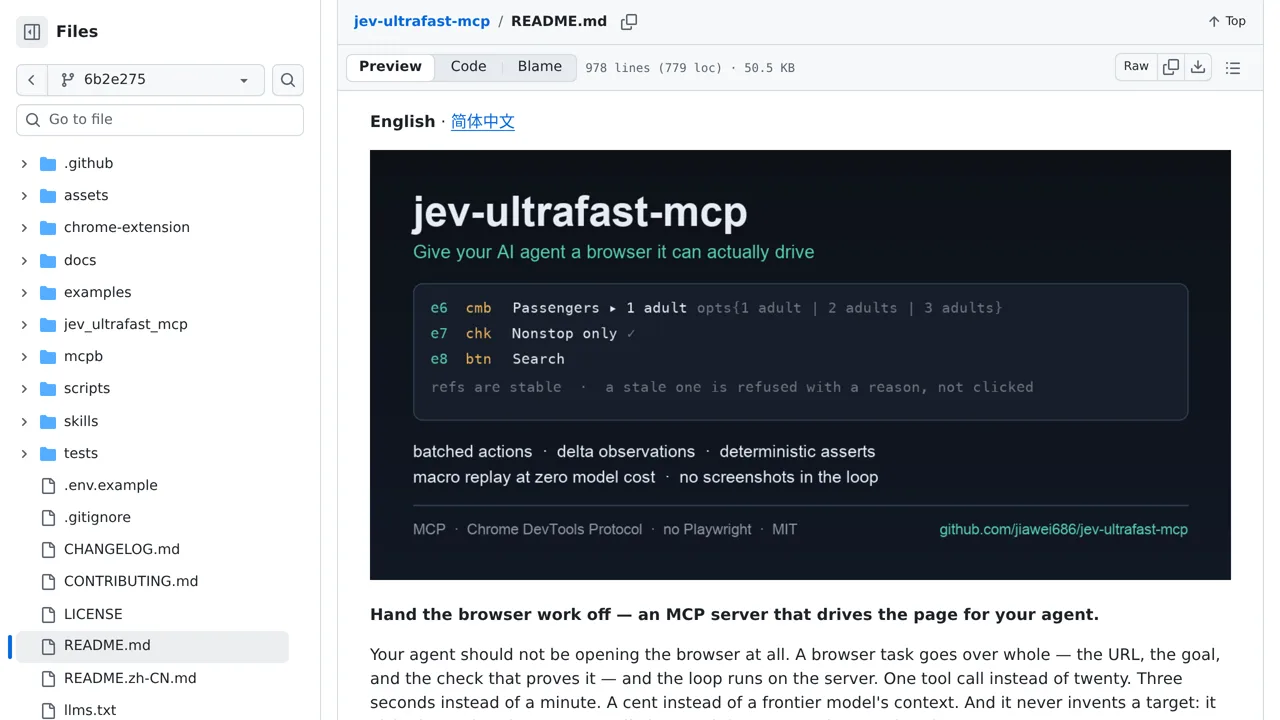
One MCP call does the whole browser errand: give it a URL, a goal, and the check that proves it worked.
Only you can see your notes.
Screenshot unavailable. Open the experiment ↗
A decision model drives the page over the Chrome DevTools Protocol and picks only from elements that exist; the server refuses the task rather than invent a click.
Your developer can add this script to your AI assistant. This lets the software browse websites for you. They give the app a web address, a goal, and an access key. That key connects the tool to OpenRouter for decisions. The assistant then clicks links to finish the task.
You can list the exact websites the tool is allowed to visit. The software blocks navigation to any other site. You log into your own accounts first by hand. This means the tool never handles your personal passwords. The system also pauses for your approval before it clicks buttons marked for payment.