What it does
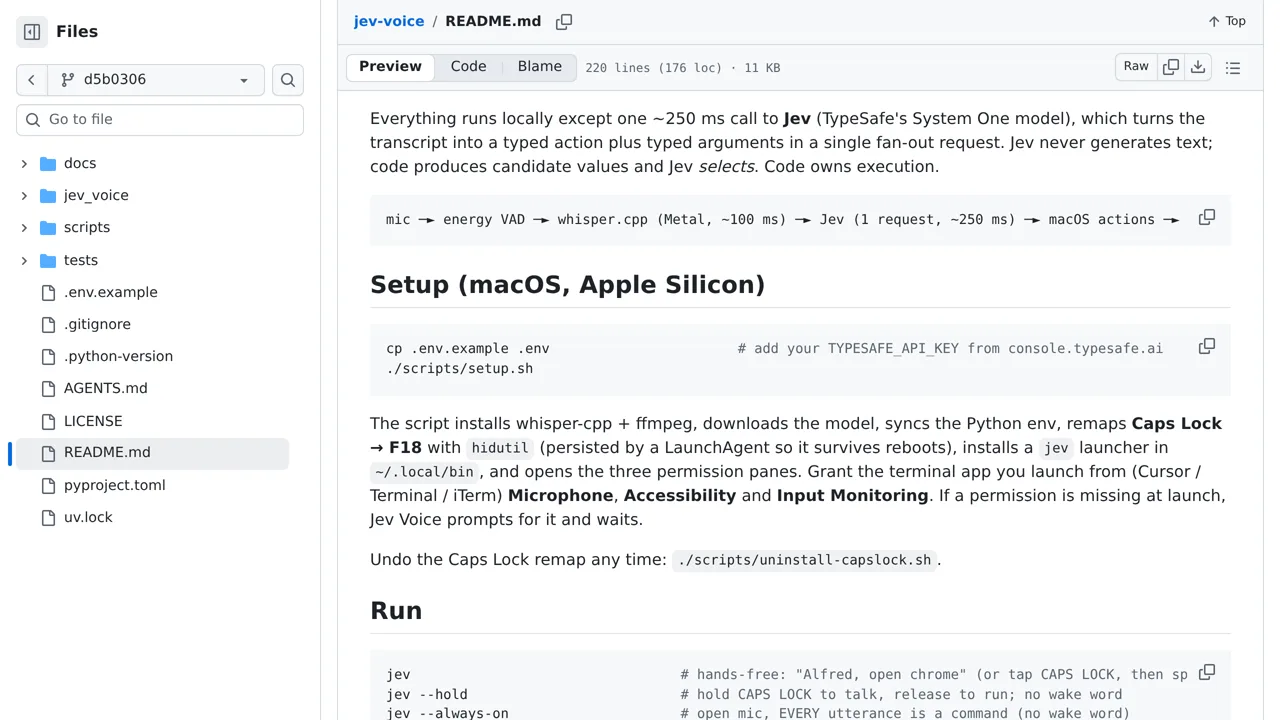
Speech is transcribed locally and reaches Jev only after the assistant is addressed; the tool requires Apple Silicon and macOS accessibility permissions.
Browser & computer use
Speak a task to your Mac and let local transcription plus one Jev decision choose the operation and target.
Only you can see your notes.
Screenshot unavailable. Open the experiment ↗
Speech is transcribed locally and reaches Jev only after the assistant is addressed; the tool requires Apple Silicon and macOS accessibility permissions.
A developer could study this Python project to build a voice-controlled tool for your computer. They can look at the code to see how it records spoken words. The app turns that audio into text locally. It then sends the text to an outside AI service called TypeSafe to choose the action.
The app requires a Mac with an Apple chip and permission to use your microphone. You must provide an access key that connects the app to TypeSafe. Your developer can borrow how the code gathers your computer commands. The AI simply picks one command from that list.