What it does
Every filled value is highlighted for review, while password and payment fields are deliberately excluded. Notes and field context are sent to Jev for matching.
Browser & computer use
Match ordinary web-form fields to the right lines in your unstructured personal notes.
Only you can see your notes.
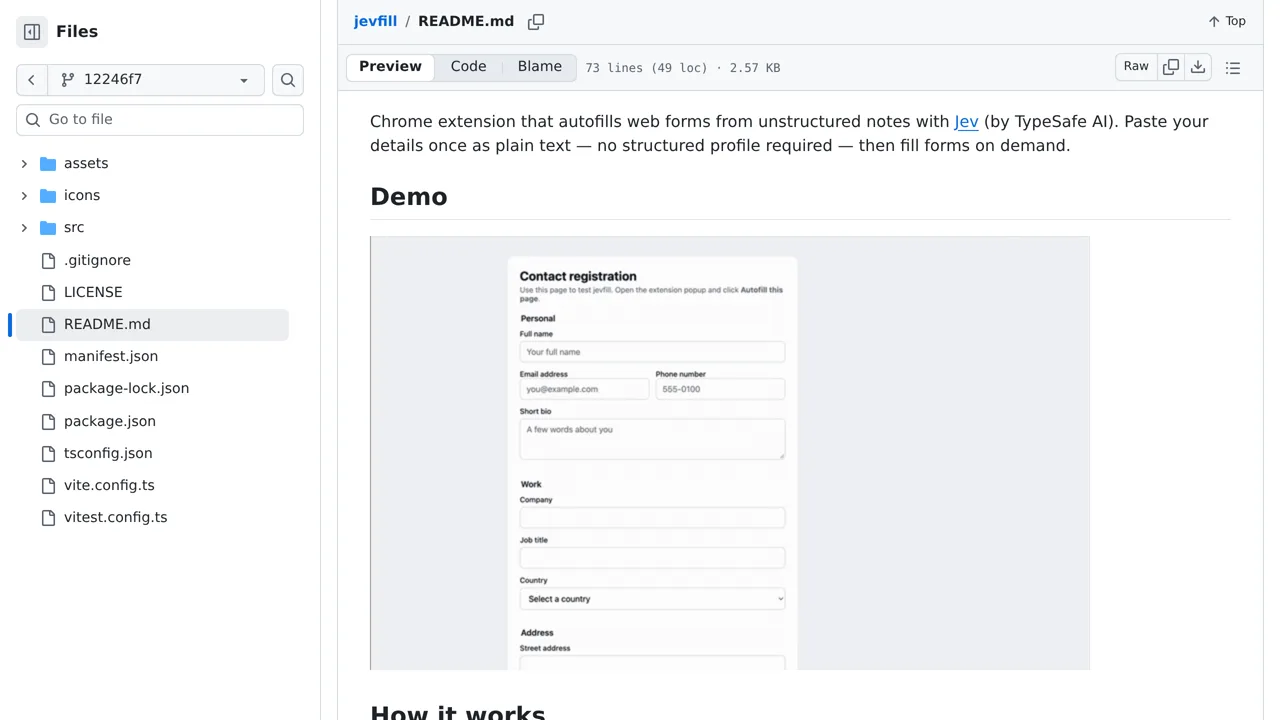
Screenshot unavailable. Open the experiment ↗
Every filled value is highlighted for review, while password and payment fields are deliberately excluded. Notes and field context are sent to Jev for matching.
Start by writing down your personal details in plain text, putting each item on its own line. A developer can build this browser extension and help you load it. You will also need an account access key from TypeSafe to let the tool connect to their matching service.
When you click to fill a form, the extension sends your text lines and the form labels to the external service to find matching answers. While it skips password and payment boxes, remember that any other personal details in your notes will leave your computer during matching.