What it does
It works within one tab's main frame and can choose only among controls currently visible there.
Apps & data pipelines
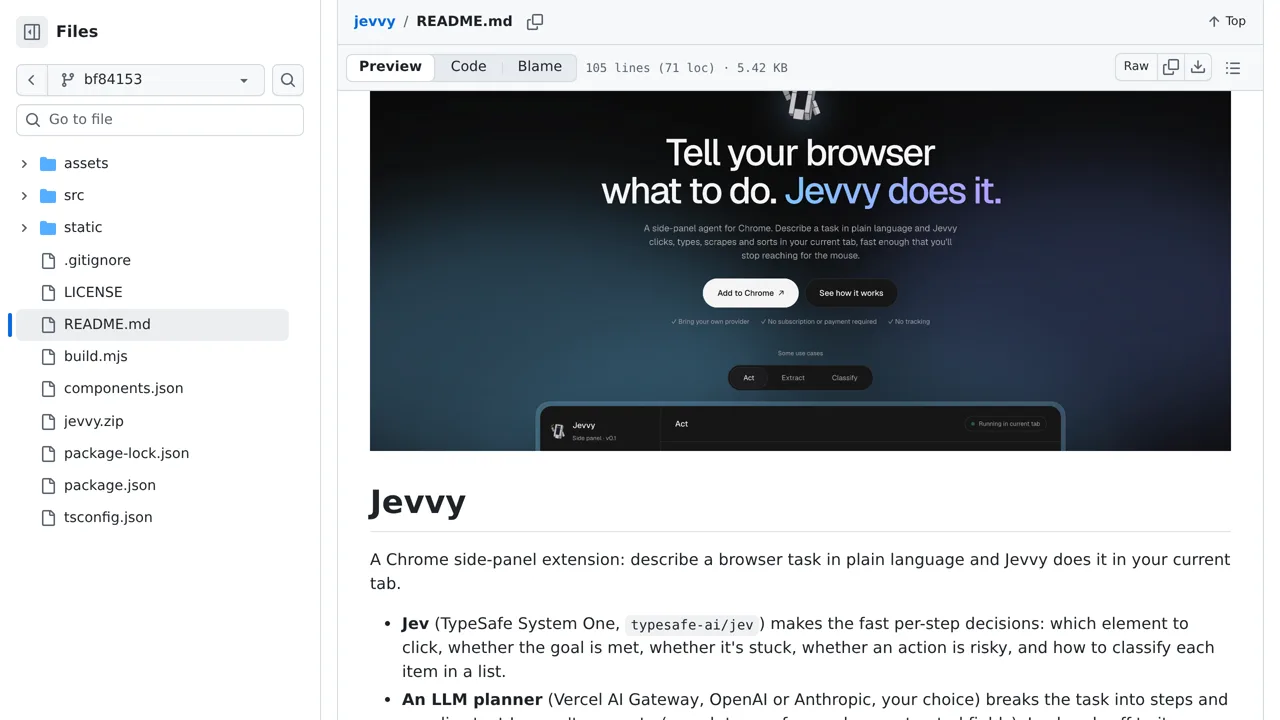
Tell a Chrome side panel what you want done, and it chooses visible controls while watching for completion and risky clicks.
Only you can see your notes.
Screenshot unavailable. Open the experiment ↗
It works within one tab's main frame and can choose only among controls currently visible there.
To try a simple browser task, load the extension manually and begin on a page without private information. Configure service keys for the planning AI and for Jev, the AI choosing clicks. Your task and page information go to outside AI services. Keep purchases and important forms out of the trial: the AI's estimate of whether an action is risky can be wrong.