What it does
Presets and a first-run wizard work in the responsive editor, but sending a request requires a TypeSafe API key.
Apps & data pipelines
Compose Jev state and typed questions in a visual IDE, inspect the request JSON, then explore probability-rich result cards.
Only you can see your notes.
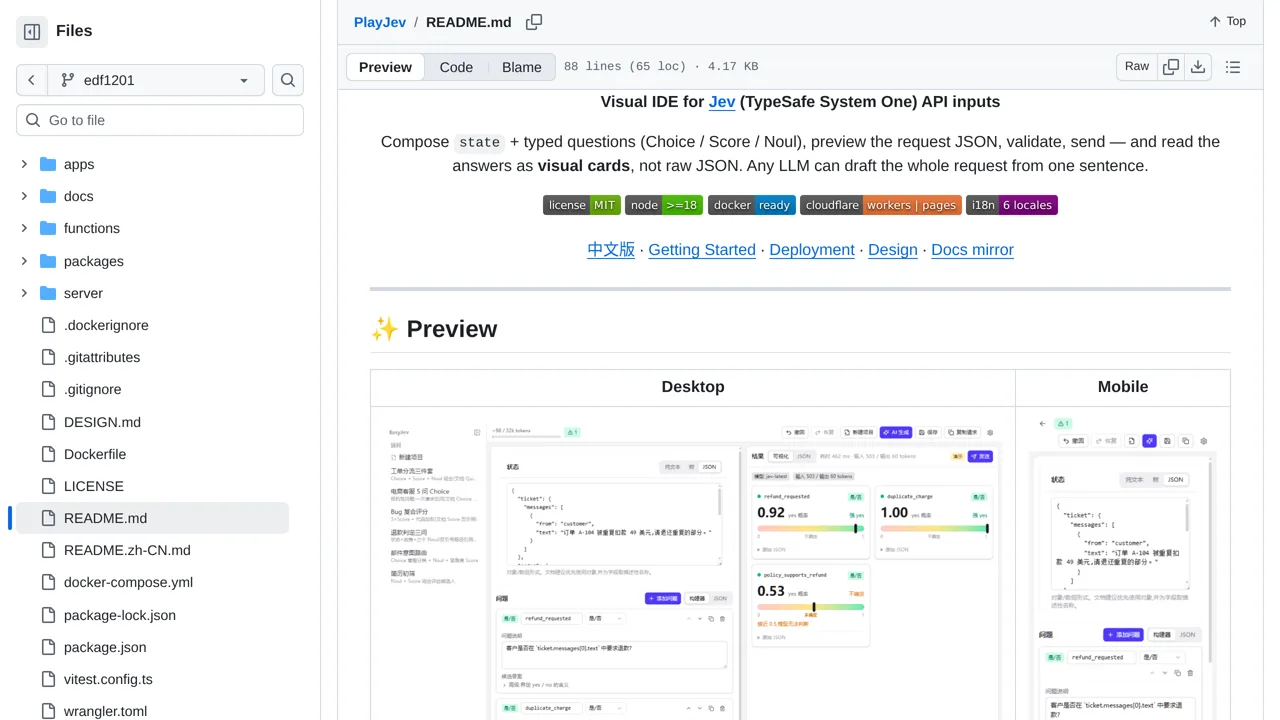
Screenshot unavailable. Open the experiment ↗
Presets and a first-run wizard work in the responsive editor, but sending a request requires a TypeSafe API key.
A developer can set up this testing site. It gives you a visual way to write questions for the TypeSafe AI. You create different choices and see the answers on visual cards. This saves you from reading raw computer code.
Your developer can start the tool on a local computer. To send questions and receive answers, they must paste an access key into the settings. This key connects the testing app to the outside TypeSafe service.