What it does
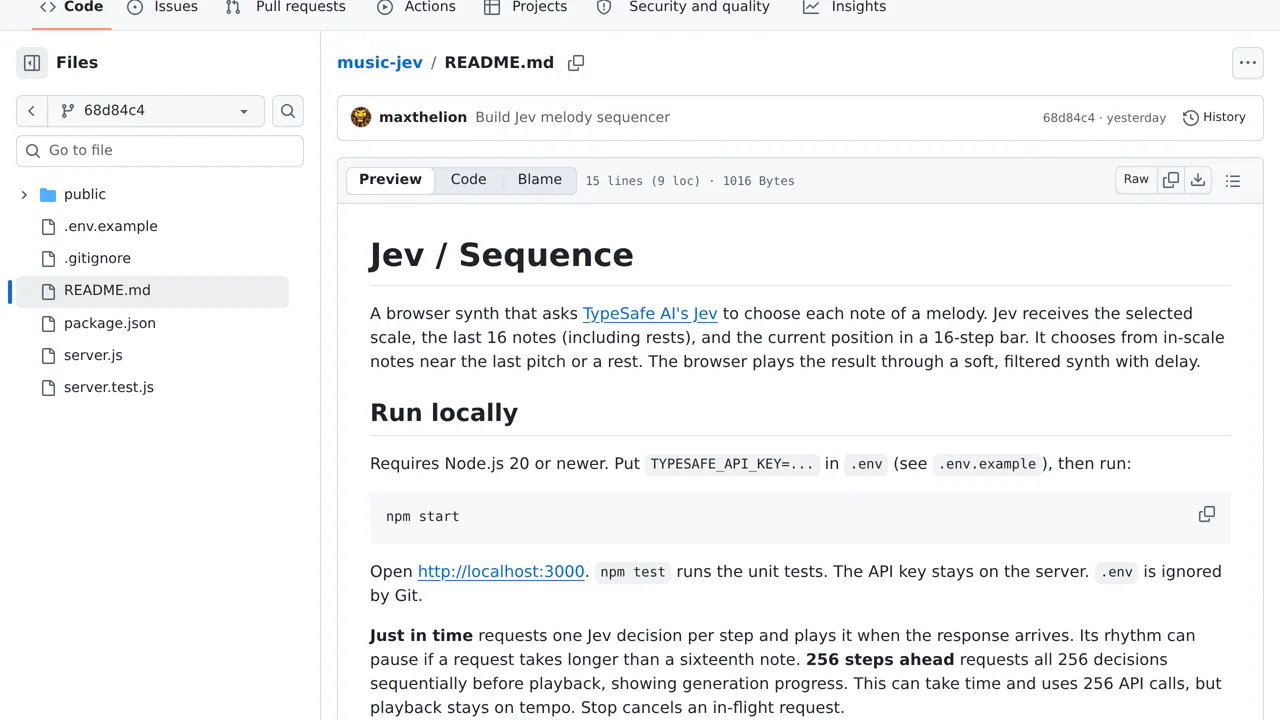
Just-in-time mode may pause for network latency, while ahead mode prepares a 256-step sequence before playback.
Playable demos & bots
Choose a musical scale and hear a browser synth continue the melody with Jev-selected notes and rests.
Only you can see your notes.
Screenshot unavailable. Open the experiment ↗
Just-in-time mode may pause for network latency, while ahead mode prepares a 256-step sequence before playback.
A developer can adapt this idea to build a simple musical toy. The tool sends a chosen scale and the recent melody to TypeSafe. TypeSafe acts as an outside AI service to pick the next note or a pause. Your app then plays the returned sound.
The project requires an access key that connects your software to TypeSafe. Generating the melody one step at a time can cause pauses while waiting. Asking for a full sequence before playback keeps the tempo steady. This full sequence takes time to start and makes many paid requests.