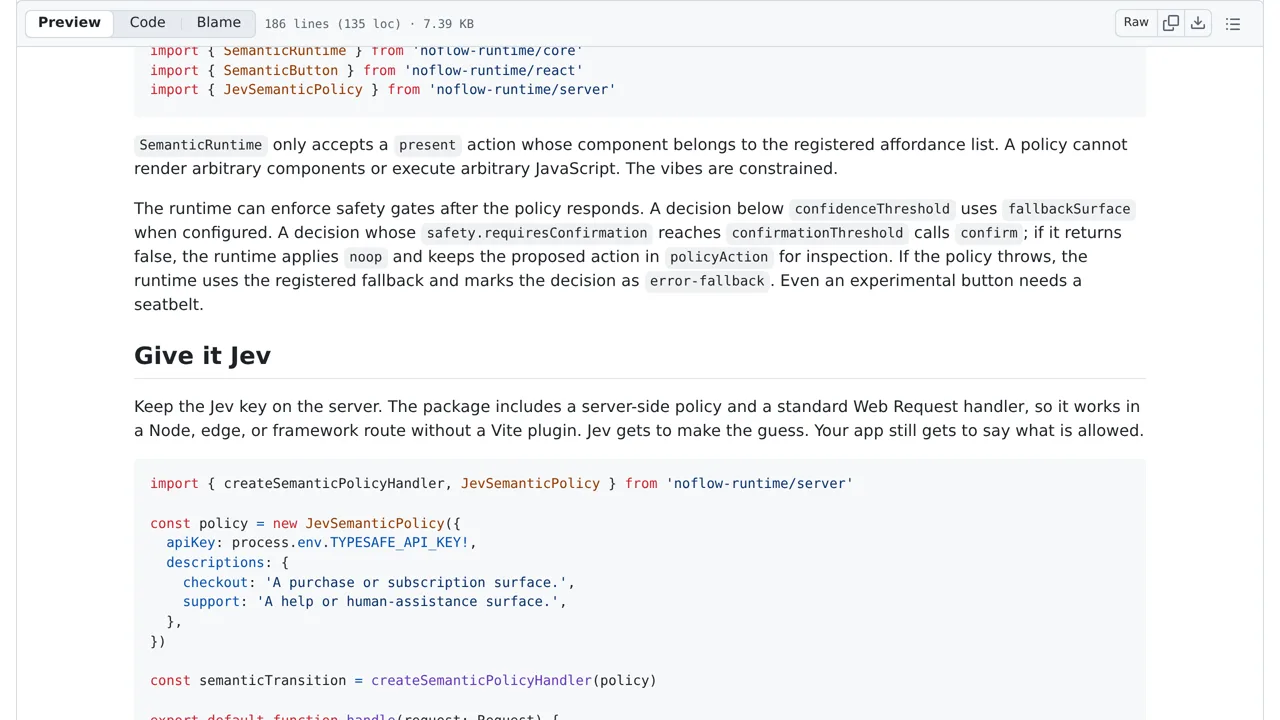
The tool checks the server's confidence and safety estimates before showing the new screen. If the server is unsure or the action seems risky, the tool can show a default screen or ask the user to confirm. The system includes a local testing mode that does not require an internet connection. Missing safety answers are treated as zero, and ambiguity is not used as a strict block.
How you can use it
Developers add this tool to their app and provide a list of allowed screens. When a user clicks a button, the tool sends the button's text and surrounding information to the server to decide what should happen next.
Start with the prototype's Buy Pro and Compare plans buttons to explore how wording changes the selected screen. The allowed list constrains displayed screens, not permission to perform backend actions. Confidence and confirmation gates are configurable; missing safety answers become zero. The app still needs its own authorization checks before purchases or other consequential actions.