What it does
Jev is off by default and needs your own TypeSafe key; the docs stress its answers are probability-based judgments, not tests or proof of correctness, and never authorize actions. An OpenRouter option can replace TypeSafe.
Apps & data pipelines
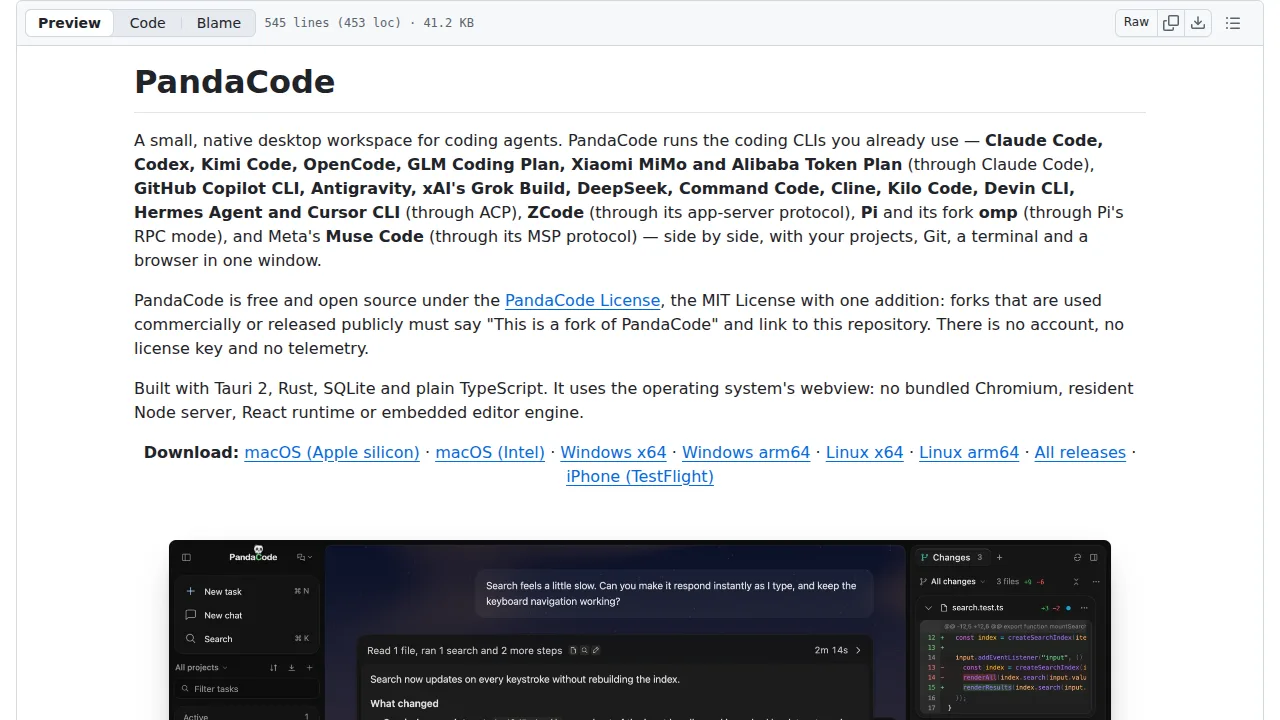
Run many coding agents side by side in one desktop window, with an optional Jev add-on that reviews work, checks project rules, finds context and suggests workers.
Only you can see your notes.
Saved in this browser only.
Screenshot unavailable. Open the experiment ↗
Jev is off by default and needs your own TypeSafe key; the docs stress its answers are probability-based judgments, not tests or proof of correctness, and never authorize actions. An OpenRouter option can replace TypeSafe.
Download the app for macOS, Windows or Linux from the releases page and open a project.
In Settings → Agents → Set up Jev, save a TypeSafe key and turn on Decision assistance.
From a task's Jev assistance menu, preview the evidence, then run a review, rule check, context search or worker suggestion and read the report.



