A command-line tool that searches Pen design files by sending text descriptions to Jev to find specific screens or components based on natural language requests.
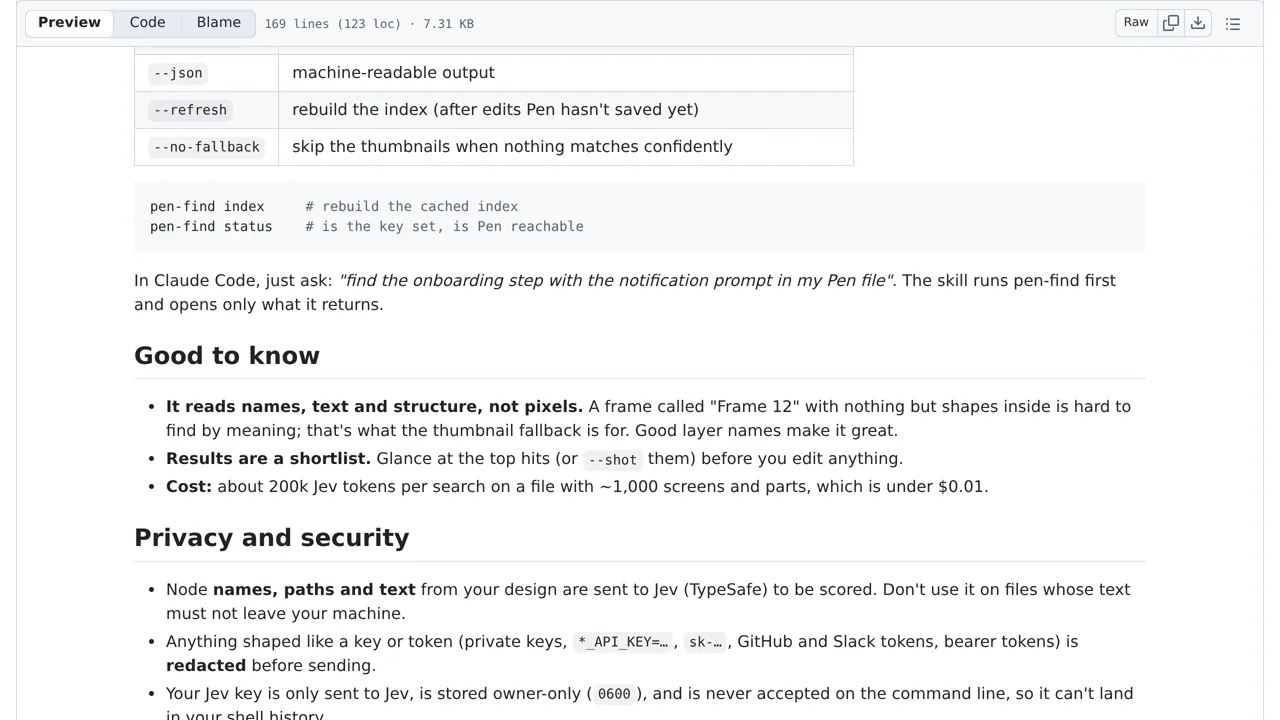
The tool reads layer names, structure, and text from your design file, but it does not send image pixels. Selected text is transmitted to TypeSafe for scoring. The software attempts to hide recognized passwords or security keys before sending data, though you should avoid using it on highly sensitive files.
How you can use it
With Pen open on macOS, describe a screen you need, such as dark-mode settings. The tool asks Jev to rank names, paths and text descriptions from the design, then returns a short list of matching parts. Optional exported images help you inspect matches; Jev is not comparing image pixels.
Setup saves your access key in a plaintext configuration file with restricted file permissions, not encryption. Design text goes to TypeSafe, and pattern-based redaction cannot guarantee that sensitive content is removed. Use nonsensitive designs and inspect uncertain matches rather than assuming the top result is correct.