What it does
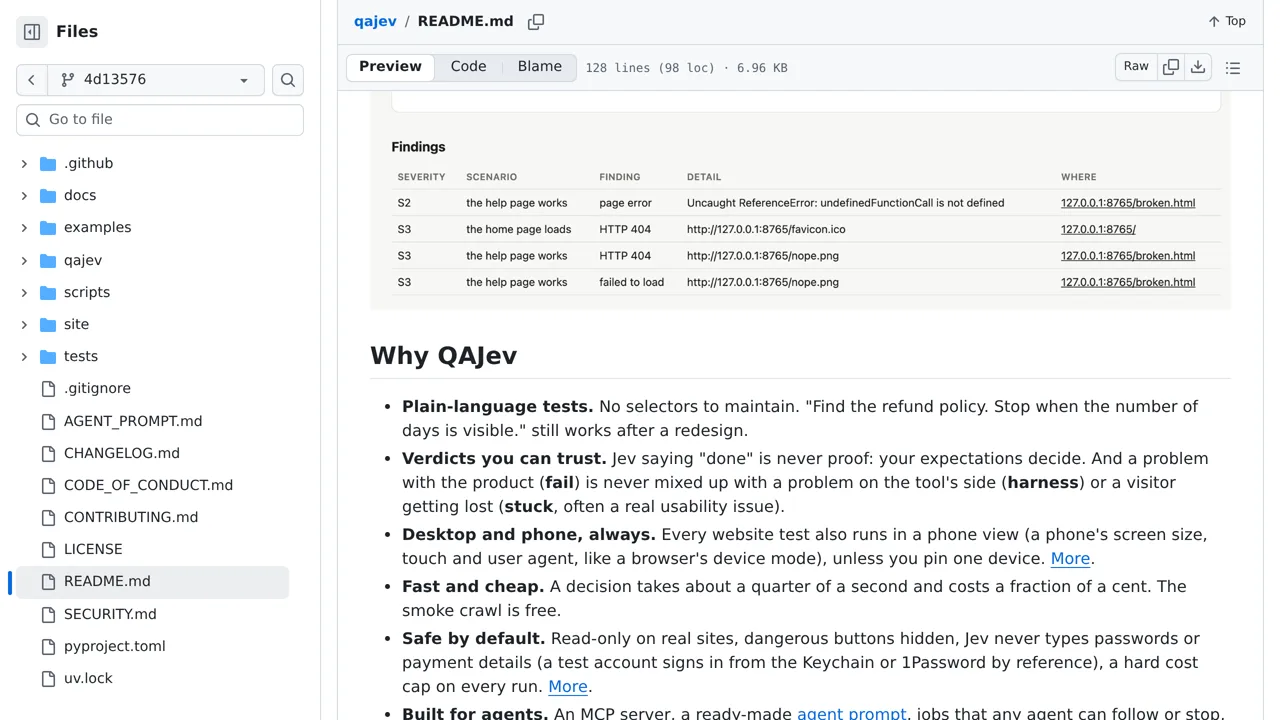
Reports separate unmet checks from navigation trouble and tool errors. Jev reads text and standard controls; phone-size browser runs imitate a phone rather than testing a real device.
Browser & computer use
Give QAJev a visitor's goal and explicit checks; Jev chooses browser actions while the QA harness decides whether the page met your expectations.
Only you can see your notes.
Screenshot unavailable. Open the experiment ↗
Reports separate unmet checks from navigation trouble and tool errors. Jev reads text and standard controls; phone-size browser runs imitate a phone rather than testing a real device.
Start with one visitor task, such as finding a price, and say exactly what should prove success. A developer can set up the test for you. Check for the expected words or page address; Jev saying it is done is not enough. Read the report to see which checks failed.
Begin on a page close to what you want to test and set a cost limit. Jev reads text, so it cannot use buttons drawn only as pictures. A phone-size browser check imitates a phone; it does not test real hardware. The tool's limits on risky actions do not guarantee security.