What it does
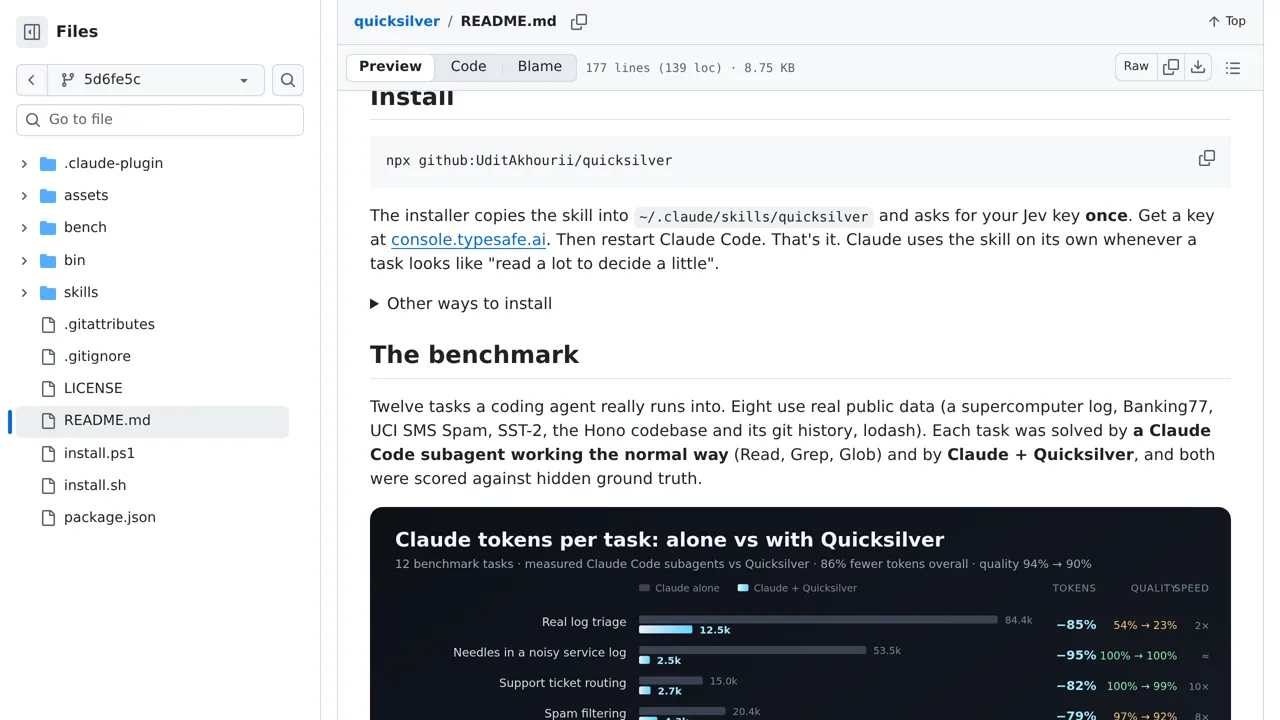
Quicksilver filters, classifies, ranks, and searches inputs through a Claude Code skill. Its maker reports large token savings, but accuracy dropped sharply on some benchmark tasks; using it requires a TypeSafe key.
Agent tooling
Find likely code files, log failures, or ticket labels with Jev before Claude spends context reading the survivors.
Only you can see your notes.
Screenshot unavailable. Open the experiment ↗
Quicksilver filters, classifies, ranks, and searches inputs through a Claude Code skill. Its maker reports large token savings, but accuracy dropped sharply on some benchmark tasks; using it requires a TypeSafe key.
A developer can add this tool to your AI assistant so it skips irrelevant files. You might want to find where your app handles user sessions. The tool scans your folders and returns a short list. Your developer just runs the installer and provides an access key to connect TypeSafe's outside AI service.
The tool sends your text to TypeSafe over the internet. Do not search files containing private data. The scanner also skips any file larger than two megabytes. When it hunts for software bugs, it sometimes marks safe files as uncertain. A person or your main assistant must review those borderline matches.