What it does
The router takes a symptom plus collected evidence and returns a structured next-step choice with calibrated probabilities — the README's own line is that Jev is not a text-generating LLM, and the harness treats it that way.
Agent tooling
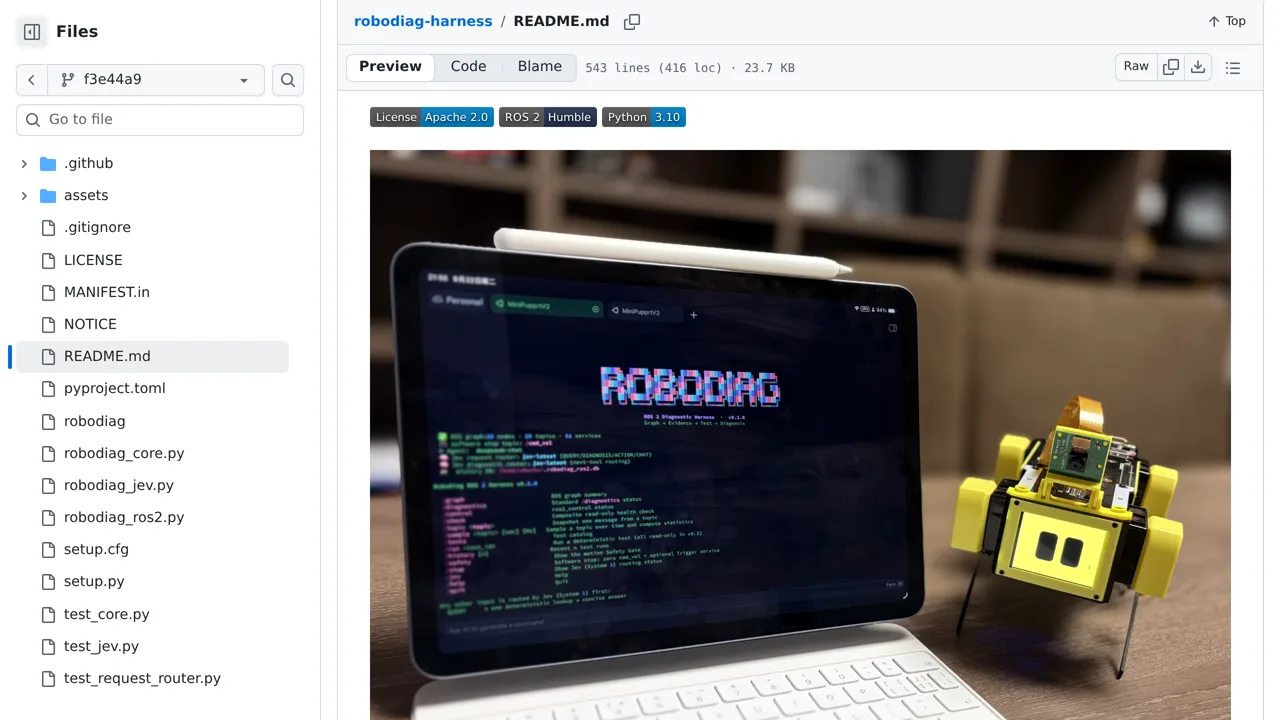
When the robot acts up, Jev plays detective: it chooses which diagnostic tool to run next, while the tools themselves stay plain deterministic code.
Only you can see your notes.
Screenshot unavailable. Open the experiment ↗
The router takes a symptom plus collected evidence and returns a structured next-step choice with calibrated probabilities — the README's own line is that Jev is not a text-generating LLM, and the harness treats it that way.
A developer installs this tool directly on your robot's computer. It sends the robot's symptoms to an outside AI service called TypeSafe. You provide an access key to connect the program to this service. TypeSafe then quickly chooses the best test to run.
If you do not provide the TypeSafe key, the tool uses a standard AI instead. It connects to a second service to write the final explanation. The program only checks information that your robot actively shares. It cannot find every physical hardware problem.