What it does
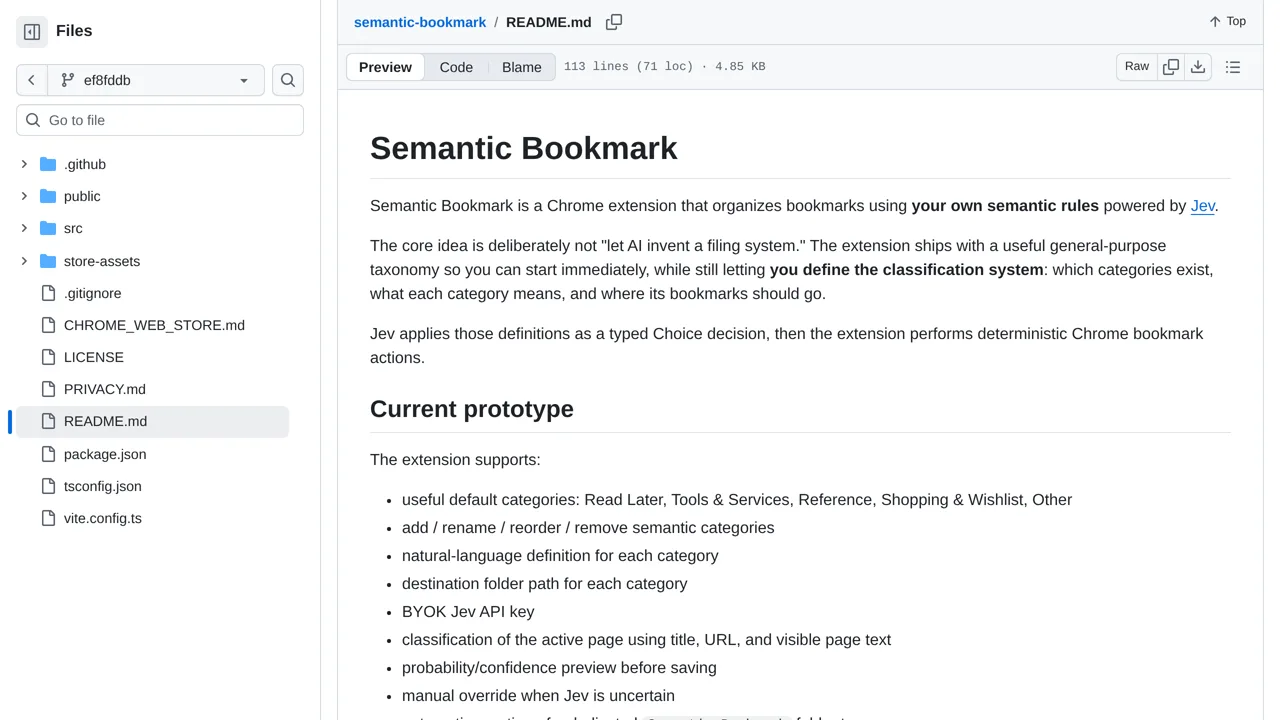
A browser extension uses Jev and user-written rules to organize bookmarks into semantic groups.
Apps & data pipelines
Only you can see your notes.
Screenshot unavailable. Open the experiment ↗
A browser extension uses Jev and user-written rules to organize bookmarks into semantic groups.
You can use this approach to sort your browser bookmarks into clear folders. Start by listing the categories you want, like Reference or Recipes, and write a simple description for each. A developer can build and load the extension into your browser so it can file pages under your rules.
The tool needs an access key from TypeSafe to analyze your pages. Whenever you ask it to sort a page or clean up saved links, the extension sends page titles, web addresses, and text to that external service. Keep this in mind before scanning private or sensitive web pages.