What it does
The extension checks visible text only and caps a page at roughly 400 candidate words or phrases.
Browser & computer use
Search an article by concept and highlight matching words even when the query itself never appears.
Only you can see your notes.
Screenshot unavailable. Open the experiment ↗
The extension checks visible text only and caps a page at roughly 400 candidate words or phrases.
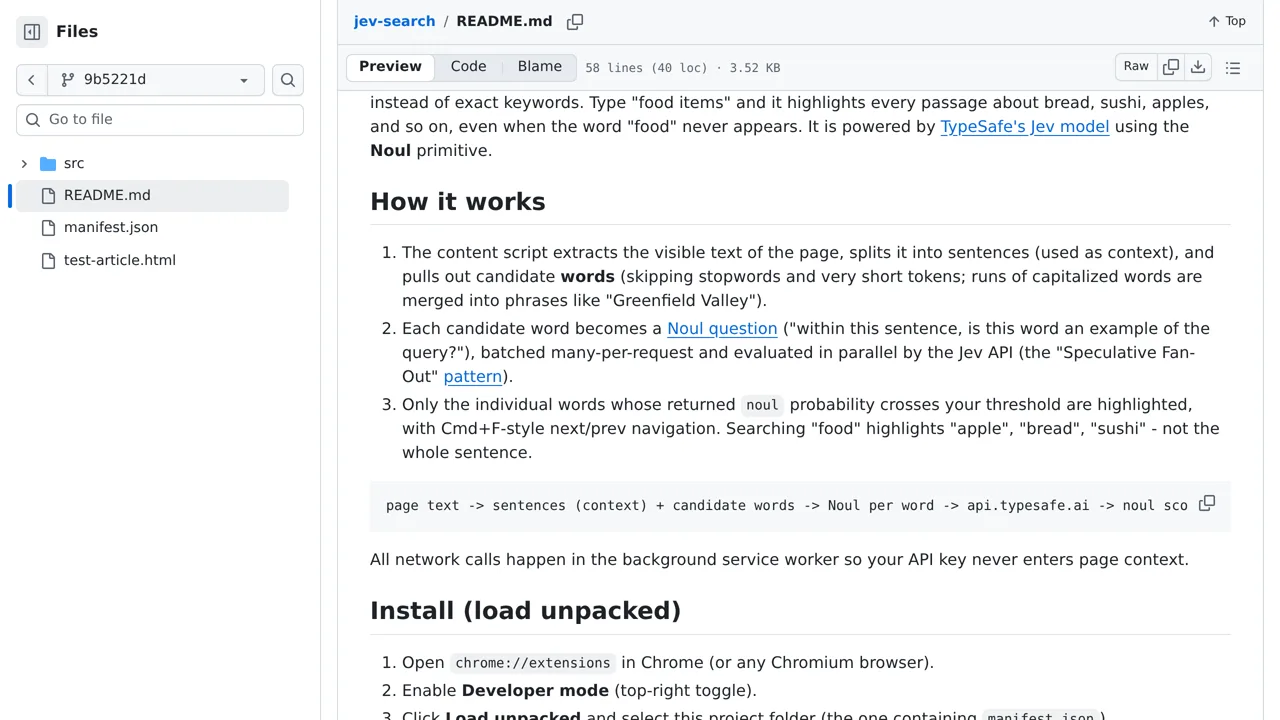
A developer can study this browser tool to build a search feature for broad concepts. You type a description like legal risks. The software finds specific phrases about lawsuits or fines on the page. It reads the visible text and stops after gathering roughly 400 candidate words.
It sends the gathered words and their sentences to an outside AI service called TypeSafe. You must provide an access key to connect the tool to this service. The AI decides if each word matches your description. Your developer can read the background script file to see this process.