What it does
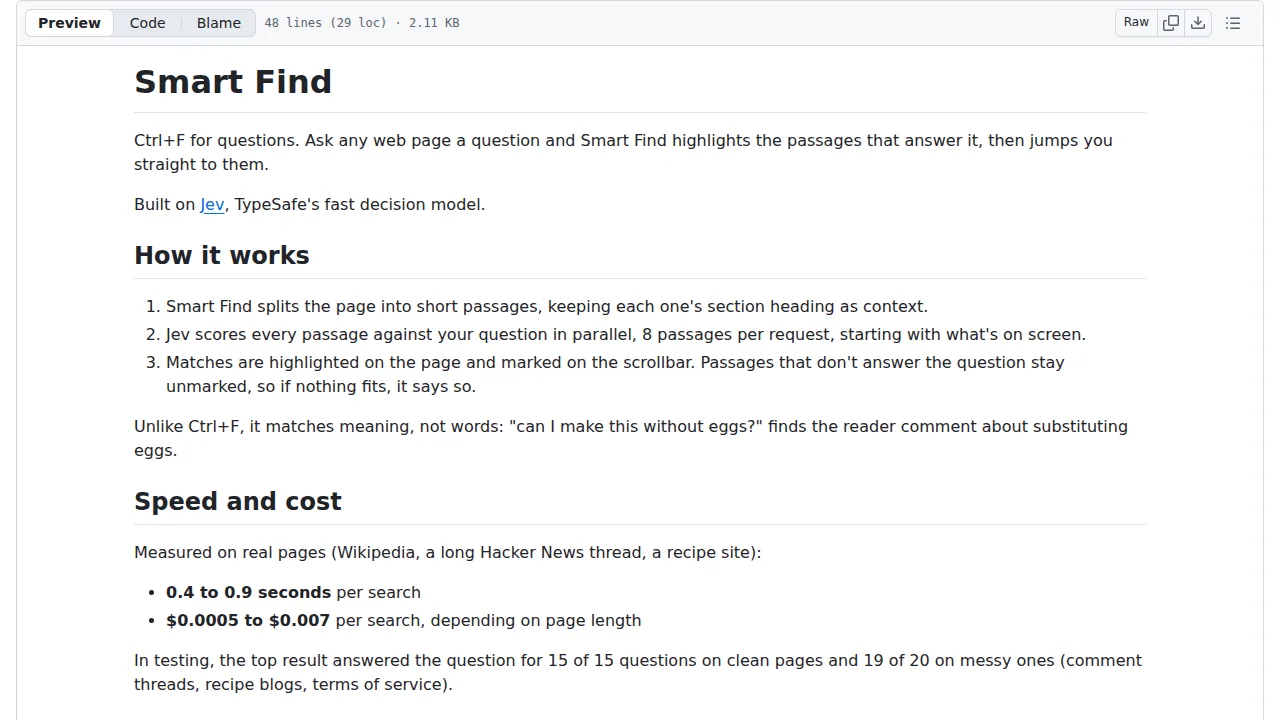
It matches meaning rather than words, so a question like "can I make this without eggs?" can find a reader comment about substitutions. It needs your own TypeSafe API key, and new accounts may have to join a waitlist.
Browser & computer use
Ask any web page a question and a Chrome extension highlights the passages that answer it, then jumps you to them.
Only you can see your notes.
Saved in this browser only.
Screenshot unavailable. Open the experiment ↗
It matches meaning rather than words, so a question like "can I make this without eggs?" can find a reader comment about substitutions. It needs your own TypeSafe API key, and new accounts may have to join a waitlist.
Download the repo, turn on Developer mode at chrome://extensions, click Load unpacked and pick the extension folder.
Paste your TypeSafe API key into the options page that opens.
Press Ctrl+Shift+Space on any page, type a question and press Enter; use the arrow keys to pick a match and Enter to jump to it.



