What it does
Screen labels and recent actions are sent to the model.
Browser & computer use
A Mac menu-bar assistant that uses Jev to choose what to click.
Only you can see your notes.
Screenshot unavailable. Open the experiment ↗
Screen labels and recent actions are sent to the model.
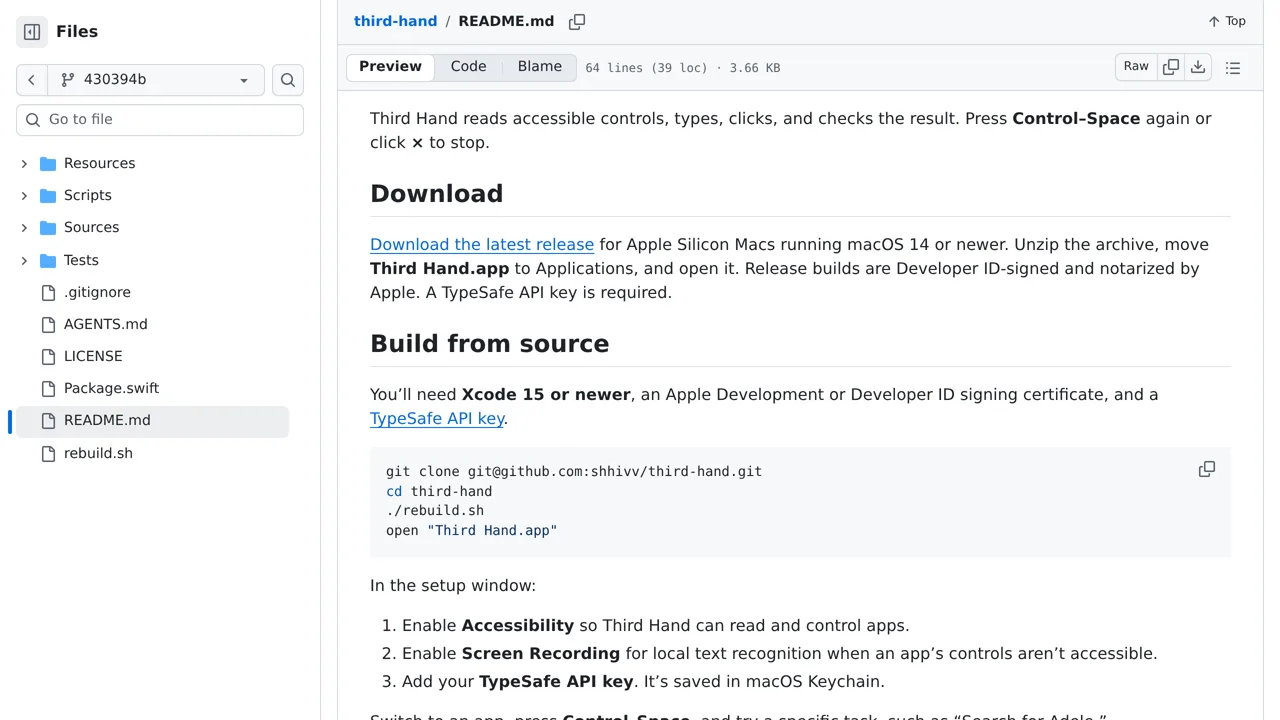
To try this, pick a simple goal in a Mac program, such as searching for a musician. You can install the prebuilt program on Apple Silicon Macs running macOS 14 or newer. You will need to grant screen and accessibility permissions, and provide an access key from an account with the TypeSafe AI service.
The software reads visible buttons and on-screen text, then sends those labels online so the external service can pick what to click. Because this project is experimental, it cannot recognize unlabelled icons or complex controls. Stay at your desk to stop it if it makes a mistake, and avoid running it over sensitive personal files.