What it does
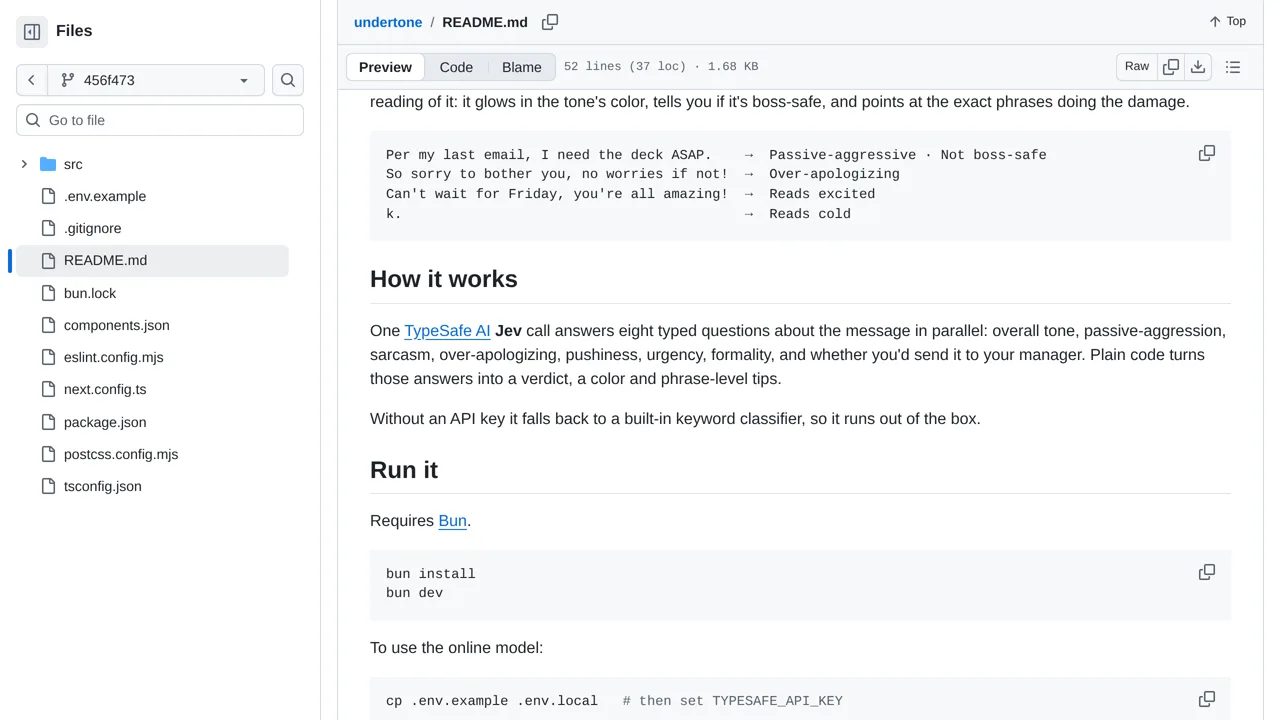
One Jev call answers eight typed questions; deterministic code turns them into a verdict, color, and phrase-level tips, with a keyword fallback when no key is set.
Apps & data pipelines
Paste a message to see how it sounds before sending, from overall tone to sarcasm, urgency, pushiness, and formality.
Only you can see your notes.
Screenshot unavailable. Open the experiment ↗
One Jev call answers eight typed questions; deterministic code turns them into a verdict, color, and phrase-level tips, with a keyword fallback when no key is set.
To start, collect sample messages your team often sends, such as quick replies or tense emails. A developer can adapt this design into a private writing tool. It sends each draft to an online service that evaluates traits like sarcasm, pushiness, and formality together.
Connecting the full model requires a private access key from TypeSafe. Without that key, the project checks only simple keywords. Remember that an automated tone label is an estimate, not a guarantee that a sensitive note is safe to send to your manager.