What it does
Overlay Android screens with warnings when Jev identifies manipulative interface patterns in captured accessibility context.
Apps & data pipelines
Only you can see your notes.
Screenshot unavailable. Open the experiment ↗
Overlay Android screens with warnings when Jev identifies manipulative interface patterns in captured accessibility context.
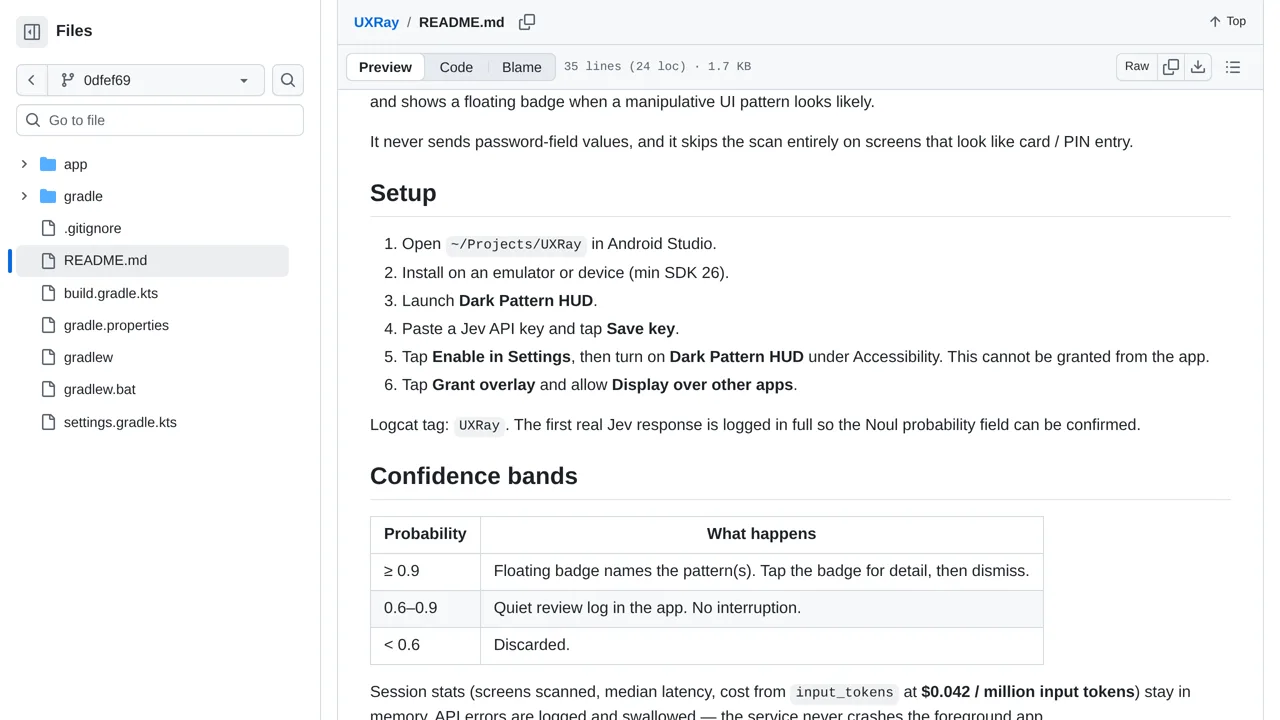
Have a developer turn the code into an Android app and install it on your phone. You can paste in an access key that connects the app to Jev. Then switch on phone settings that let the tool read your screen and draw alert badges on top of other apps.
The app watches screen text and pops up a small warning badge whenever it catches manipulative designs. While it skips password and payment card screens, remember that other ordinary screen text still gets sent across the internet to the external service for analysis.