What it does
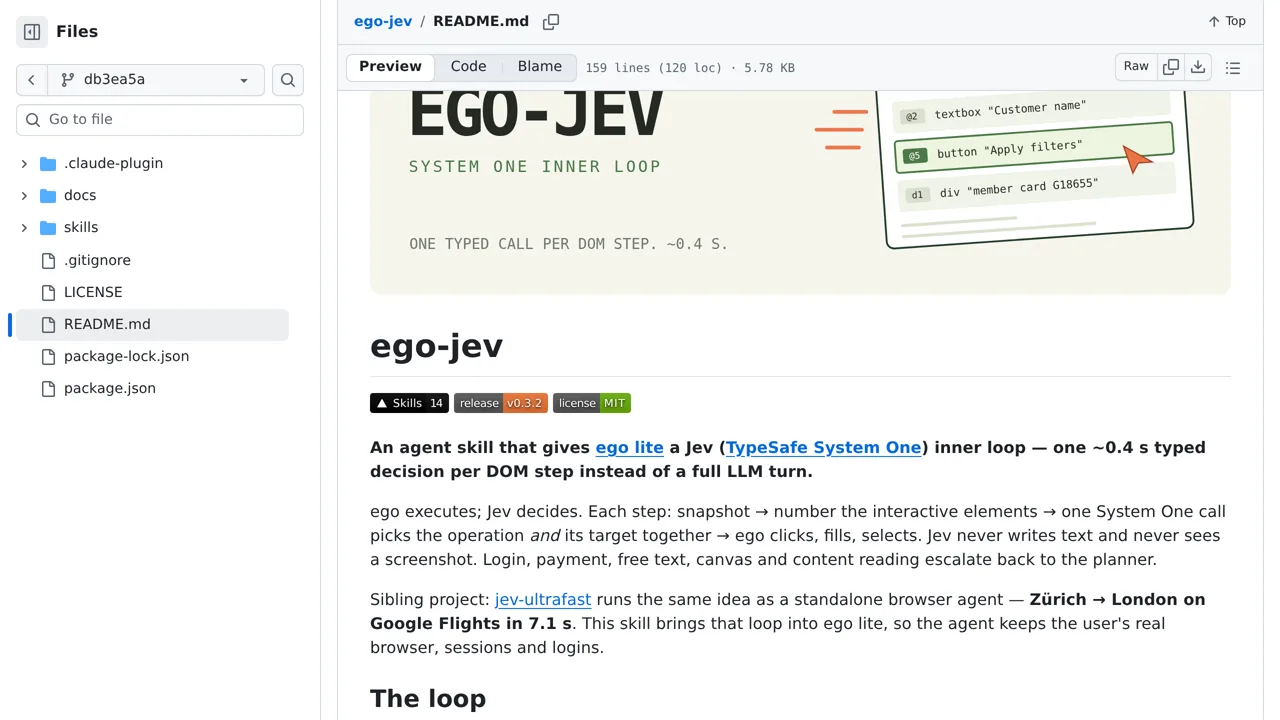
A roughly 0.4-second typed decision replaces a full LLM turn. Login, payment, free text and canvas work still go back to the planner.
Browser & computer use
Gives the ego lite browser a Jev inner loop: each DOM step is numbered and one call picks both the operation and its target.
Only you can see your notes.
Screenshot unavailable. Open the experiment ↗
A roughly 0.4-second typed decision replaces a full LLM turn. Login, payment, free text and canvas work still go back to the planner.
A developer can add this tool to an automated browser. This helps the browser click through web forms faster. The app looks at a webpage and numbers every button or text box. It sends this list to TypeSafe, an outside AI service. TypeSafe quickly chooses the right spot to click.
Your developer must install the ego browser. They also need an access key that connects the app to TypeSafe. The tool only handles simple clicks and basic forms. If a page asks for a payment or a login password, the tool stops and waits for standard instructions.