What it does
A dry-run mode makes the decisions without performing any actions.
Browser & computer use
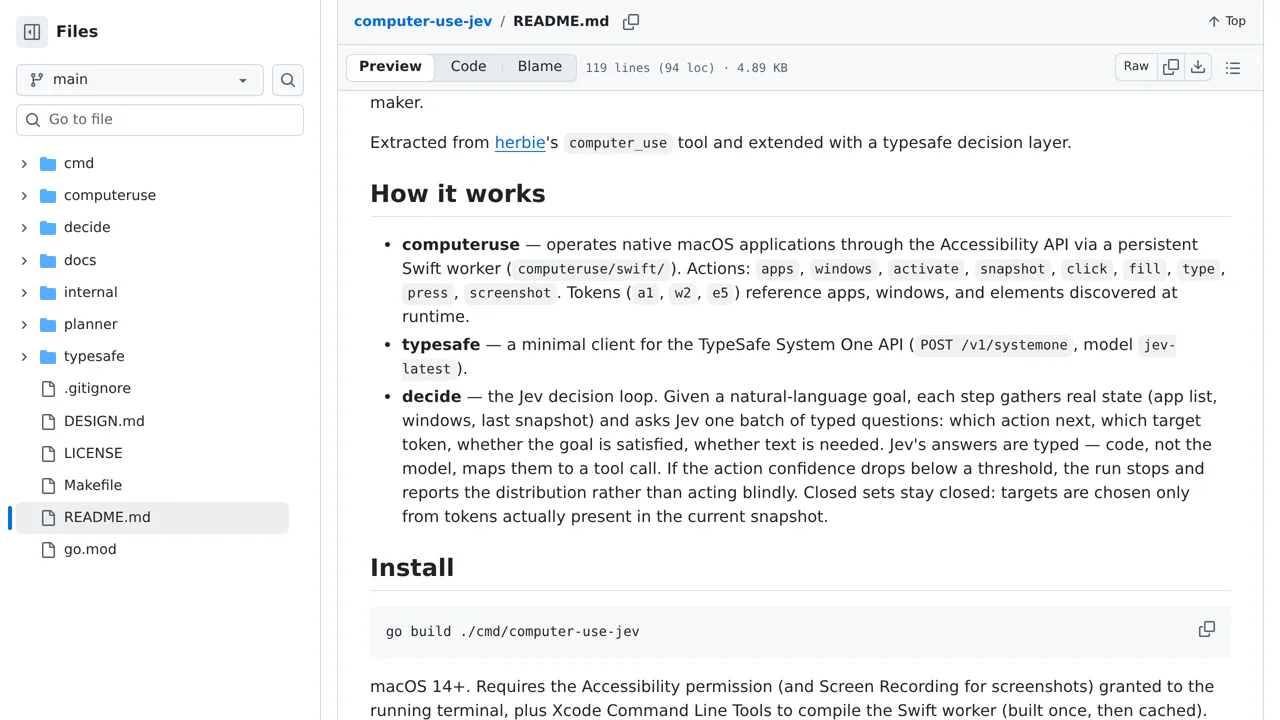
A Go command-line tool that uses Jev to control macOS applications.
Only you can see your notes.
Screenshot unavailable. Open the experiment ↗
A dry-run mode makes the decisions without performing any actions.
Start by writing out a clear task for a program already open on your Mac. For example, specify exact words to type into a blank document. A developer can build the tool and set up your TypeSafe account access. They will also turn on macOS accessibility settings so the software can control your screen.
You can test the tool in preview mode to review its plan before it clicks anything. Remember that it only switches between open windows; it cannot launch closed apps. If your goal has multiple steps, your developer will also need an account with an outside AI provider to divide the instructions.