What it does
The browser extension batches one Choice question per element and keeps thresholds in code; it requires the user's TypeSafe key.
Browser & computer use
Watch suspected ads crumble into ash after Jev classifies their compact DOM descriptions.
Only you can see your notes.
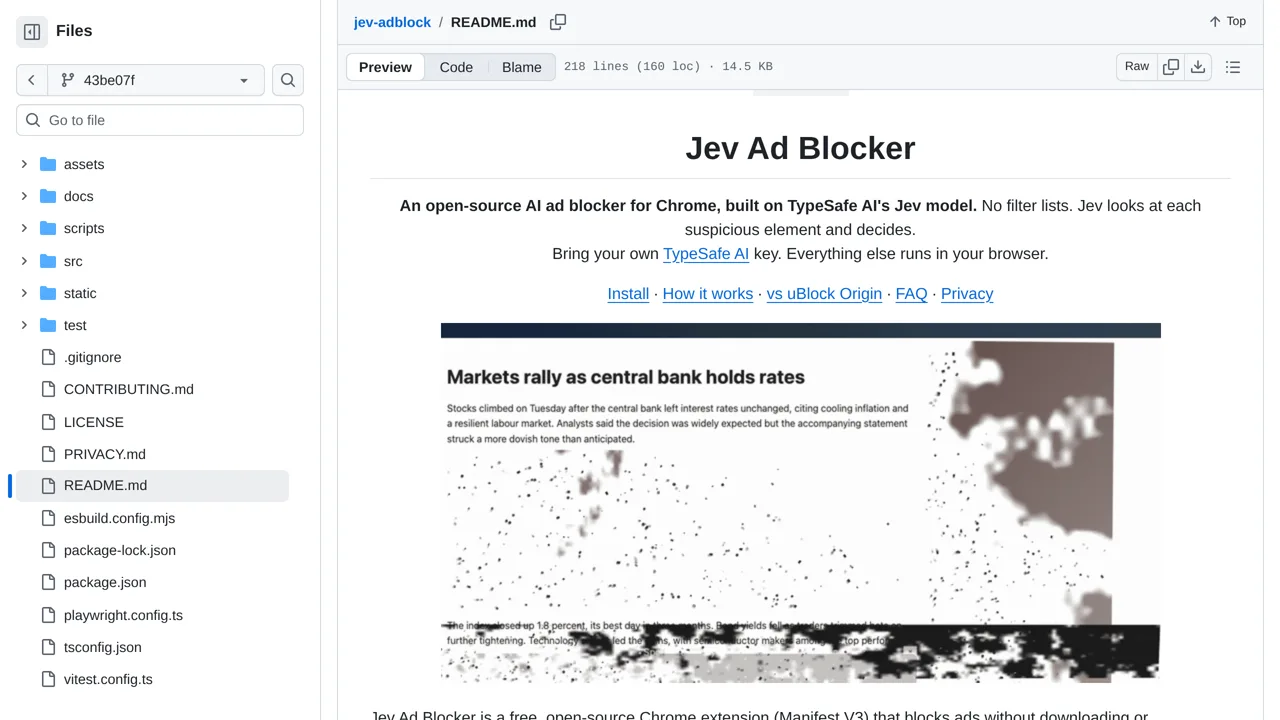
Screenshot unavailable. Open the experiment ↗
The browser extension batches one Choice question per element and keeps thresholds in code; it requires the user's TypeSafe key.
A developer can study this Chrome extension to learn how to replace traditional blocklists. The software sends small parts of a webpage to TypeSafe. This outside AI service then decides if each piece looks like an ad.
You must provide an access key to connect the tool to TypeSafe. You pay the AI provider directly for every page you visit. The extension never checks pages that contain a password box or an embedded payment window.