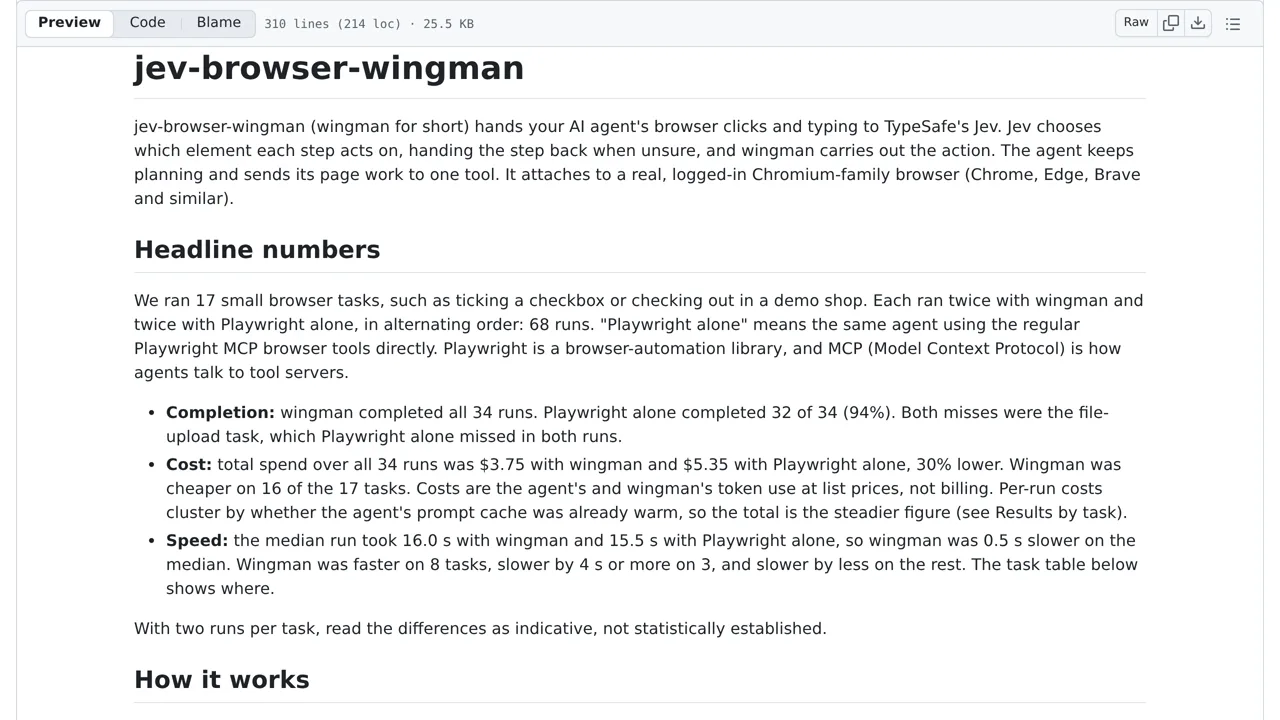
The system requires a Chromium-family browser and defaults to a hand-off mode that hides the agent's own click and type tools. It cannot see inside iframes or shadow DOMs, and its irreversible-action gate and sensitive-page egress policy are turned off by default.
How you can use it
Start on a nonsensitive practice page with a checkbox or text field, not a purchase or account change. The agent sets the goal; wingman asks Jev to choose actions and targets from structured page and element information, not image pixels. It cannot inspect inside iframes or shadow DOMs.
Enable and inspect the irreversible-action and sensitive-page sharing gates before consequential browsing: both default off. Local secret binding can keep bound credential values out of model text, but does not make all page data private. Review actions and data sharing yourself; uncertain steps returning to the agent are not a safety guarantee.