What it does
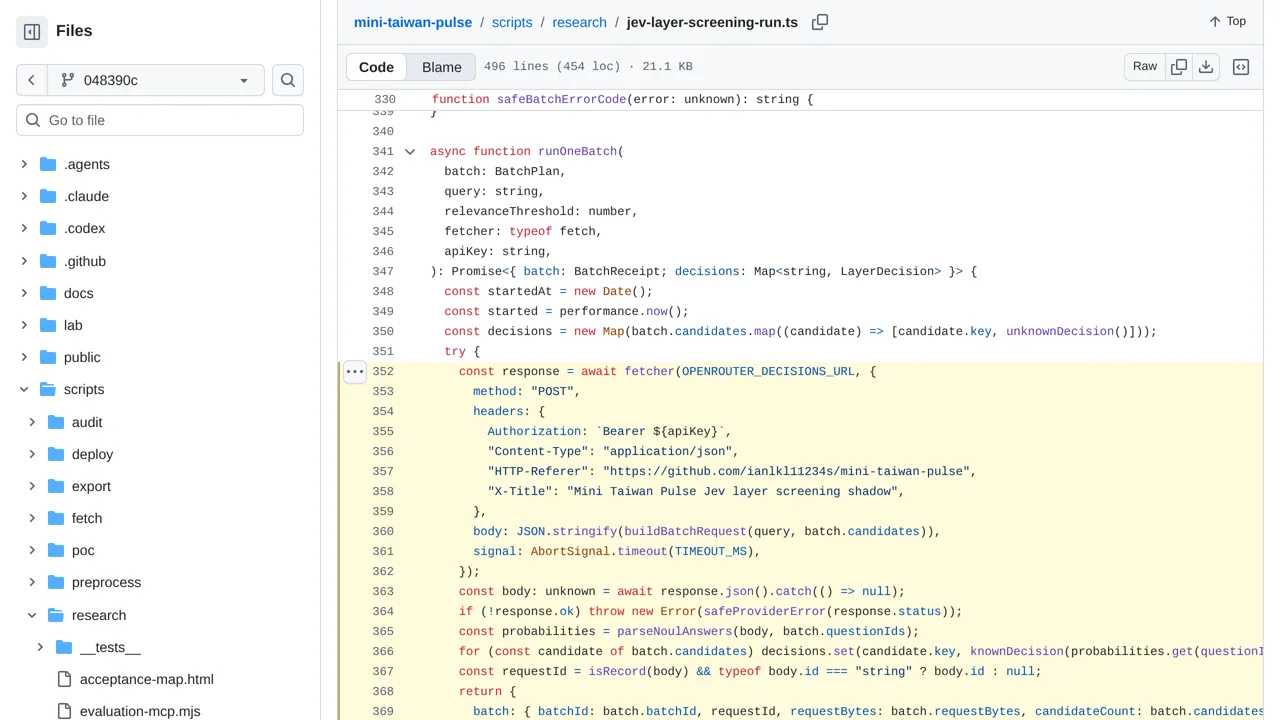
The experiment runs in shadow mode: it writes receipts but never changes the live map or claims that a layer loaded.
Benchmarks & research
Mini Taiwan Pulse tests whether Jev can pick the map layers relevant to a visitor's question.
Only you can see your notes.
Screenshot unavailable. Open the experiment ↗
The experiment runs in shadow mode: it writes receipts but never changes the live map or claims that a layer loaded.
Start by listing the different map layers your app can show, such as traffic, parks, or weather. For each layer, write a clear description of what information it contains. You can then gather typical visitor questions to see which map views should appear for each search.
A developer can adapt this experiment to check which map layers match a visitor's question. Running the tool for live results requires an OpenRouter access key, which connects your software to the AI service. This project only records layer recommendations for research; it does not actually update the live map.