What it does
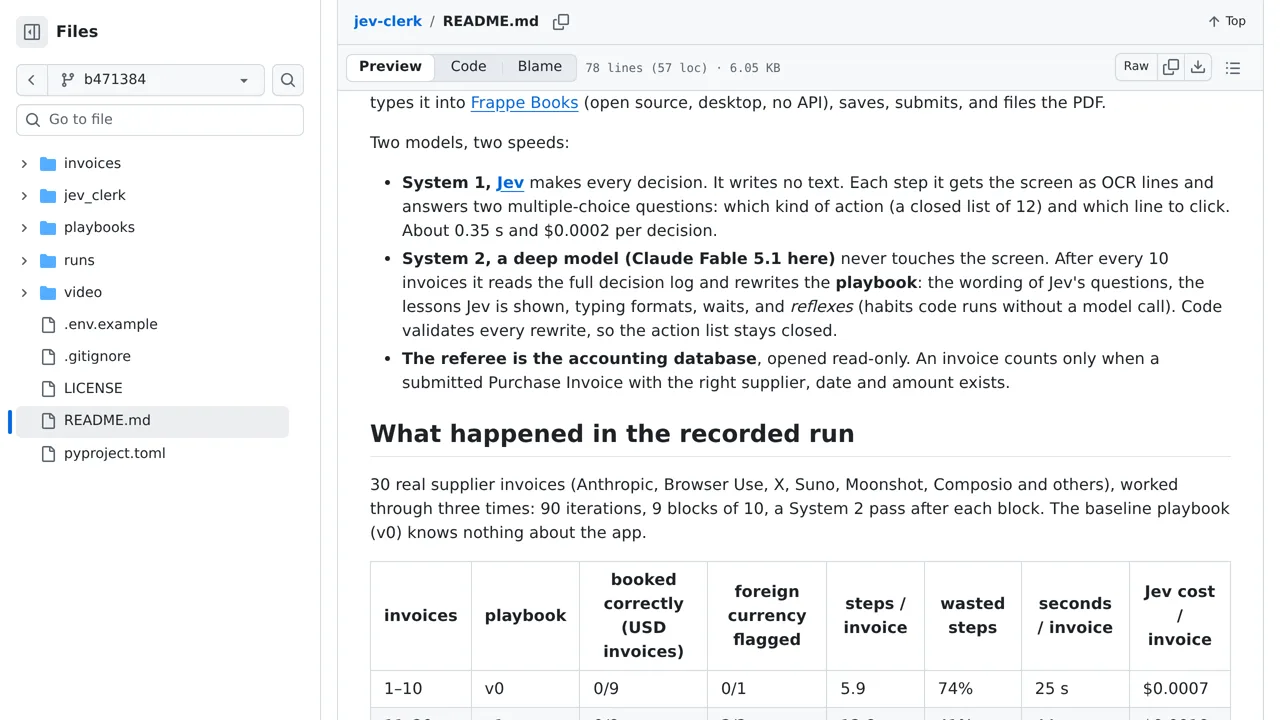
A Mac assistant that enters supplier invoices into Frappe Books, with Jev choosing the on-screen actions.
Browser & computer use
Only you can see your notes.
Screenshot unavailable. Open the experiment ↗
A Mac assistant that enters supplier invoices into Frappe Books, with Jev choosing the on-screen actions.
To try this workflow, gather sample supplier bills and enter your vendors into Frappe Books first. A developer can install the project on a Mac. The software reads words visible on your screen, decides where to click and type, and checks your records to confirm it saved accurate numbers.
Running the assistant requires giving your computer screen recording and control permissions, plus an access key that connects to the TypeSafe AI service. Automated typing can still make mistakes in accounting software. You can stop the program instantly by pushing your mouse pointer into the top-left corner of the screen.